BeyondPDF
Search inside PDFs with semantic, offline, local searchFree, offline, private semantic search for your PDFs
Highlights
What you can do with it
- Find a concept or figure in academic papers quickly
- Locate key passages in large legal documents
- Pull up review material in textbooks and notes
How to use it
- 1 Download and open BeyondPDF on your device.
- 2 Open a PDF file you want to search.
- 3 Type a question or phrase in natural language.
- 4 Review the semantic results and open the relevant section.
- 5 Repeat with other queries as you read.
Who it is for
Pros
- Semantic search finds relevant content even without exact keywords
- Works offline and keeps everything local for privacy
- Completely free and optimized for large PDFs
Limitations
- Currently supports English documents only
- Searches one PDF at a time, not multiple files at once
- Being a free, small project, features and support may change
What BeyondPDF is
BeyondPDF is a free desktop app that changes how you search inside PDF files. Rather than relying on exact keyword lookups, it uses semantic search to understand the meaning behind your question and surface relevant content even when the wording differs. It runs entirely offline and performs all searches locally on your device, with no server involved, which protects your privacy and keeps the experience fast. Because nothing leaves your device, you can search sensitive documents without uploading them anywhere. The interface is designed to be intuitive, so you can start without a tutorial. It is currently optimized for large PDF files, supports English documents, and works on one PDF at a time.
What you can do with it
It focuses on one job, finding what you need inside a PDF:
- Search a PDF by meaning instead of exact keywords
- Find a concept, figure, or passage quickly
- Work fully offline without sending files anywhere
- Handle large PDF files with optimized performance
- Keep your documents private with local-only search
Who it is for
It helps people who read long documents closely:
- Researchers scanning academic papers for specific concepts
- Legal professionals locating key passages in long documents
- Students pulling up review material in textbooks and notes
What to watch out for
BeyondPDF is free and works offline, but it has real limits today. It supports English documents only, so other languages are not yet covered, and it searches one PDF at a time rather than several at once. Because it is a free, smaller project, features and support can change, and multi-language and multi-file search are described as future plans rather than current features. If your work spans many files, plan to open them one at a time for now. If you need to search across many documents or in other languages, you may still need another tool until those updates arrive.
FAQ
Is BeyondPDF free?
Yes, it is completely free to use.
Does it need an internet connection?
No. It works entirely offline and performs all searches locally.
What are its current limits?
It supports English documents only and searches a single PDF at a time, with more languages and multi-file search planned.
Why it is free
What the official page says: completely free
Free limits, trial length and features are decided by the official site and can change at any time.
Product preview
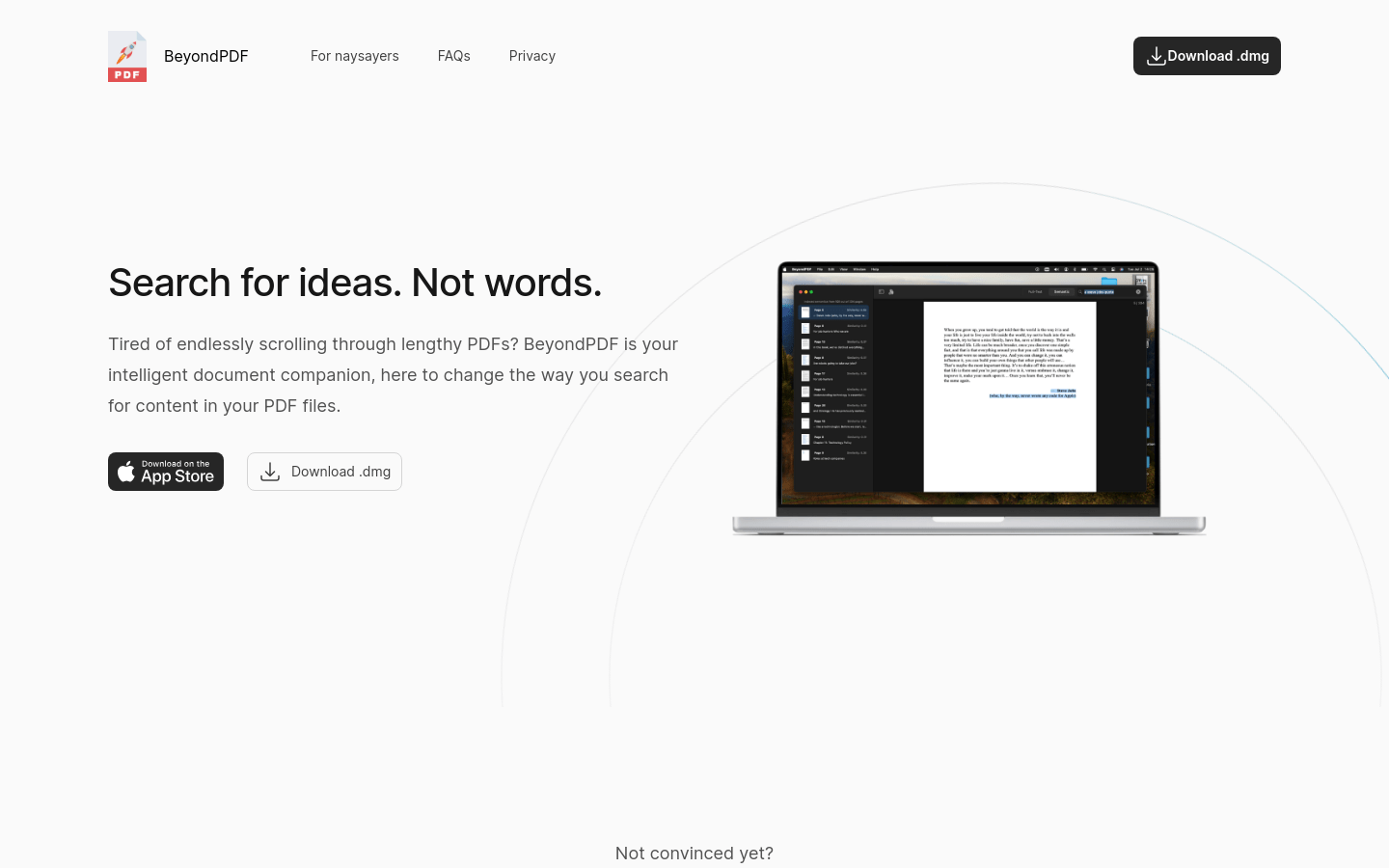
Screenshot archived from the listing page, for preview only.