Smallpdf.com
Online PDF tools suiteConvert and edit PDFs online
Highlights
What you can do with it
- Merge several PDFs into one file before sending.
- Compress a large PDF so it is easier to email or upload.
- Convert files to and from PDF and add a signature.
How to use it
- 1 Open smallpdf.com in your browser and pick the PDF tool you need.
- 2 Upload the file you want to work with.
- 3 Choose your options, such as merge order or compression level.
- 4 Run the tool and wait for processing to finish.
- 5 Download the finished PDF to your device.
Who it is for
Pros
- Covers many PDF tasks in one free, browser-based place.
- Intuitive interface that is quick to learn for basic jobs.
- No software install needed for common document work.
Limitations
- Free access and usage limits can change, so verify current terms.
- Very large or complex files may be slower to process in the browser.
- Encryption and signing features may not replace specialized legal tools.
What Smallpdf.com is
Smallpdf is a free online platform for converting and editing PDF files. It gathers the most common document tasks into one browser-based service, so you do not need desktop software to handle everyday work. The tools cover PDF conversion, merging, splitting, compression, encryption, decryption, editing, and signing. The product emphasizes an intuitive interface and fast processing, which matters when you just need a file fixed quickly before sending it. Because it runs online, you can use it from most devices with a browser, and files are processed through the site rather than a local program. The range of tools means you can move between tasks without switching sites, which saves time when a document needs several changes in a row. For example, you might merge two files, compress the result, and then add a signature, all from the same homepage.
What you can do with it
- Convert files to and from PDF for different formats.
- Merge several PDFs into one document or split one file into parts.
- Compress large PDFs to make them easier to email or upload.
- Encrypt, decrypt, edit, or add a signature to a PDF.
Who it is for
- Students and office workers who handle PDF files every day.
- Anyone who needs to merge, split, or compress documents in a hurry.
- People preparing PDFs to send, sign, or store more securely.
What to watch out for
It is presented as free, but free access and usage limits can change over time, so confirm current terms before relying on it for large batches or sensitive documents. Very large or complex files may take longer to process in the browser, and heavy jobs can feel slower than desktop software. The encryption and signing tools are convenient for everyday use, but they may not replace specialized software when you need advanced security or legally binding signatures. As with any online document service, review the privacy policy before uploading confidential files. Downloading a copy of a file before and after editing is a simple safeguard, and keeping a local backup of anything important is a good habit.
FAQ
Is Smallpdf free?
It is described as a free online platform for converting and editing PDF files. Free limits can change, so check the site for current details.
What can I do with it?
You can convert, merge, split, compress, encrypt, decrypt, edit, and sign PDF files.
Do I need to install anything?
It runs in the browser, so you can handle common PDF tasks without installing desktop software.
Why it is free
What the official page says: 免费
Free limits, trial length and features are decided by the official site and can change at any time.
Product preview
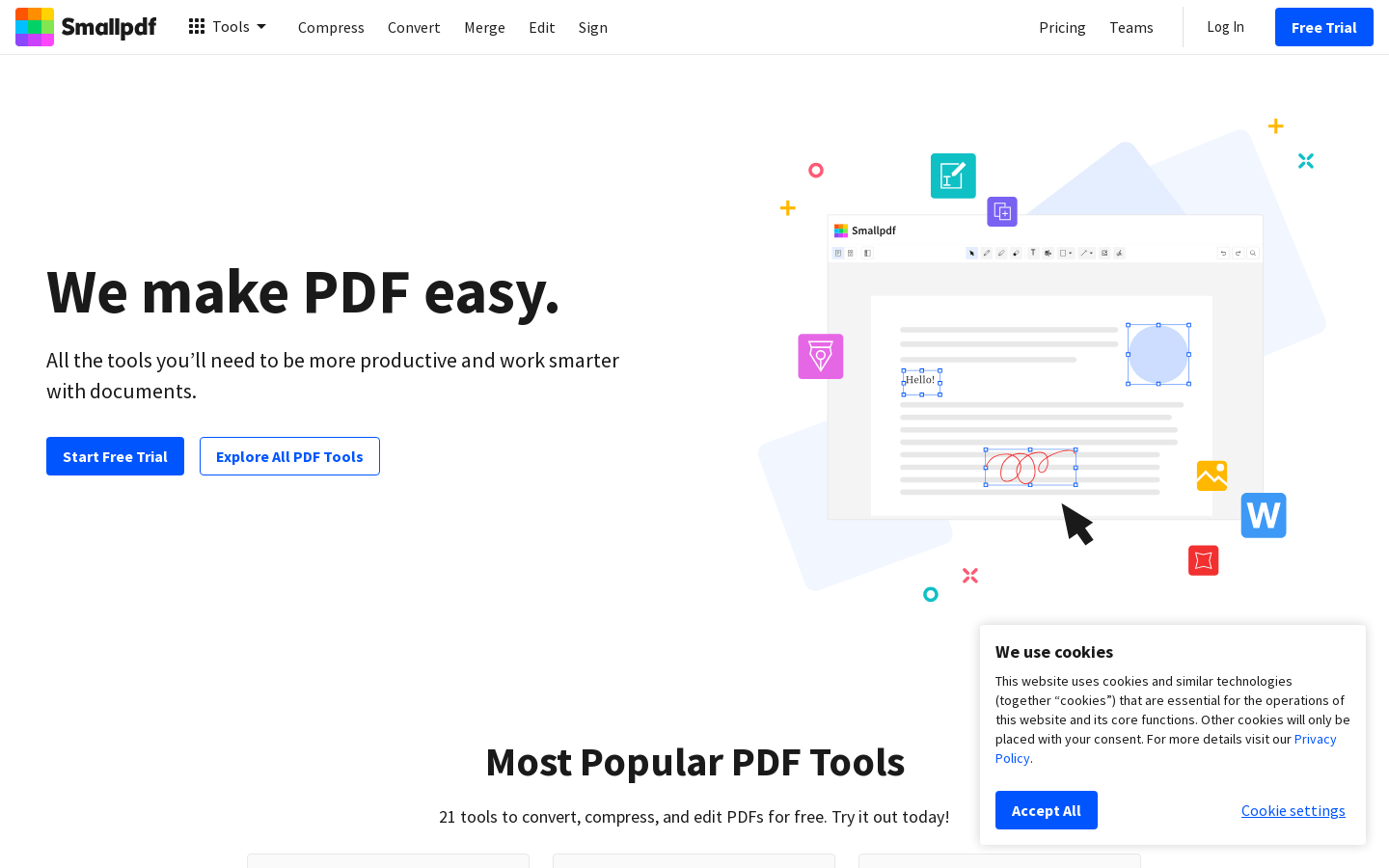
Screenshot archived from the listing page, for preview only.