
BGRemover
Free background removerRemove backgrounds free, no login
Highlights
What you can do with it
- E-commerce sellers clean product image backgrounds
- Designers cut out materials for creative projects
- Users change ID photo background color
How to use it
- 1 Open bgremover.com in a browser.
- 2 Upload the image or video file.
- 3 Click the Remove Background button.
- 4 Wait a few seconds for processing.
- 5 Preview and download, or re-upload to retry.
Who it is for
Pros
- Completely free with no sign-up
- Fast processing in a few seconds
- Supports images and video backgrounds
Limitations
- Free access rules may change over time
- Complex edges like hair may need retries
- Results depend on the source file quality
What BGRemover is
BGRemover is a free AI background removal tool. It removes the background from pictures and videos with one click, and no registration or login is needed. Processing takes only a few seconds. You can make transparent PNGs for product shots, portraits, and logos. It also handles creative work like avatars and stickers, ID photo backgrounds in white, blue, red, or custom colors, and e-commerce product images for platforms such as Amazon, Shopify, Etsy, and eBay. The tool suits e-commerce sellers, designers, and everyday users who need a fast, free way to clean up an image. It runs online and needs no complex steps or professional skills. If the first result is not right, you can re-upload the file and try again. The service is positioned for anyone who wants a simple, free background fix for personal or shop use.
What you can do with it
- Remove a background from a product photo, portrait, or logo
- Cut out a video background for editing
- Make ID photos with white, blue, red, or custom backgrounds
- Create transparent avatars and stickers for creative work
Who it is for
- E-commerce sellers who need clean product images fast
- Designers who want quick cutouts without complex tools
- Everyday users who need to fix an ID photo background
What to watch out for
The tool is free now, but free access rules can change over time. Complex edges like hair or fur may need a retry, because the AI can leave rough outlines. Results depend on the source file, so a low-quality image gives a weaker cut. It is a focused background remover, not a full photo editor, so other edits need a separate tool. Test one file before you process a full batch of product shots.
FAQ
Is BGRemover free?
Yes, it is free and needs no registration.
Can it remove video backgrounds?
Yes, it supports video background removal.
What can I make?
Transparent PNGs, avatars, stickers, and ID photos.
Why it is free
What the official page says: no registrationcompletely free
Free limits, trial length and features are decided by the official site and can change at any time.
Product preview
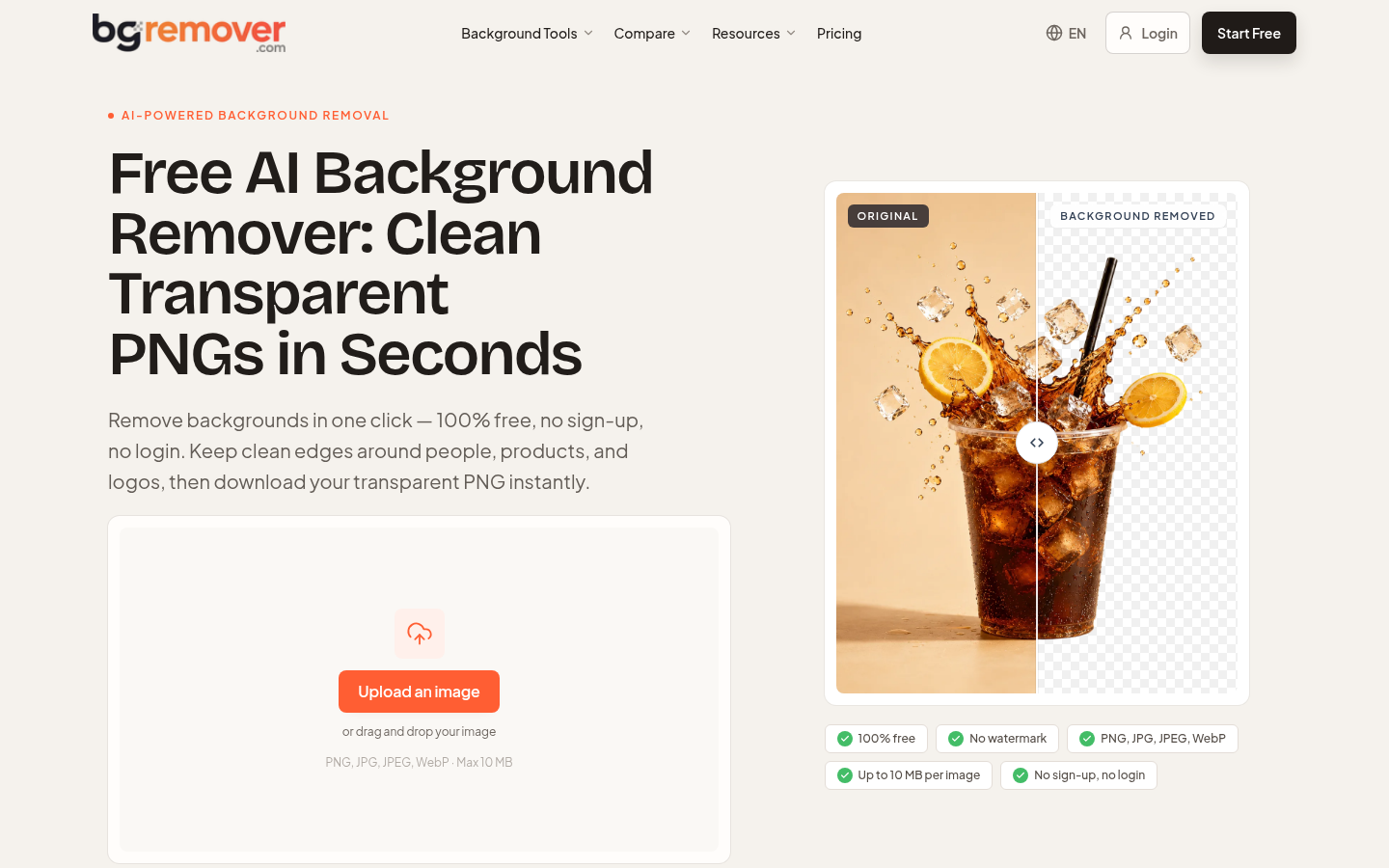
Screenshot archived from the listing page, for preview only.











