
BidHelm
AI optimization for Google Ads accounts24/7 bid and budget management
Highlights
What you can do with it
- A home and garden store cuts wasted spend and lifts conversions
- An e-commerce company trims budget on ads that do not convert
- A marketing professional automates optimization to save time
How to use it
- 1 Register an account on the BidHelm website
- 2 Connect your Google Ads account
- 3 Choose the free version or upgrade to PRO
- 4 Let the AI optimize automatically, or act on the recommendations
- 5 Review performance reports and adjust your strategy
Who it is for
Pros
- Automation runs around the clock without an agency
- Free version gives recommendations before you pay
- Pausing and scaling rules target wasted budget directly
Limitations
- The 25 to 40 percent saving claim is not guaranteed for every account
- PRO charges 3 percent of ad spend on top of the weekly fee
- Requires granting access to your Google Ads account
- Automated changes still need review before they scale spend
What BidHelm is
BidHelm is AI-driven software for Google Ads optimization. It connects to your account, analyzes campaign data continuously, and acts on it: pausing ads that spend without converting, scaling the ones that perform, and blocking invalid clicks. The pitch is that a business can run better campaigns without hiring an agency, and the company states that users save 25 to 40 percent of advertising costs. A free version offers recommendations, basic insights, and manual optimization, while PRO starts at $5.9 per week and also charges 3 percent of ad spend for full automation, 24/7 monitoring, budget scaling, and priority support.
What you can do with it
- Let the software analyze and adjust Google Ads around the clock.
- Pause low-conversion, high-cost ads before they drain the budget.
- Increase budget and reach on ads that are already working.
- Block invalid clicks that waste spend.
- Start on the free version for recommendations, then move to PRO for full automation.
Who it is for
- Small and medium businesses with limited advertising budgets.
- E-commerce companies that rely on Google Ads for product traffic.
- Marketing professionals who would rather automate bids than manage them by hand.
What to watch out for
The 25 to 40 percent saving figure is a marketing claim from the vendor, not a guarantee, and actual results depend on your account structure, margins, and competition. PRO pricing has two parts, a weekly fee plus 3 percent of ad spend, so the cost grows as your budget grows. Connecting your Google Ads account grants a third party access to make changes, so review permissions and keep an eye on automated edits. Finally, optimization is not a substitute for offer and landing page quality.
FAQ
What does the free version include?
The free version provides recommendations, basic insights, and manual optimization.
How is PRO priced?
PRO starts at $5.9 per week and also charges 3 percent of ad spend.
How much can it save?
The site claims 25 to 40 percent savings on advertising costs, though results vary by account.
Does it need account access?
Yes, you connect your Google Ads account so BidHelm can read data and apply changes.
Why it is free
What the official page says: free version
Free limits, trial length and features are decided by the official site and can change at any time.
Product preview
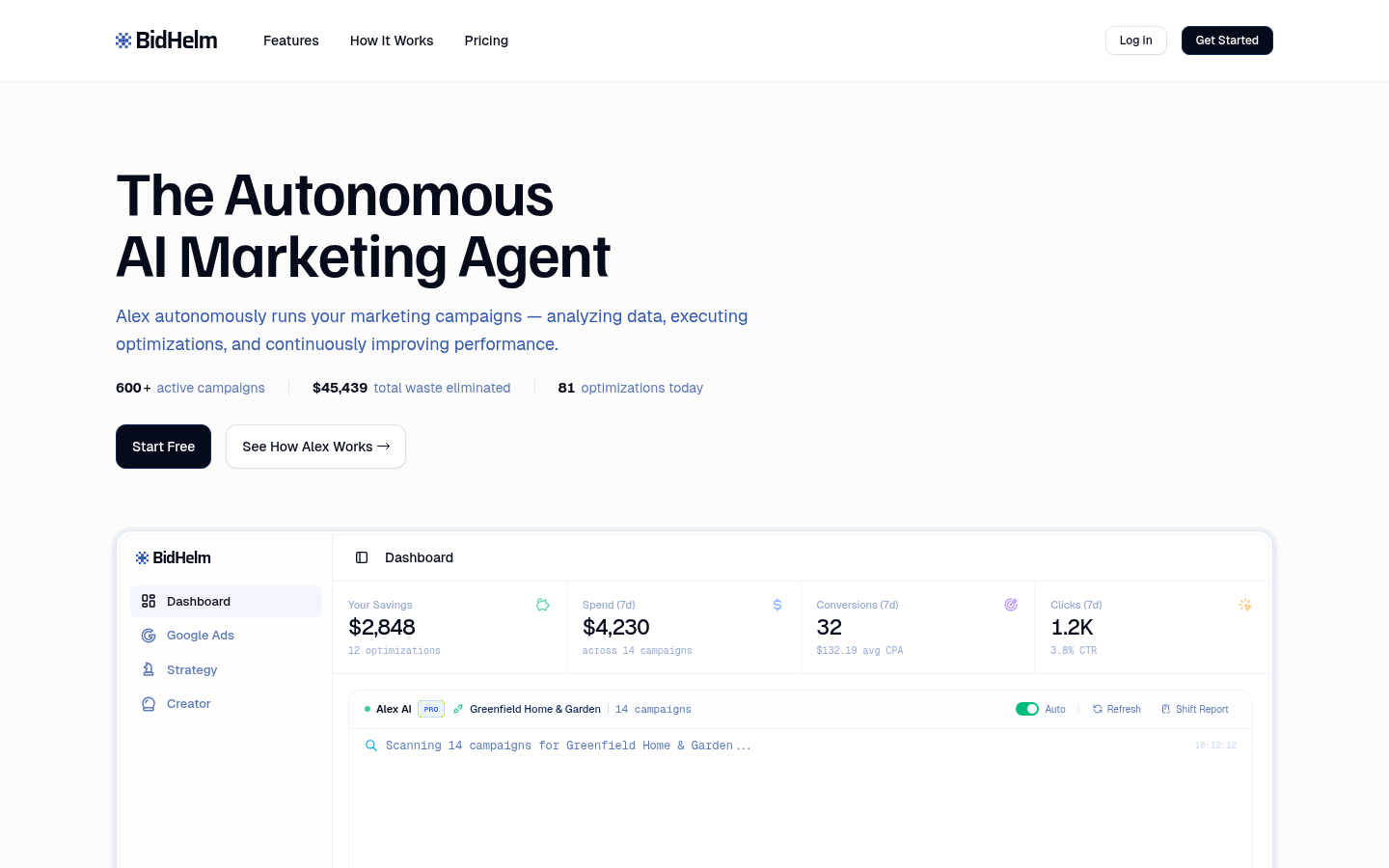
Screenshot archived from the listing page, for preview only.











