BlinkShot
Real-time open-source AI image generatorType a prompt, see the image instantly
Highlights
What you can do with it
- Quick concept visuals for design work
- Digital artwork and cover images
- Rapid prompt experimentation
How to use it
- 1 Open the BlinkShot website
- 2 Type a description in the prompt box
- 3 Watch the image update in real time
- 4 Adjust the prompt until you like the result
- 5 Download or edit the image, or contribute on GitHub
Who it is for
Pros
- Real-time feedback makes iteration fast
- Free to use and open-source
- Simple interface with little friction
Limitations
- Depends on upstream Together AI and Flux availability
- Free service capacity can be limited at busy times
- Open-source project maintenance is not guaranteed
- Output quality depends on how specific your prompt is
What BlinkShot is
BlinkShot is a real-time AI image generator built on Together AI's Flux technology. The defining behavior is timing: images are generated in milliseconds as you input a prompt, so the picture changes while you are still typing rather than after you press a button. That turns prompting into a conversation with the image and makes iteration much faster than a submit-and-wait loop. The project states it is 100% free and open-source, and the code is available on GitHub, so developers can inspect how it works and contribute improvements. Chinese and English prompts are both supported, and the project engages with users through Twitter to gather feedback.
What you can do with it
- Generate images in real time while typing a prompt
- Iterate quickly on a concept by editing words as you go
- Use it in Chinese or English
- Download results or explore the code on GitHub
Who it is for
- Designers who need instant concept visuals
- Artists producing digital artwork and covers
- Content creators making images for articles and videos
- Developers interested in an open-source real-time generation setup
What to watch out for
The service depends on upstream infrastructure. BlinkShot runs on Together AI and Flux, so if that capacity is constrained or the model changes, generation can slow down or behave differently. Because it is free, capacity at peak times is not guaranteed. Being open-source also means maintenance depends on the maintainers; a small project can go quiet, which affects long-term reliability. Output quality still tracks prompt quality, so vague wording produces vague images. Finally, a fast real-time loop encourages generating a lot of variants, so give yourself a moment to review results rather than accepting the last thing you saw.
FAQ
How is BlinkShot different?
It generates images in real time as you type, rather than after you submit a finished prompt.
What technology does it use?
It is based on Together AI's Flux image generation technology.
Which languages can I prompt in?
Chinese and English are supported.
Why it is free
What the official page says: 免费
Free limits, trial length and features are decided by the official site and can change at any time.
Product preview
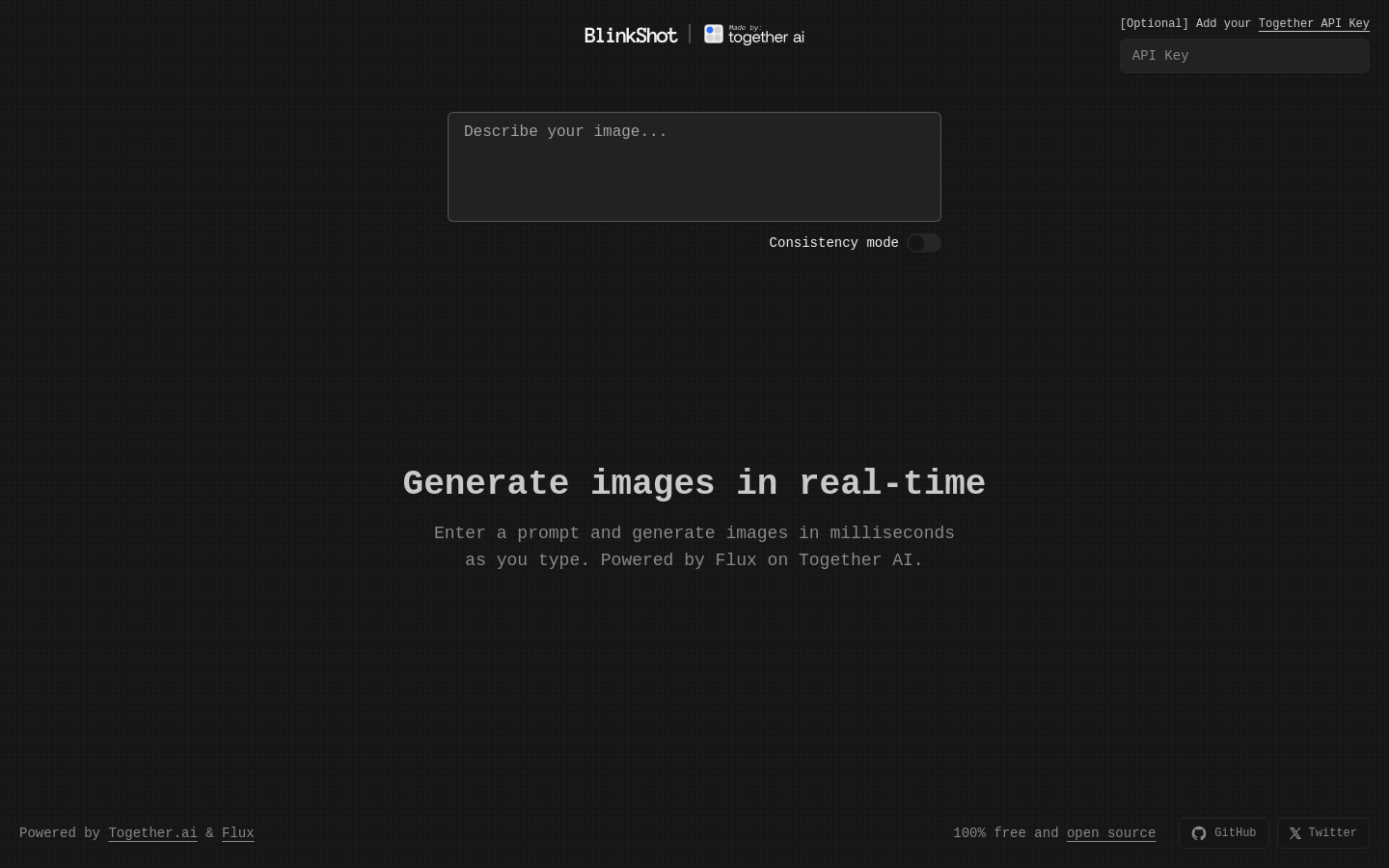
Screenshot archived from the listing page, for preview only.