
BoardAI
AI visual whiteboard for ideasBrainstorm, map, and write on one board
Highlights
What you can do with it
- A product manager planning requirements with mind maps
- A team manager running a remote brainstorming session
- A student drafting and revising an academic paper
How to use it
- 1 Register an account on the AI | BoardOS site
- 2 Select the module you need, such as brainstorming or writing assistance
- 3 Input your information or question into the module
- 4 Use the suggestions and tools to create content or solve the problem
- 5 Save or export the result and explore other modules as needed
Who it is for
Pros
- Many modules in a single workspace
- A free trial lets you test the workflow
- Visual output helps a team align quickly
- Mind maps and flow charts structure messy thinking
Limitations
- Full pricing depends on your needs, so there is no flat public rate
- Trial access ends before long projects finish
- Breadth means each module is general rather than deep
- A visual workspace can become cluttered without discipline
What BoardAI is
AI | BoardOS is a visualization platform built around AI, designed to raise both efficiency and the quality of thinking. Rather than offering one AI feature, it assembles several modules on a single canvas: brainstorming, writing assistance, translation, mind map generation, flow chart generation, code generation, task list generation, and search. The idea is that a work session can start as a messy brainstorm, become a structured map, and end as a draft or a task list without moving between four applications.
The listing frames the product around current AI capability combined with a real demand for higher work efficiency, aimed at both individuals and teams. In practice the modules support different moments: brainstorming to open a topic up, mind maps and flow charts to impose structure, writing assistance and code generation to produce output, translation to work across languages, task lists to break work into executable pieces, and search to pull in outside resources. A free trial is currently offered, and the listing notes that specific pricing is tailored to user needs rather than published as a flat rate.
What you can do with it
- Run a brainstorming session with AI prompts
- Turn scattered notes into a mind map or flow chart
- Draft and revise written content with assistance
- Translate text across languages
- Generate code or a task list from a description
- Search for outside resources without leaving the board
Who it is for
- Product managers organizing requirements and analysis
- Team leads running remote workshops and meetings
- Students structuring an essay or academic paper
- Developers who want a visual space alongside code generation
- Anyone who thinks better with a canvas than a document
What to watch out for
Pricing is described as tailored to your needs, which means there is no flat public rate and you should expect a conversation rather than a price list. Trial access ends, so a long project will need a paid plan before it finishes. The trade off with breadth is depth: each module is a general helper rather than a specialist tool, so demanding work in any single area may need dedicated software. Finally, a visual workspace only stays useful if you keep it organized, since a canvas full of overlapping nodes can become harder to read than a simple list.
FAQ
What is AI | BoardOS?
It is a visualization platform centered on AI technology, with modules for brainstorming, writing, translation, mind maps, flow charts, code, task lists, and search.
Is there a free trial?
Yes. The listing says a free trial is currently offered, with pricing tailored to user needs.
Who is it aimed at?
Individuals and teams who want to raise work efficiency and innovation through visual thinking.
Can it help with code?
A code generation module is listed among the features.
Why it is free
What the official page says: free trial
Free limits, trial length and features are decided by the official site and can change at any time.
Product preview
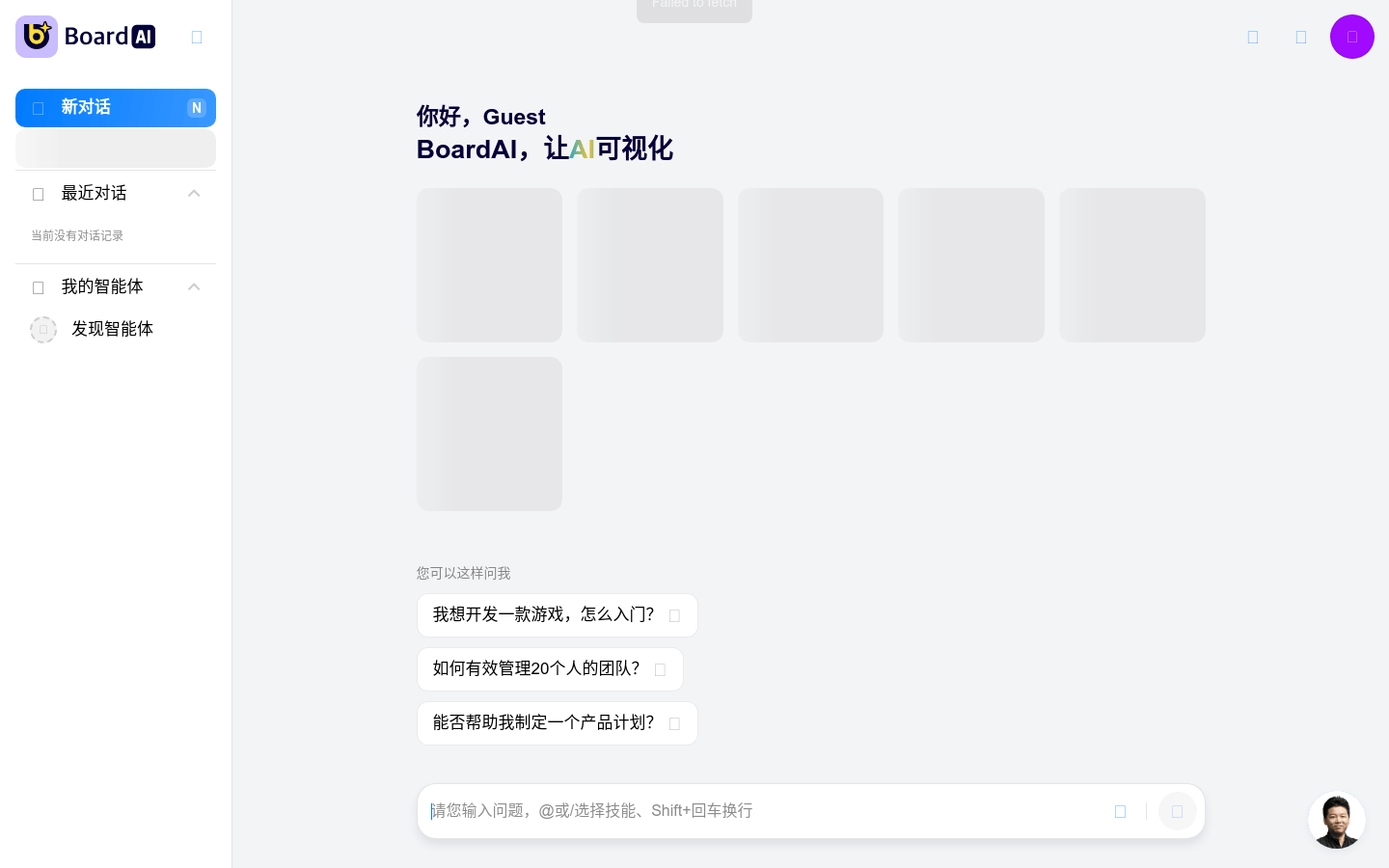
Screenshot archived from the listing page, for preview only.











