
Bolt Foundry
Local-first AI workforce for teamsSelf-running agents that keep data on your machine
Highlights
What you can do with it
- Keep internal documents current with an agent that runs on a schedule
- Set up a lead-screening agent in minutes for a one-person sales team
- Run self-running agents that keep operations moving without hand-holding
How to use it
- 1 Download the Mac app from the Bolt Foundry site
- 2 Answer a few questions about your company and overlooked work
- 3 Define your first agent, its tasks, and what needs approval
- 4 Start the agent, then review and approve its work as it runs
Who it is for
Pros
- Runs locally, so confidential data stays on the machine
- Model choice is flexible and avoids lock-in
- Clear agent roles and approvals keep work in bounds
Limitations
- Early members get it free now, but free terms can change later
- Mac only for now, so Windows and Linux teams are left out
- Agents still need review, so setup and oversight take effort
What Bolt Foundry is
Bolt Foundry is a Mac application that gives each team member a local AI workforce. Instead of one shared assistant, you set up dedicated agents with clear roles and boundaries that run on a schedule or when triggered. They take over repetitive work such as lead qualification, inbox sorting, research briefs, follow-up sequences, weekly reports, and CRM updates. Because everything runs on local hardware, confidential data stays on the machine and agents stay inside the permissions you set. Early members can use it for free with no credit card or setup call.
What you can do with it
- Run dedicated agents that handle repetitive tasks on their own
- Keep confidential work on local hardware for data security
- Choose from many models, including local ones through Ollama
- Set clear agent tasks and approval requirements before starting
Who it is for
- Product teams with heavy research and reporting chores
- Sales teams that need lead qualification and follow-up
- Operations teams managing scheduling and routine data updates
What to watch out for
Early members can use it for free now, but free terms can change, so confirm current terms before relying on them. It is a Mac app for now, so Windows and Linux teams cannot use it yet. Agents reduce work but still need review and approval, so plan time to set permissions and check output. Because it runs locally, performance also depends on your machine. Generated suggestions are for reference only, so verify anything that affects professional judgment or important data. Start with a small sample to confirm the output meets your expectations before processing the full batch.
FAQ
Does my data stay local?
Yes. Operations run on local hardware and confidential information stays on the machine.
Which models can I use?
It supports several models including Claude, OpenAI, Gemini, Mistral, DeepSeek, and local models through Ollama.
Is it free?
Early members can use it for free with no credit card or setup call, but free terms can change.
Why it is free
What the official page says: for free
Free limits, trial length and features are decided by the official site and can change at any time.
Product preview
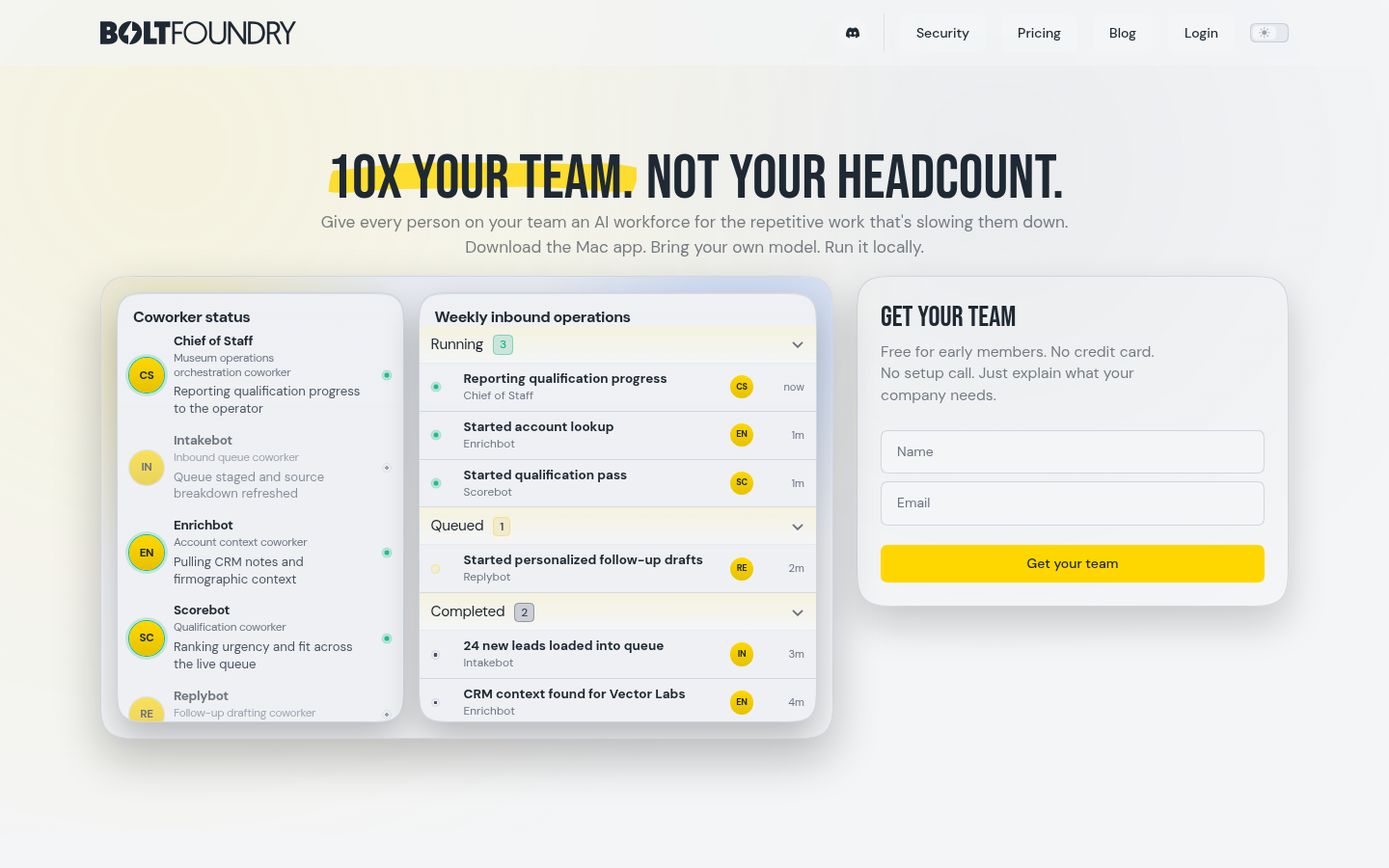
Screenshot archived from the listing page, for preview only.











