
Browser AI Kit
Browser based AI tool suiteAI tools that run in your browser
Highlights
What you can do with it
- Transcribe an interview recording into written text
- Remove the background from an image for a design job
- Turn written text into spoken audio for teaching material
How to use it
- 1 Open your browser and go to the Browser AI Kit website.
- 2 Choose the tool you need, such as audio to text or text to speech.
- 3 Follow the on-screen instructions to upload a file or enter text.
- 4 Click the convert or process button and wait for the task to finish.
- 5 Download or use the result directly.
- 6 Check the help documentation or FAQ if you get stuck.
Who it is for
Pros
- Completely free according to the site
- No installation or setup, it runs in the browser
- Processing happens locally, which supports privacy
- Several different tools in one place
- Multi-language support across the toolkit
Limitations
- Local processing means your own device does the work, so speed depends on your hardware
- Free rules can change, so the current offer may not last
- The tool list is fixed to what is published on the site
- Large files and long recordings can be slow to process
What Browser AI Kit is
Browser AI Kit is a platform that brings a set of AI tools straight into the browser. There is nothing to install and nothing to configure: you open the site, pick a tool, and use it. The toolkit covers audio to text, text to speech, background removal, music generation, vocal removal, and multi-language support, and the site describes the whole thing as completely free. What makes it different from a typical online converter is how it is built. It is based on Transformers.js, and the site says that all data processing happens locally, with nothing uploaded to any server. That is presented as a data security and privacy advantage, since your files stay on your own machine while the work is done.
What you can do with it
- Convert an audio file into text with audio to text
- Turn written text into spoken output with text to speech
- Remove an unwanted background from an image
- Generate music with AI or remove vocals from an audio track
Who it is for
- Journalists and anyone who needs a quick transcript of a recording
- Designers who want fast background removal without a heavy editor
- Teachers and creators who need spoken versions of written material
- People who prefer tools that do not send their files to a server
What to watch out for
Because processing runs locally, your own device does the computing. That is good for privacy, but it means speed and responsiveness depend on your hardware, and large files or long recordings can take a while. Expect results to vary with the quality of the input, since noisy audio and busy images are harder to work with than clean ones. The site presents the toolkit as completely free, and free rules can change, so the current offer may not last. The tool list is also fixed to what is published, so if you need a feature that is not on the page, you will have to look elsewhere. Finally, running models in the browser can be demanding, so close other heavy tabs if a task feels slow, and keep your browser up to date.
FAQ
What is Browser AI Kit?
It is a platform of AI tools that run directly in your browser without installation or setup.
Which tools are included?
Audio to text, text to speech, background removal, music generation, vocal removal, and multi-language support.
Where is my data processed?
The site says all processing happens locally and nothing is uploaded to any server.
Does it cost anything?
The site describes the toolkit as completely free.
Why it is free
What the official page says: completely free
Free limits, trial length and features are decided by the official site and can change at any time.
Product preview
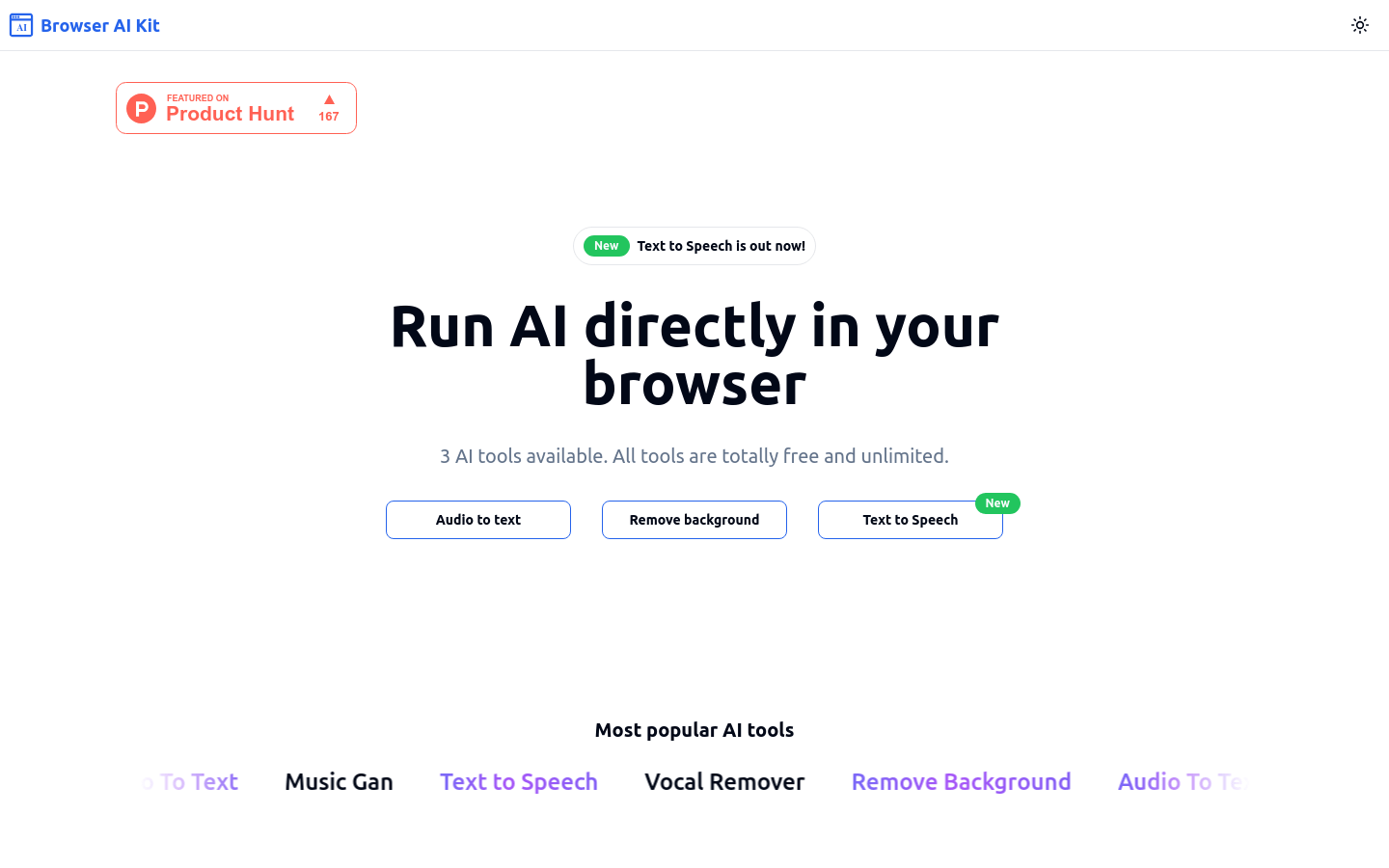
Screenshot archived from the listing page, for preview only.











