
BukiTools
Free online AI toolsFree AI tools with no sign up
Highlights
What you can do with it
- A job seeker optimizes a resume and drafts a professional application email.
- A student rewrites a paragraph and summarizes a PDF for a paper.
- An entrepreneur scans discussions to validate a product idea.
How to use it
- 1 Open the BukiTools website in your browser.
- 2 Pick the tool you need, such as the email generator or paragraph rewriter.
- 3 Enter the required information, such as a description, a paragraph, or a PDF.
- 4 Set any options, like email tone or rewrite style.
- 5 Click the button, wait a few seconds, and use the result.
Who it is for
Pros
- Completely free, with no credit card required.
- No registration needed to use the tools.
- Supports multi-language input.
- Covers several everyday tasks in one place.
Limitations
- Free terms and available features can change without notice, and uptime or accuracy is not guaranteed.
- AI output is a draft, so review emails, rewrites, and resume feedback before using them.
- A fit score is only a rough guide and does not guarantee an interview.
- Because it runs online without an account, avoid entering sensitive or private information.
What BukiTools is
BukiTools is a free collection of online AI tools you can use without registering. It covers everyday tasks like writing emails, rewriting paragraphs, scanning a resume against a job description, and working with PDFs. You describe what you need, set a tone or style, and get a result in seconds. The site says it supports multi-language input and is completely free, with no credit card required. It is aimed at anyone who wants quick AI help with common work and study tasks, and the tools run directly in the browser so there is nothing to install.
What you can do with it
- Generate professional English emails from a short description.
- Rewrite paragraphs into professional, academic, casual, or creative styles.
- Paste a resume and job description to get a fit score and keyword feedback.
- Upload a PDF to summarize, translate, or answer questions about it.
- Analyze user discussions to surface real pain points for an idea.
Who it is for
- Professionals who write emails and optimize resumes often.
- Students working on papers and reports.
- Entrepreneurs and product developers validating ideas.
- Freelancers handling varied documents and messages.
What to watch out for
The tools are free now, but free terms and available features can change without notice, and uptime or accuracy is not guaranteed. AI output is only a draft, so review emails, rewrites, and resume feedback before you use them, since wording and scores can miss context. A fit score is a rough guide and does not guarantee an interview. Because the tools run online without an account, avoid entering sensitive or private information you would not want processed, and keep a copy of anything important.
FAQ
Is BukiTools free?
Yes. The site states it is completely free and does not require credit card information.
Do I need to register?
No. You can use the tools without registering an account.
What tools are included?
It includes an AI email generator, a paragraph rewriter, a resume ATS scanner, a PDF assistant, and a pain point analyzer.
What languages does it support?
It supports multi-language input, and the email generator can produce a professional English email.
Can I trust the resume score?
Treat it as a rough guide only. Review the feedback and tailor your resume yourself, since a score does not guarantee an interview.
Why it is free
What the official page says: completely free
Free limits, trial length and features are decided by the official site and can change at any time.
Product preview
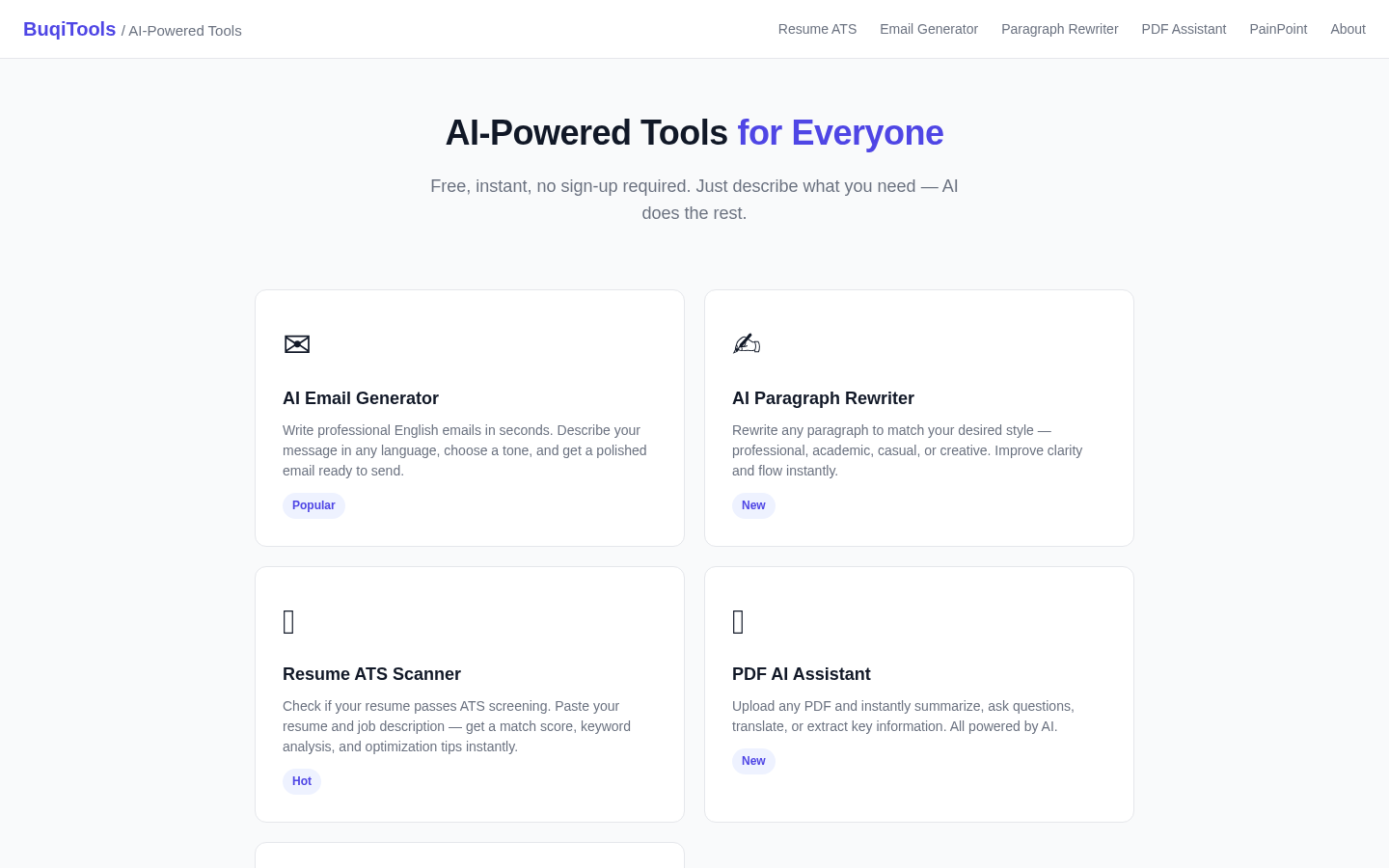
Screenshot archived from the listing page, for preview only.











