
CalPulse
AI calorie and nutrition trackerPhotograph the menu, see the numbers
Highlights
What you can do with it
- Pick a healthier dish from a restaurant menu
- Check a takeaway order against your goals
- Estimate nutrients while travelling abroad
How to use it
- 1 Install CalPulse on iOS or Android
- 2 Scan a menu or photograph your meal
- 3 Read the calorie and macro breakdown
- 4 Set goals and track progress over time
Who it is for
Pros
- Fast, photo based logging
- Works for eating out, takeaway, and travel
- Suggestions adapt to your preferences over time
Limitations
- Estimates are calculated, not measured, so treat them as approximate
- A free trial is mentioned and the pricing model is not fully stated on the page, so check the app listing
- Nutrition advice is general and not a substitute for a dietitian or doctor
What CalPulse is
CalPulse is an AI driven nutrition tracking app for iOS and Android. Instead of typing meals into a diary, you point the camera at a menu or photograph what is on the plate, and the app estimates the calories and macronutrients, then suggests meals based on your health goals, diet preferences, and lifestyle. It tracks nutritional intake, weight, and water through a visual dashboard, and it supports menus in several languages so you can use it while travelling. There is also a community feature for sharing progress. The app needs iOS 12.0 or Android 6.0 and above.
What you can do with it
- Scan a restaurant menu and see per dish calories and nutrients.
- Photograph a meal and get an estimate without manual entry.
- Track intake, weight, and water in one dashboard.
- Get meal suggestions that adapt to your preferences over time.
Who it is for
- People who want to manage their diet without logging by hand.
- Busy office workers who will not keep a food diary.
- Travellers facing menus in a language they do not read.
- Fitness enthusiasts who need a rough handle on intake.
What to watch out for
The numbers are estimates. Photo recognition guesses portion size and ingredients, and menu scans rely on the restaurant's own information, so treat the figures as approximate rather than measured, especially if you are tracking precisely for a medical or competition reason. A free trial is mentioned, but the pricing model is not fully stated on the page, so check the app listing for what a plan includes. The app requires iOS 12 or Android 6 and above, which rules out older devices. Finally, the nutrition guidance is general and is not a substitute for a dietitian or a doctor, particularly if you have a condition that requires a controlled diet.
FAQ
How does it work?
You scan a restaurant menu or photograph your meal, and the app recognises the food and estimates calories and macronutrients.
Which phones are supported?
iOS 12.0 and above, and Android 6.0 and above.
Is there a free trial?
The listing mentions a free trial, and the pricing model is not fully stated on the page, so check the app listing for current details.
Why it is free
What the official page says: free trial
Free limits, trial length and features are decided by the official site and can change at any time.
Product preview
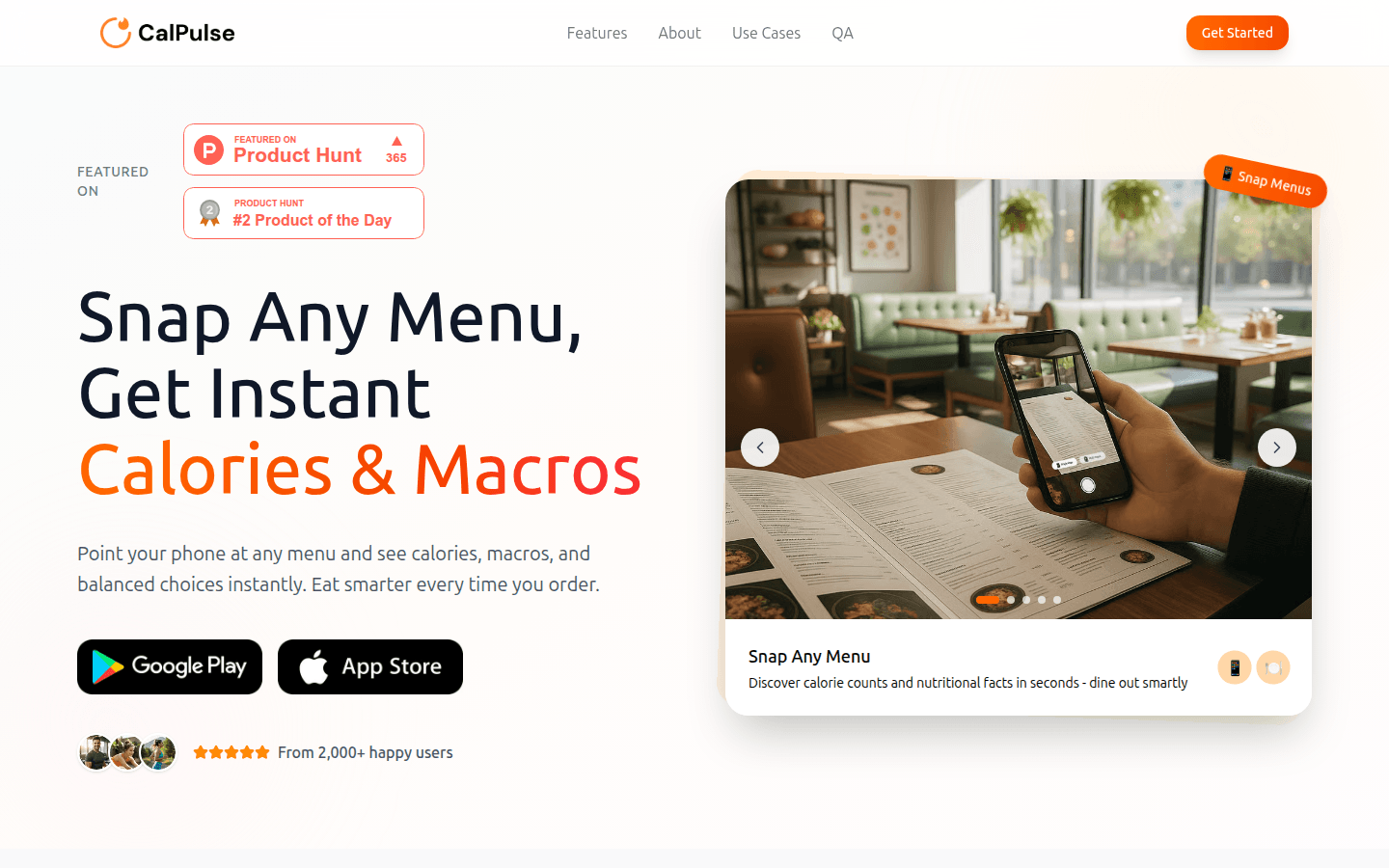
Screenshot archived from the listing page, for preview only.











