Caption Tool for Instagram | Optimo
Free AI Instagram caption generatorCaptions and hashtags for your posts
Highlights
What you can do with it
- Write a caption for a photo post in seconds
- Get hashtag ideas to pair with a caption
- Try several caption tones for the same image
How to use it
- 1 Open the Optimo Instagram caption tool
- 2 Describe your post or the topic of the image
- 3 Generate caption options with hashtags
- 4 Compare the suggestions and pick a favorite
- 5 Paste the caption into your Instagram post
Who it is for
Pros
- Described as completely free with unlimited use
- Hashtags come bundled with the caption
- Fast enough for quick posting sessions
Limitations
- Free access and limits can change at any time
- Covers Instagram captions only, not full post strategy
- Generated captions still need your voice and review before posting
- Hashtag results vary, and overloading tags can look like spam
What the Caption Tool for Instagram is
The Caption Tool for Instagram, from Optimo, is an AI writing helper aimed at one narrow job: producing captions for Instagram posts. You describe what the post is about, and the tool returns caption text plus relevant hashtags. The developer presents the tool as unlimited, so you can keep generating options until one lands, and says it is completely free to use. There is no long onboarding flow; you type a short description and read the suggestions.
What you can do with it
- Generate caption text for a photo or carousel post
- Get relevant hashtags to pair with the caption
- Try multiple tones for the same image before choosing
- Paste a ready-made caption straight into Instagram
Who it is for
- Instagram users who post often and dislike writing captions
- Social media managers handling more than one account
- Small brands without a dedicated copywriter
What to watch out for
The tool is free according to the developer, but free access and any usage limits can change, so keep backups of captions you like. It is built for captions only, so it will not plan a content calendar or write long-form copy. Generated text can sound generic, so edit it into your own voice before posting. Hashtag quality varies, and stacking too many tags can read as spam to both followers and the platform, so pick a short, relevant set. For best results, start with a small test file and review the output carefully before working on anything important. Free tiers can change over time, so it is worth checking the current limits on the official page before you rely on the tool daily.
FAQ
Does it cost anything?
The developer describes the tool as completely free with unlimited use.
Does it add hashtags?
Yes, it generates relevant hashtags along with the caption text.
What is it for?
Writing captions for Instagram posts.
Why it is free
What the official page says: completely freefree to use
Free limits, trial length and features are decided by the official site and can change at any time.
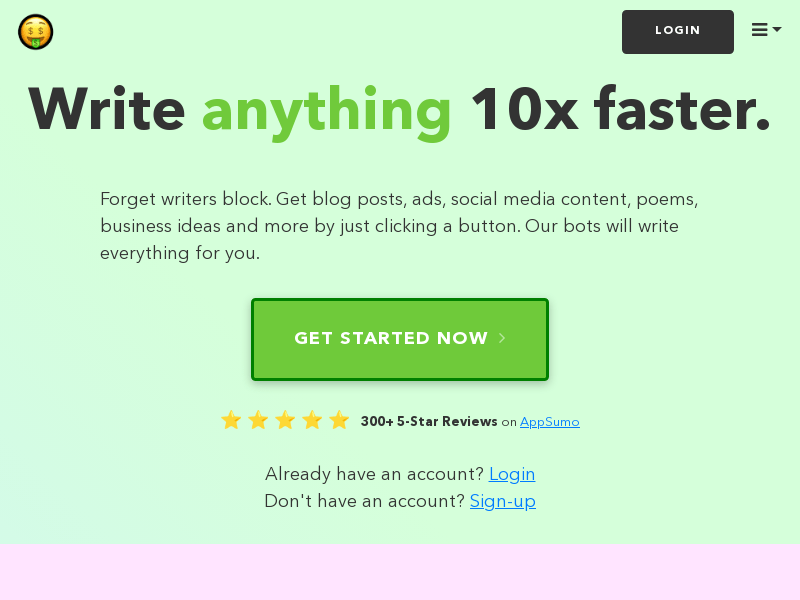
Product preview
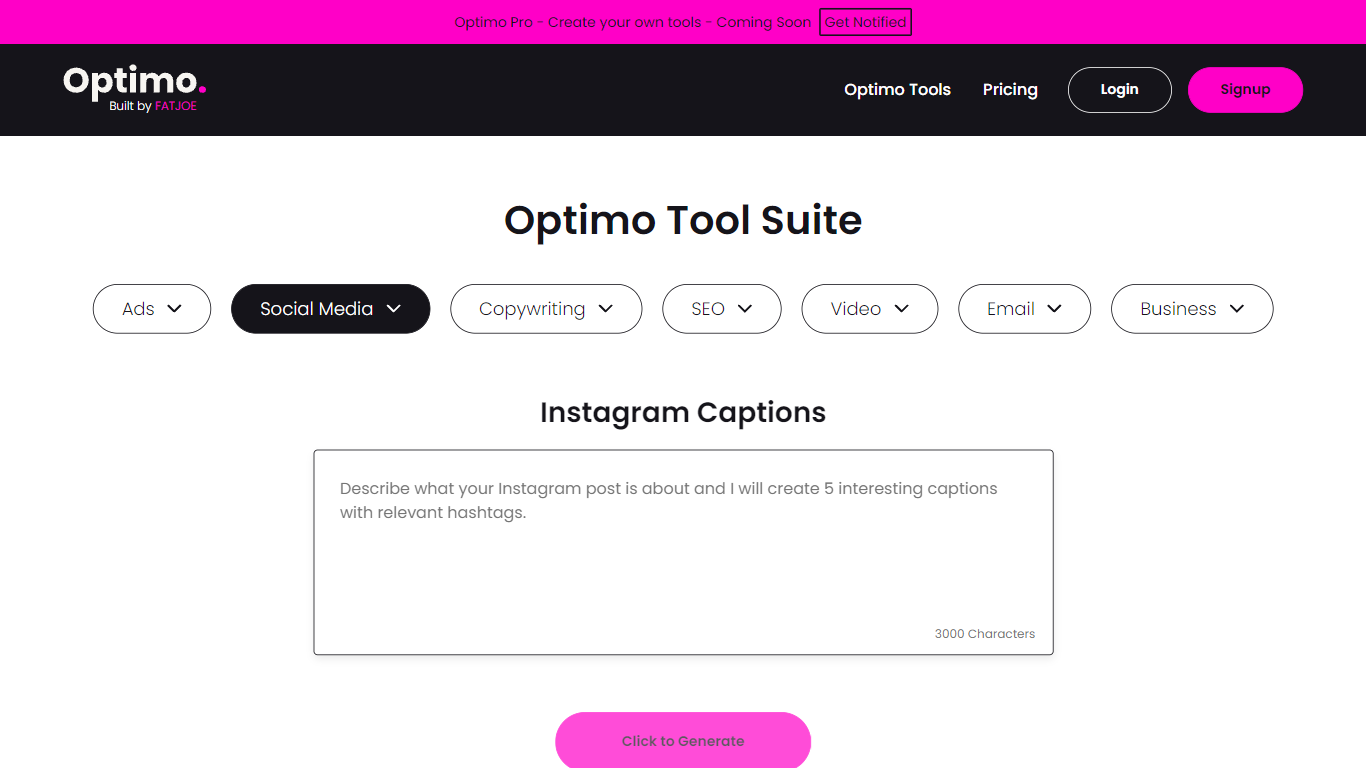
Screenshot archived from the listing page, for preview only.