
Car Background AI
AI car photo editor for dealersLot photos to listing photos in one click
Highlights
What you can do with it
- Turn parking lot snapshots into professional listing photos
- Fix unsatisfactory backgrounds in auto show photography
- Normalize photo style across a sales platform
How to use it
- 1 Visit carbackground.ai and use the 10 free credits without registering
- 2 Upload the car photos you want to edit
- 3 Select a replacement background on the editing screen
- 4 Adjust lighting and other effects
- 5 Save the finished photos to your device
Who it is for
Pros
- 10 free credits without a credit card
- Purpose-built for vehicle photography
- Batch processing saves time on large inventories
Limitations
- Free credits are limited to 10 images
- Volume work requires buying more credits
- Background realism depends on the original photo quality
What Car Background AI is
CarBG, at carbackground.ai, is an AI car photo editor designed for dealerships. Its main job is turning cluttered parking lot photos into clean, professional listing images. A one-click background replacement swaps the original scene for a studio-style backdrop, lighting enhancement improves brightness and color so the vehicle stands out, and batch processing lets you clean up many photos in one pass. The platform states that output quality stays consistent across a set of images, which matters when a whole inventory needs to look uniform. New users get 10 free credits without binding a credit card, so the workflow can be tested before spending anything.
What you can do with it
- Replace car photo backgrounds in one click
- Enhance lighting and color for cleaner vehicle shots
- Remove backgrounds from multiple photos in a batch
- Keep listing imagery consistent across an inventory
- Test the editor with 10 free credits and no card
Who it is for
- Car dealers producing listing photos at volume
- Car photographers correcting backgrounds after a shoot
- Sales platforms standardizing vehicle imagery
What to watch out for
Ten free credits cover only a small batch, so dealers with real inventory will need to purchase credits. The realism of a replaced background depends on the original photo's angle and lighting, and difficult shots may need manual checking. Credit costs and availability can change, and the tool is aimed at vehicle imagery rather than general photo editing, so other use cases are better served elsewhere. Processing speed depends on file size and network conditions, so retry later if a task stalls during peak hours.
FAQ
Is there a free trial?
Yes. New users get 10 free credits to try the editor.
Do I need a credit card?
No. The free credits can be used without binding a credit card or registering.
Can I batch process photos?
Yes. Batch background removal supports editing multiple car photos at once.
Who is it for?
Car dealers, car photographers, and car sales platforms that need consistent vehicle imagery.
Why it is free
What the official page says: free credits
Free limits, trial length and features are decided by the official site and can change at any time.
Product preview
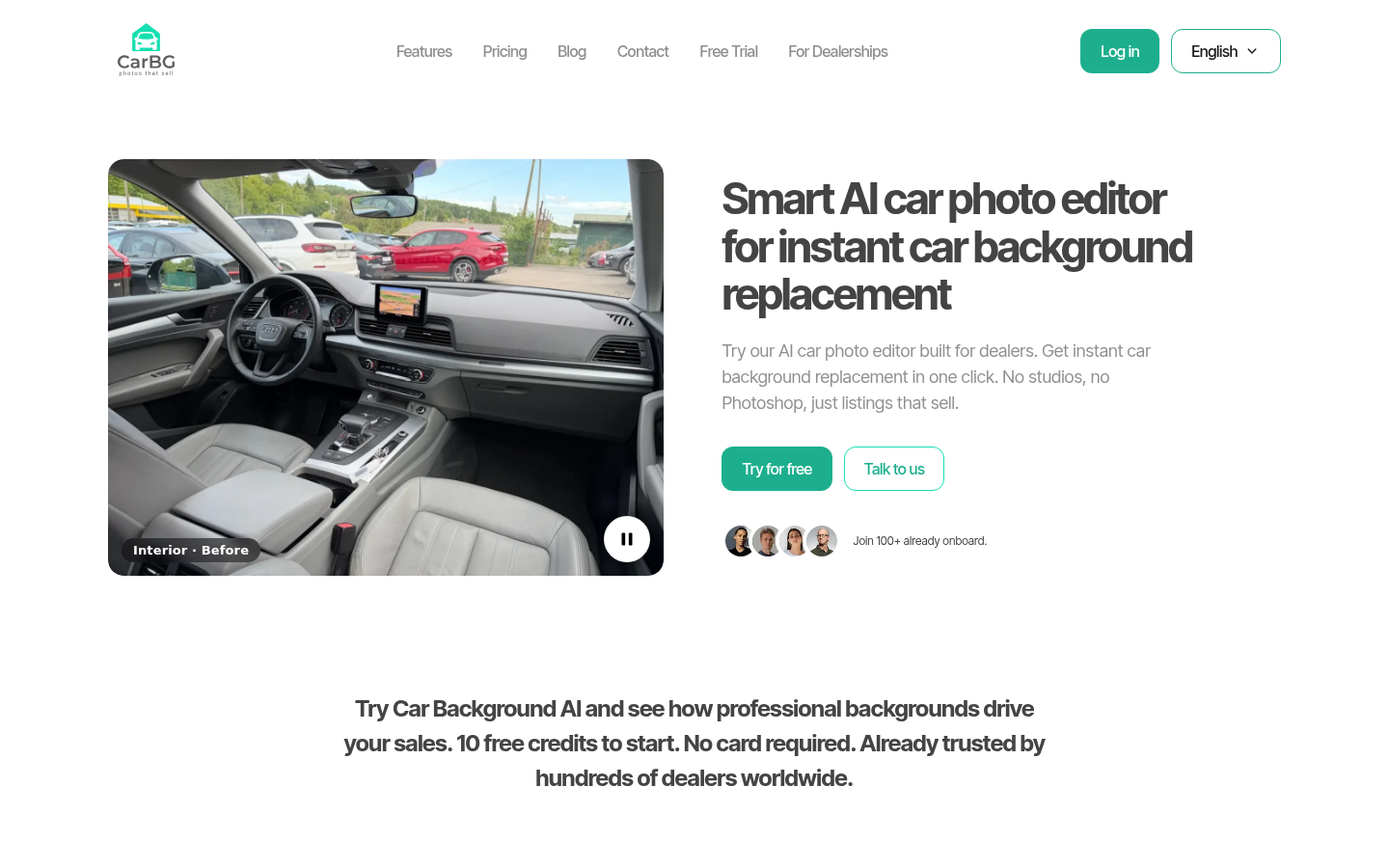
Screenshot archived from the listing page, for preview only.











