
Chariot
AI website builder with no codeDescribe a site and publish it in minutes
Highlights
What you can do with it
- Building a site for a car detailing business
- Launching a portfolio site for a digital studio
- Creating a fund or company page quickly
How to use it
- 1 Describe your business and what the site should show.
- 2 Review the generated site and request changes by chat.
- 3 Click publish when you are happy with the result.
Who it is for
Pros
- No code and no deployment setup required
- Changes are requested in plain language
- Fast path from idea to a live page
Limitations
- Free trial is limited and paid use costs a monthly fee
- Generated layouts are generic until you customize them
- Ongoing hosting and changes depend on the platform
What Chariot is
Chariot is an AI website building tool. You describe your business, your goals, or the content you want on the page, and the AI creates a professional website from that description. If something is not right, you ask for a change by chatting with Chariot and it updates the site. When you are satisfied, one click publishes it live, with no servers, domains, or deployment steps to handle yourself. Modifications are described as unlimited during use, and the tool supports a range of site types, from car repair shops and bakeries to digital studios. A free trial is offered, with paid use afterwards at a monthly cost.
What you can do with it
- Generate a website from a written description.
- Request edits through chat instead of an editor.
- Publish the site with a single click.
- Make as many changes as you need over time.
- Build different types of small business sites.
Who it is for
- Busy business owners with no time to learn web tools.
- Entrepreneurs who need a site live quickly on a small budget.
- Individuals who want a simple page without coding.
- Anyone validating a business idea who needs a presence fast.
What to watch out for
The free trial is limited and ongoing use carries a monthly fee, and pricing can change, so check current terms before you commit. Generated layouts tend to look generic until you customize them, so put real effort into the description and the edits if you want something that stands out. Because hosting and editing sit on the platform, your site depends on Chariot staying in business and keeping its service running, which is worth considering for anything critical. Check what you actually control, such as domain ownership and content export, before you build something you cannot move later.
FAQ
Do I need to know how to code?
No, the tool is built for users without a technical background.
How do I make changes?
You chat with Chariot and ask for the change you want.
Is there a free trial?
Yes, a free trial is offered, with paid use afterwards.
Why it is free
What the official page says: free trial
Free limits, trial length and features are decided by the official site and can change at any time.
Product preview
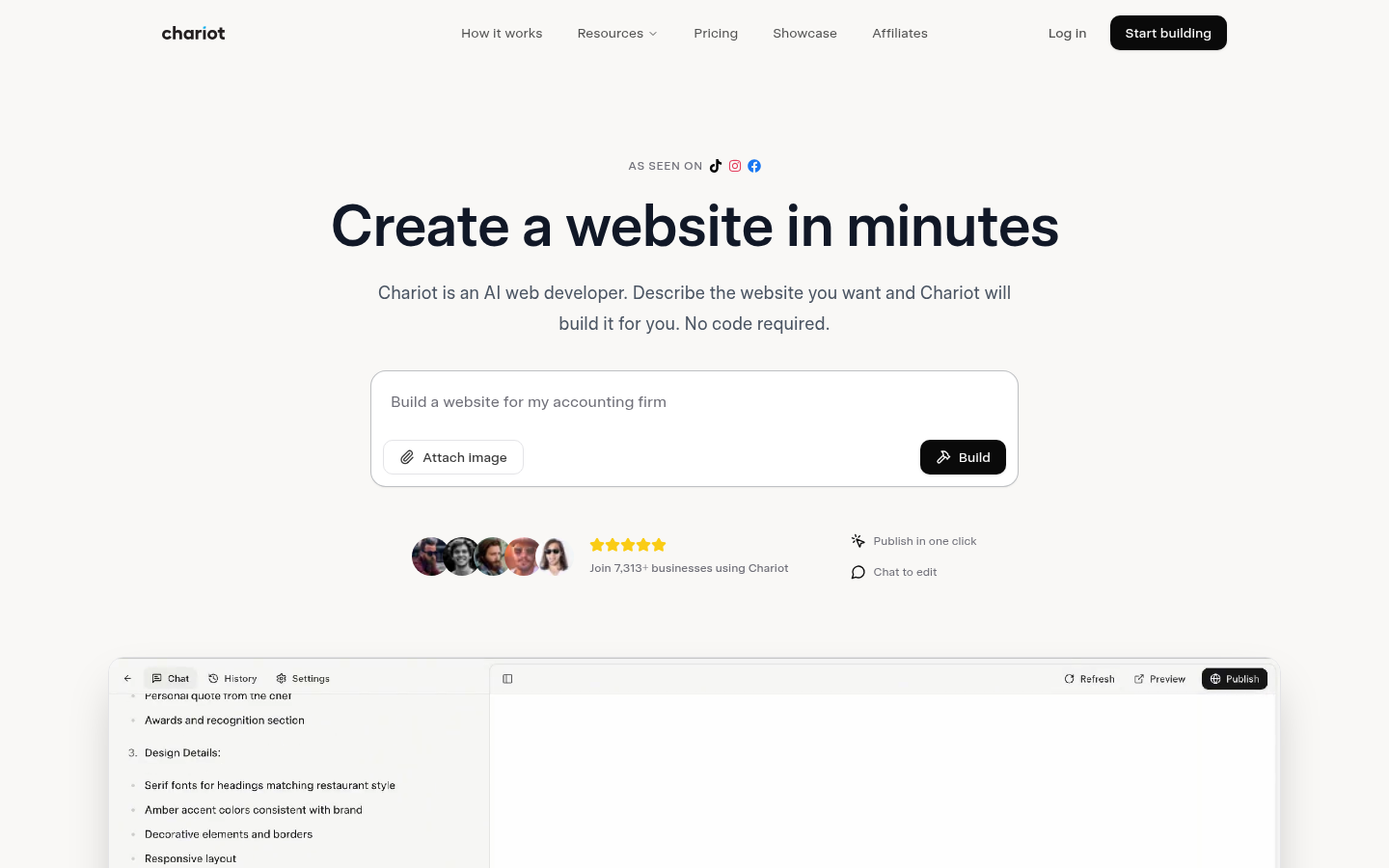
Screenshot archived from the listing page, for preview only.











