
ChartGen.ai
AI chart maker from dataUpload data, describe the chart, get it
Highlights
What you can do with it
- Turn quarterly financial data into clear report charts
- Visualize campaign performance, channels, and return metrics
- Chart sales, HR, or e-commerce data for internal reviews
How to use it
- 1 Upload a CSV or Excel file, paste data, or connect an integration
- 2 Describe the chart you need in plain English
- 3 Let the AI generate the chart
- 4 Download it as PNG, SVG, or PDF, or embed it in a report
Who it is for
Pros
- No coding or chart tool knowledge needed
- Free monthly quota with no credit card requirement
- Multiple export formats and themes for reuse
Limitations
- The free quota is 50 charts per month and can be revised by the operator
- Chart quality still depends on how clean and structured your data is
- Live syncing and the security claims need checking against your own compliance rules
What ChartGen.ai is
ChartGen.ai is a free AI chart generator that turns uploaded data into visual charts. Instead of dragging axes and picking colours by hand, you describe what you want in plain English and the tool builds it. It supports nine chart types including bar, line, and pie, comes with twelve colour themes, and exports at six different sizes as PNG, SVG, or PDF. Data can be pasted directly, uploaded as CSV or Excel, or pulled from connected integrations such as Google Sheets and databases, with charts refreshing when the underlying data changes. The listing states a free quota of 50 charts per month with no credit card requirement, and mentions SOC 2 compliance and end to end encryption for enterprise data.
What you can do with it
- Describe a chart in plain English and get it generated
- Choose from nine chart types for different data shapes
- Restyle output with twelve colour themes
- Export at six sizes as PNG, SVG, or PDF, or embed in a report
Who it is for
- Business staff preparing presentations, reports, and analysis
- Academic researchers visualizing study results
- Social media operators who need simple infographics
What to watch out for
The free tier is a monthly quota, not an unlimited tool. Fifty charts a month is generous for occasional use and tight for daily reporting, and the operator can revise that number at any time, so read the current terms before you rely on it. Results also depend on your data: messy columns, mixed types, or missing headers produce weak charts no matter how good the prompt is. Live syncing and the security claims are worth verifying against your own compliance requirements before you connect anything sensitive, and the tool does not interpret the data for you, it only draws it.
FAQ
Is ChartGen.ai free?
It offers a free quota of 50 charts per month and does not require a credit card, according to the listing.
What file types can I use?
You can paste data, upload CSV or Excel files, or connect integrations such as Google Sheets and databases.
What can I export?
Charts can be downloaded as PNG, SVG, or PDF, or embedded into presentations and documents.
Why it is free
What the official page says: 免费额度免费
Free limits, trial length and features are decided by the official site and can change at any time.
Product preview
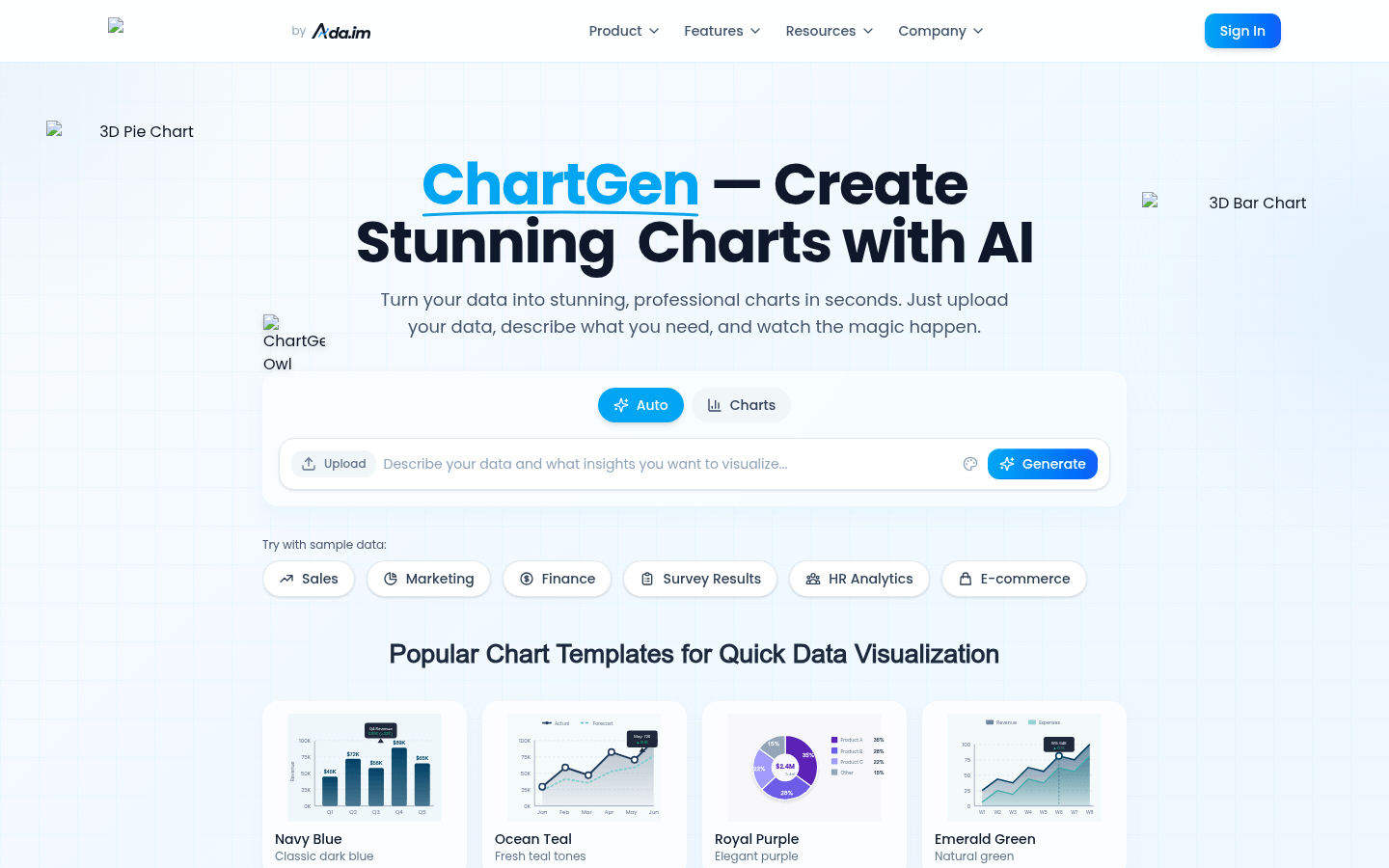
Screenshot archived from the listing page, for preview only.











