
Chat Bling with AI
AI chat assistant with image and voice toolsChat, search, create images, and speak to text
Highlights
What you can do with it
- Asking everyday questions and looking up information through a chat interface
- Turning a short prompt into a custom image for a post or mockup
- Recording a thought on the go and letting the tool transcribe it into text
How to use it
- 1 Open the Chat Bling with AI site in your browser
- 2 Start a new conversation and type your question or request
- 3 Pick the function you need, such as text chat, image generation, or voice to text
- 4 Upload a voice clip or type an image prompt when the tool asks for input
- 5 Review the output and refine your prompt if the result is not what you wanted
Who it is for
Pros
- Several tools in one place, so you do not need to switch between sites
- Fast question answering with image generation built into the same flow
- Free tier lets you try the assistant before paying for a membership
Limitations
- Free users face usage limits, and the exact allowance can change over time
- Pricing depends on the membership level, so heavier use means a paid plan
- Site status for the domain has been unstable, so availability is not guaranteed
What Chat Bling with AI is
Chat Bling with AI is an intelligent chat assistant that brings a few everyday AI jobs together in one window. You can ask it questions, have it pull up information, ask for a picture, and convert a spoken note into text. The product is not limited to text: image generation and voice to text sit next to the chat box, so a single session can move between research, visuals, and dictation.
Free users can work with the assistant, but usage is capped. Paid membership tiers raise those caps and add capacity for people who rely on the tool daily. That means you can try it without spending anything, but the free rules may shift as the operator adjusts its plans. The site describes the tool as covering information inquiries, image creation, and voice transcription, so check the live page for the current feature list.
What you can do with it
- Ask it questions across a wide range of information inquiries and read the answers in one thread
- Generate varied, interesting images from a short description
- Turn a voice recording or spoken note into text you can edit later
- Move between chat, image creation, and transcription without leaving the page
Who it is for
- People who want a single assistant for questions, quick images, and dictation
- Casual creators who need an image from an idea without opening a design tool
- Users who think out loud and would rather speak than type
What to watch out for
Free access comes with usage limits, and those limits are set by the site owner and can change without much notice. Paid tiers are described as membership based, so check the current plan details before committing. The domain has also shown unstable status at times, so treat availability as something to verify rather than assume. Output quality varies with how specific your prompt is, so give the assistant as much detail as you can. If you depend on one tool for daily work, keep a backup in mind.
FAQ
Is Chat Bling with AI free?
There is a free level with usage limits. Full access depends on the membership tier you choose.
Can it make images as well as chat?
Yes. It generates images from prompts alongside its chat and information features.
Does it support voice input?
Yes, it includes a voice to text conversion feature.
Why it is free
What the official page says: 免费免费用户
Free limits, trial length and features are decided by the official site and can change at any time.
Product preview
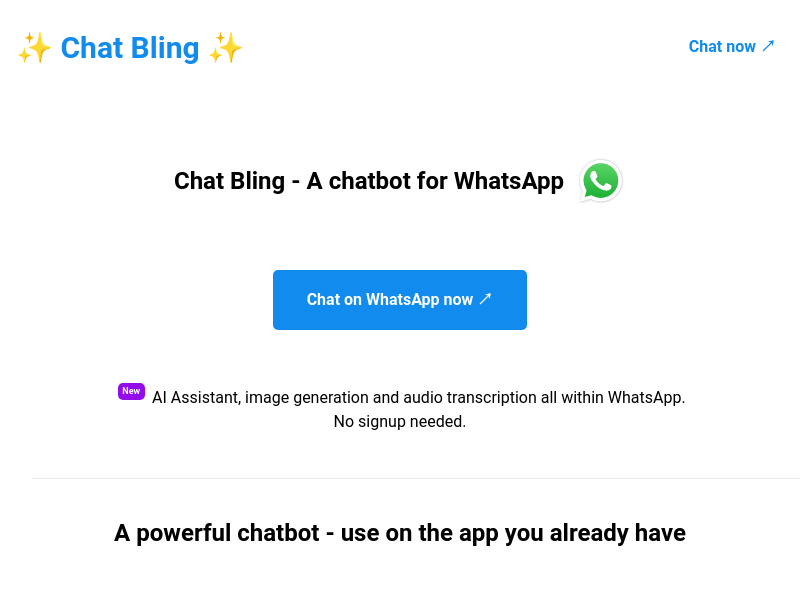
Screenshot archived from the listing page, for preview only.











