
ChatCut
Prompt based AI video editorEdit video by describing what you want
Highlights
What you can do with it
- Producing a YouTube video from a written brief
- Making a product promo from feature notes
- Creating a corporate video that follows brand guidelines
How to use it
- 1 Open ChatCut in your browser and log in.
- 2 Enter the editor from the homepage.
- 3 Type the prompt describing the edit you want.
- 4 Preview the result, adjust, then export.
Who it is for
Pros
- Runs in the browser with no install
- One prompt can cover several editing tasks
- Brand awareness helps consistency across videos
Limitations
- Prompt based editing is imprecise compared with a timeline
- Pricing is not stated in the listing
- Complex edits still need a human pass
What ChatCut is
ChatCut is a web based AI video editor that works from text prompts. Instead of dragging clips along a timeline, you describe what you want done and the editor attempts it. The listed tasks include cutting and trimming clips, adding dynamic graphics and subtitle animations, writing a script from a theme, choosing background music to fit the mood, generating AI video and image assets, removing filler words, and pulling out highlights. It can also browse your website, read your logo and marketing copy, and build a video that stays consistent with your brand. Everything happens in the browser, so there is nothing to install.
What you can do with it
- Cut, trim, and reorder clips from a written instruction.
- Add transition effects, subtitle animations, and icon motion.
- Generate a script with lines and scene descriptions.
- Choose background music that fits the tone of the video.
- Remove filler words and extract the best moments.
- Produce a video that fits your site's brand style.
Who it is for
- Content creators who want to avoid manual editing work.
- Marketers who need a promotional video quickly.
- Publicity teams producing brand consistent corporate video.
- Anyone comfortable describing an outcome rather than operating an editor.
What to watch out for
Prompt based editing is less precise than a timeline, and the same instruction can produce different results, so review every cut before you publish. Pricing is not stated in the listing, so check the site for current plans and limits. Complex edits, fine timing, and audio mixing will still need a human pass, and the tool is better at rough assembly than final polish. Generated music and AI assets may carry their own licensing terms, so confirm what you are allowed to use commercially.
FAQ
How do I edit a video in ChatCut?
You type a prompt describing the task and the editor carries it out.
Does it need to be installed?
No, it is a web based editor that runs in the browser.
Can it fit my brand?
It can browse your site, read your logo and copy, and build a video that fits.
Why it is free
What the official page says: free trial
Free limits, trial length and features are decided by the official site and can change at any time.
Product preview
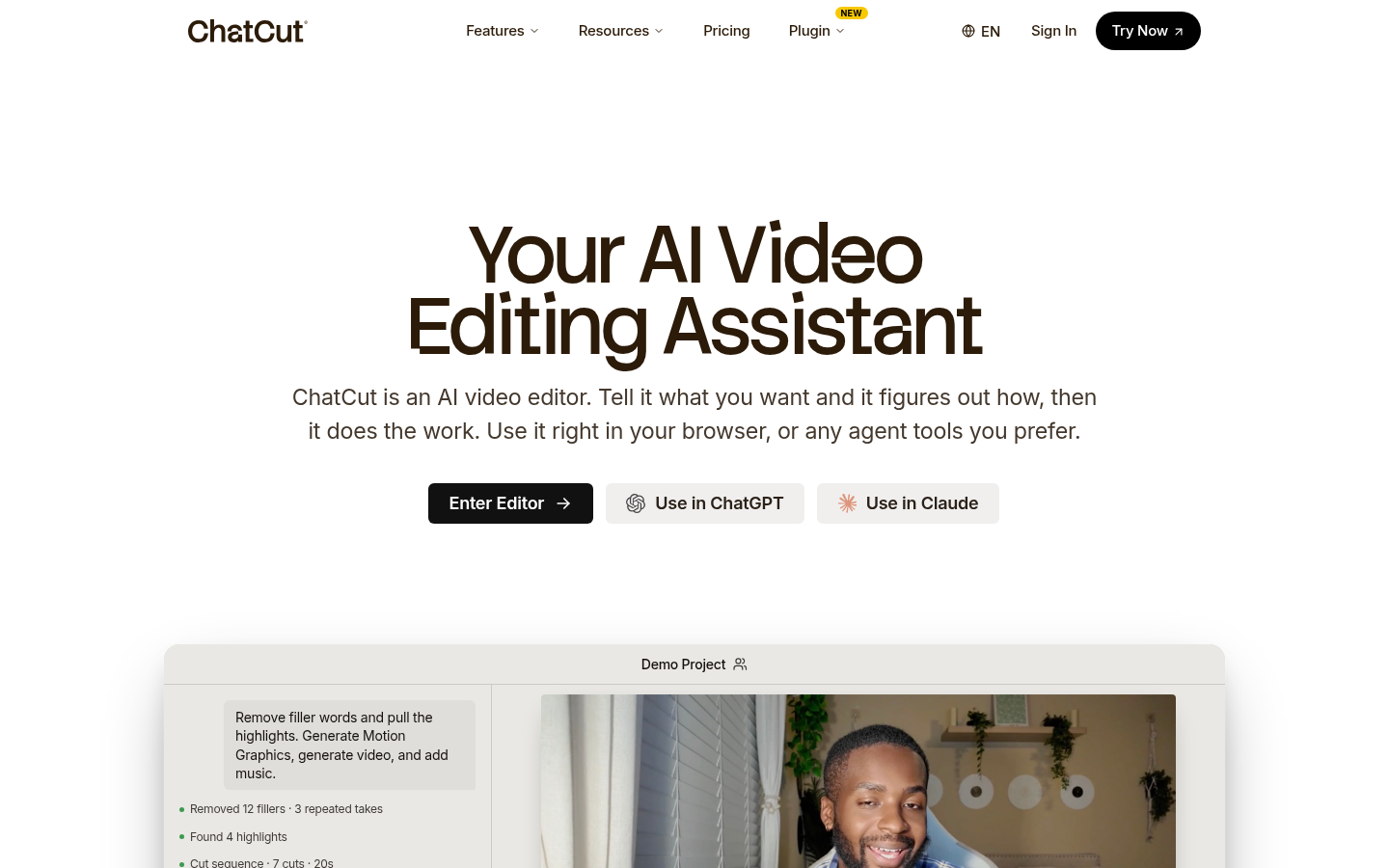
Screenshot archived from the listing page, for preview only.