
Chrome AI
Free in-browser AI for Chrome usersAI help inside Chrome at no cost
Highlights
What you can do with it
- Design inspiration while working
- Text editing and proofreading
- Quick information lookups during research
How to use it
- 1 Update Chrome to the latest version
- 2 Open the Chrome AI tool page
- 3 Read the quick usage guide
- 4 Choose online or offline mode
- 5 Start asking for help
Who it is for
Pros
- Completely free to use
- Local processing and offline support
- No context switching out of Chrome
Limitations
- Free status and features can change with browser updates
- Requires a current Chrome browser
- On-device models may be weaker than cloud models
What Chrome AI is
Chrome AI is an AI tool that runs inside the Chrome browser. It gives instant responses without a wait, processes data locally, and can keep working without an internet connection. The page states that it is completely free and that it works on any device that supports Chrome. Because information is handled on the device, less is transferred to external servers, which the site frames as a privacy benefit. It is aimed at designers, writers, and researchers who want help without switching to another app or paying for a separate subscription. Everything happens in a tab you already have open, which keeps the workflow short.
What you can do with it
- Get instant AI answers while browsing
- Edit and proofread text in place
- Look up information during research
- Keep working when you are offline
Who it is for
- Designers looking for quick suggestions
- Writers who need editing help
- Researchers gathering information fast
What to watch out for
The free status and feature set can change with browser updates, and some capabilities may depend on your hardware. It needs a current version of Chrome, so older devices may not qualify. On-device models are usually smaller than cloud models, so answer depth and knowledge coverage can be limited compared with a paid service. The page has shown redirect behavior, so confirm the official location before you rely on it for daily work. For best results, start with a small test file and review the output carefully before working on anything important. Free tiers can change over time, so it is worth checking the current limits on the official page before you rely on the tool daily.
FAQ
Does Chrome AI cost money?
No, the page says it is completely free.
Does it work offline?
Yes, offline support is listed as a feature.
Is my information sent to servers?
The page says processing is handled locally on the device.
Why it is free
What the official page says: completely free
Free limits, trial length and features are decided by the official site and can change at any time.
Product preview
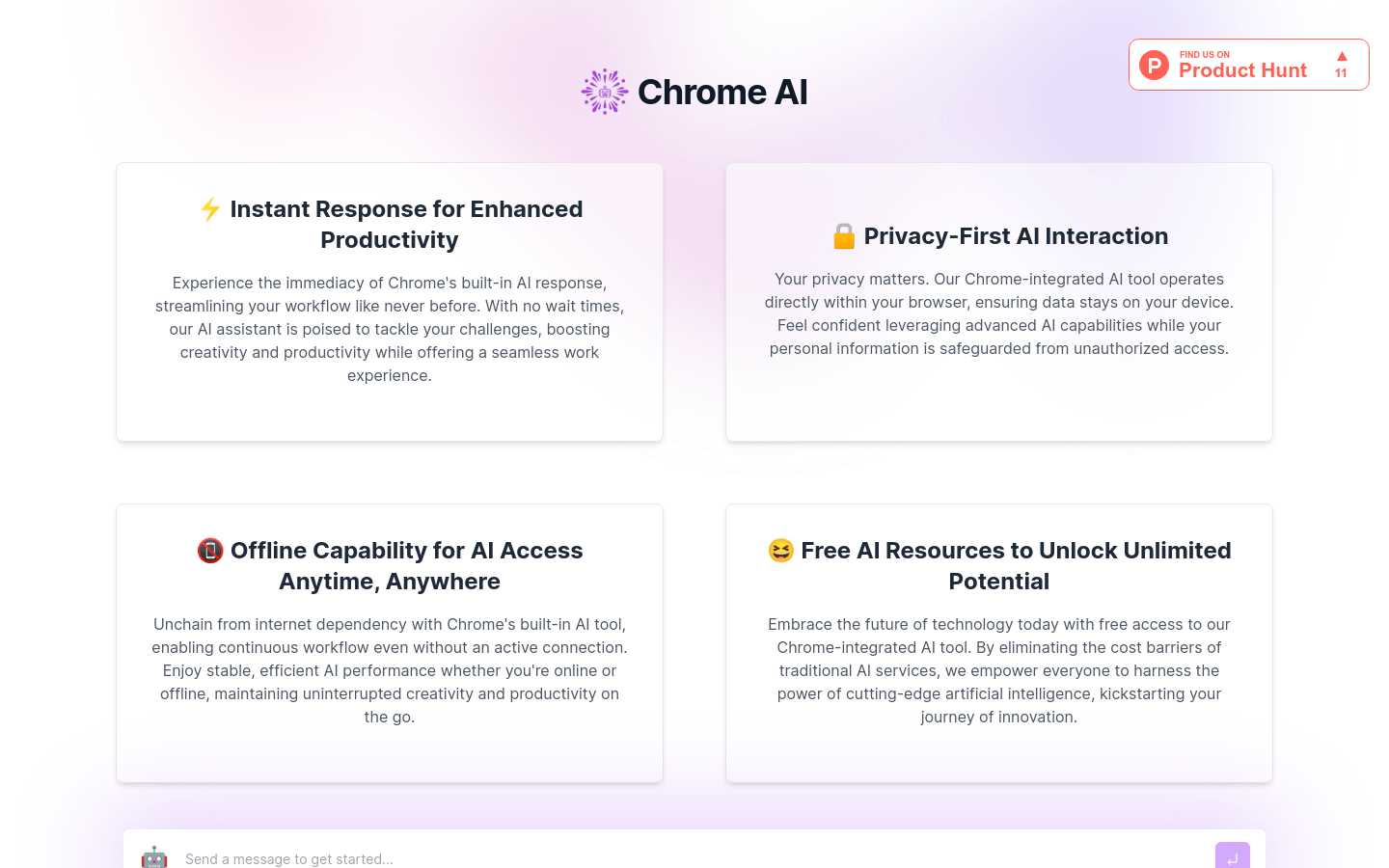
Screenshot archived from the listing page, for preview only.











