
Chunks
AI tool that turns long videos into highlight clipsFind the key moments and make shareable shorts fast
Highlights
What you can do with it
- Video bloggers convert long live-stream recordings into highlight segments for social platforms
- Corporate marketing teams extract key moments from promotional footage for short ads
- Event organizers generate collections of moments from long event recordings to share
How to use it
- 1 Visit the Chunks product page and start a free trial
- 2 Upload the original video file that needs processing
- 3 Use basic text prompts to describe the video content you want
- 4 Wait for the AI to analyze the footage and locate the key moments
- 5 Review the generated highlight segments and adjust as needed
- 6 Export the processed video for social media sharing or other uses
Who it is for
Pros
- Saves the manual work of screening long footage
- Free to use with watermark-free output
- Face detection and natural language search help organize material
Limitations
- Free terms and processing limits can change, so check the site before relying on it for regular work
- AI highlight choices are a starting point and need human review before publishing
- Processing long videos takes time and results depend on source footage quality
- You should have the rights to any material you upload
What Chunks is
Chunks is an AI video tool that turns long recordings into highlight segments and short videos ready for social media. Instead of watching hours of footage, you upload the file, describe what you want with a basic text prompt, and the AI analyzes the material to locate the most valuable moments. It then creates a first-draft edit you can adjust before exporting. The tool also includes face detection and naming, so you can identify and manage people in your videos, and natural language search that finds exact timestamps across your files. Chunks is free to use, and the short videos it produces are watermark-free.
What you can do with it
- Convert long videos into highlight segments automatically
- Create shareable short videos from simple text prompts
- Detect and name faces to organize video content
- Search across videos in natural language to find exact moments
Who it is for
- Video bloggers who repurpose long live-stream recordings
- Social media creators who need a steady flow of short clips
- Corporate marketing teams extracting key moments from promo footage
- Event organizers sharing collections of moments from an event
What to watch out for
Chunks is free to use today, but free terms and processing limits can change, so check the site before relying on it for regular work. AI highlight choices are a starting point, not a final cut, and you should review every segment before publishing. Processing long videos takes time, and results depend on the quality of your source footage. Because the tool generates shareable clips, make sure you have the rights to the material you upload. For team use, agree on naming and editing conventions in advance to avoid version conflicts or duplicated work.
FAQ
Is Chunks free?
Yes. Chunks is free to use, and the short videos it produces are watermark-free.
How does it find highlights?
The AI analyzes your footage and locates the most valuable moments, then creates a first-draft edit from your text prompt.
Can it detect faces?
Yes. It includes face detection and naming so you can organize and search people in your videos.
Why it is free
What the official page says: free to use
Free limits, trial length and features are decided by the official site and can change at any time.
Product preview
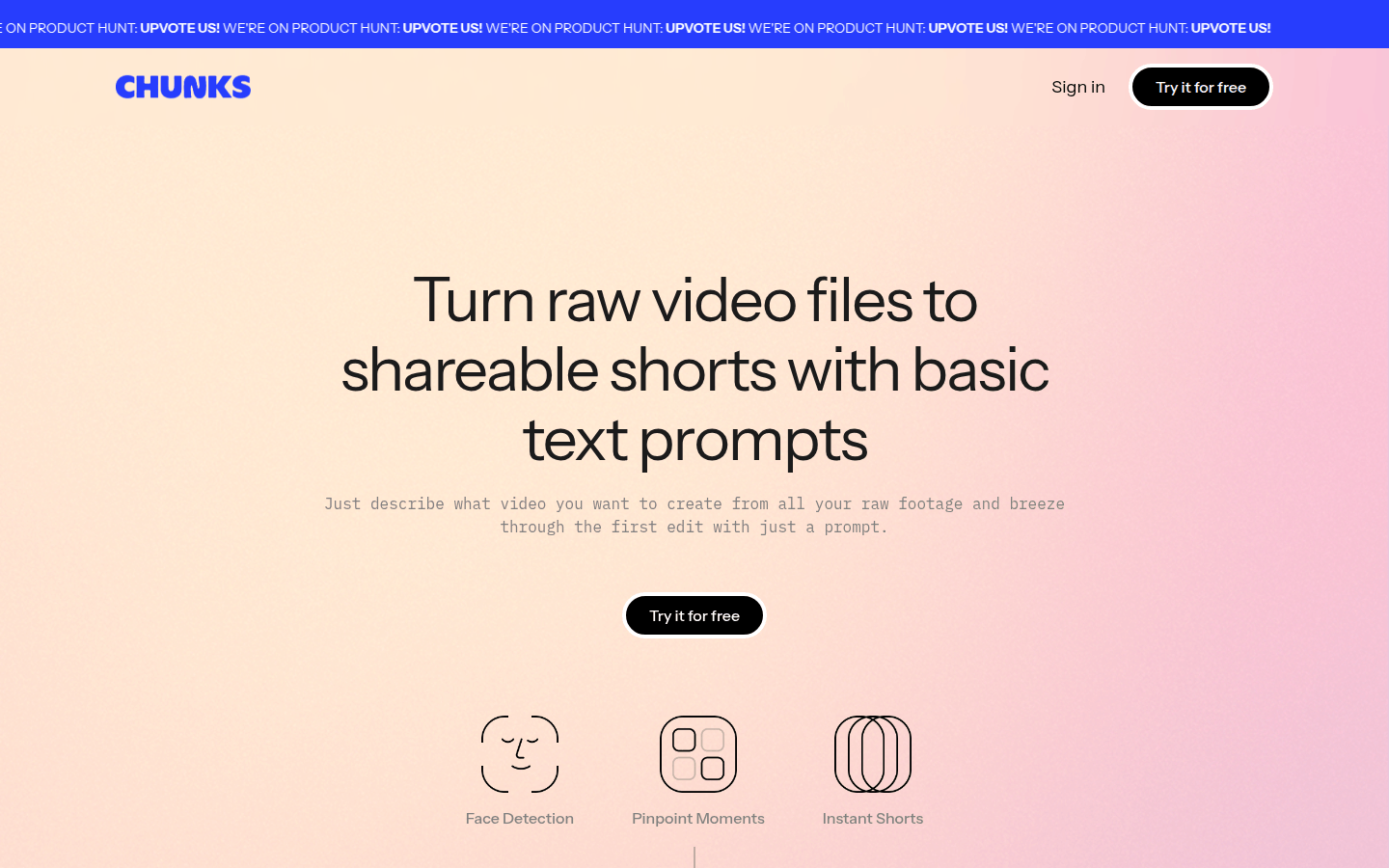
Screenshot archived from the listing page, for preview only.











