
Ciaro Pro
AI movie and animation production suiteOne connected workflow from script to final timeline
Highlights
What you can do with it
- An animated series episode is produced end to end in a connected 4-minute workflow.
- A documentary-style brand ad uses voice-over-driven narrative for a film-level finish.
- A children's series trailer leans on consistent character and shot planning.
How to use it
- 1 Register for the free plan, no credit card needed.
- 2 Import a PDF or Final Draft script for scene mapping and shot planning.
- 3 Design storyboards and manage character assets for visual consistency.
- 4 Generate AI video clips tied to the script, scenes and storyboards.
- 5 Edit the clips on the timeline to finish from script to final cut.
Who it is for
Pros
- One connected workflow replaces jumping between separate production tools.
- Character asset management and storyboards keep style consistent.
- A free plan with no credit card lets you explore script to video generation.
Limitations
- Full production use needs a paid subscription, and the free plan is for exploration.
- AI-generated clips may still need manual editing and review.
- As a newer tool, features and stability may change as it develops.
What Ciaro Pro is
Ciaro Pro is AI production software for movies, animations and narrative videos. Its aim is to break up the fragmented set of tools used in traditional production and replace them with one connected workflow. You can import a PDF or Final Draft script, map scenes and plan shots, design storyboards, manage character assets, generate AI video clips and then edit them, all in the same platform. That keeps the look and characters consistent and helps a team finish from script to final timeline faster. It is built for professional media teams and comes with a free plan to explore script, shot, image and video generation with no credit card, plus paid subscriptions.
What you can do with it
- Import a PDF or Final Draft script and use it for scene mapping and shot planning.
- Design storyboards and manage character assets for consistent visuals.
- Generate AI video clips that stay linked to the script, scenes and shot plans.
- Edit the clips on a built-in timeline to finish the whole production in one place.
Who it is for
- Filmmakers who want a single platform from script through final edit.
- Animation creators who manage characters and AI-generated footage.
- Content creators turning ideas into finished video works quickly.
- Small production teams that need efficient, connected tools on a budget.
What to watch out for
The free plan is for exploring the workflow; full production use needs a paid subscription, so check pricing for your team. AI-generated clips are a starting point and may still need manual editing and review before they are final. As a newer tool, features and stability may change as it develops, so keep local backups of important project files and do not assume every format or export will behave the same way.
FAQ
Is there a free plan?
Yes, a free plan lets you explore script, shot, image and video generation with no credit card.
What does it connect?
Script import, storyboards, character assets, AI video generation and editing on one timeline.
Who is it for?
Filmmakers, animation creators, content creators and small production teams.
What scripts can I import?
PDF and Final Draft scripts.
Why it is free
What the official page says: free plan
Free limits, trial length and features are decided by the official site and can change at any time.
Product preview
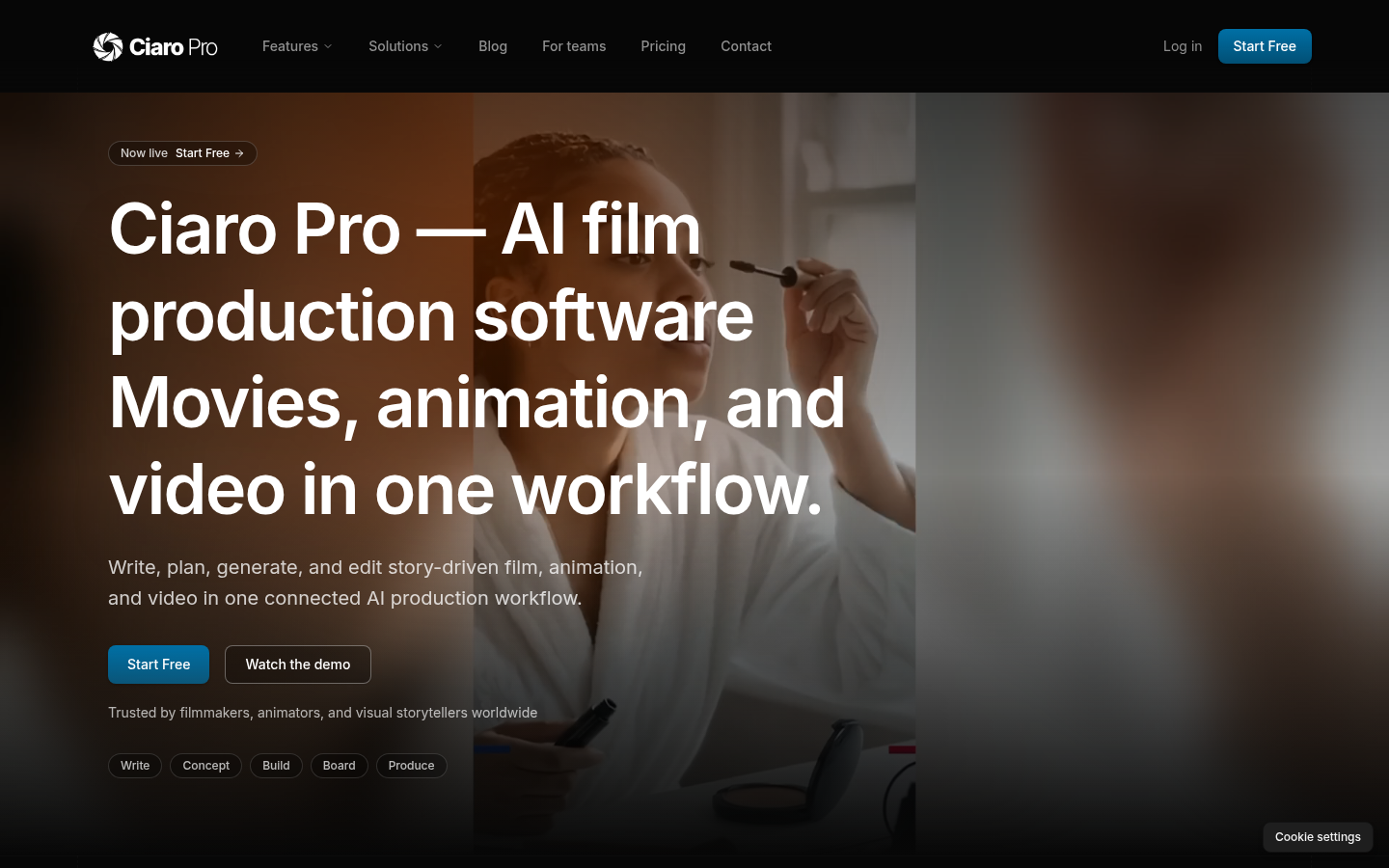
Screenshot archived from the listing page, for preview only.











