Circleback
AI meeting notes toolAI meeting notes with a free trial
Highlights
What you can do with it
- Capture notes and action items during a client call
- Turn a long internal meeting into readable minutes
- Track follow up tasks assigned to teammates
How to use it
- 1 Go to circleback.ai and start the free trial
- 2 Connect Circleback to your meeting or calendar
- 3 Let it record the conversation and capture key points
- 4 Review the generated minutes and action items
- 5 Assign owners and track follow ups after the meeting
Who it is for
Pros
- Records key points and action items automatically
- Produces meeting minutes you can reuse
- Free trial with no credit card required
- Helps teams stay organised after calls
Limitations
- The free trial is time limited and the pricing after it is not listed in the source
- It depends on the meeting platform you use, so setup can vary
- Automatic transcripts and summaries still need a human check before you act on them
What Circleback is
Circleback is an AI meeting assistant that records your meetings and turns them into structured notes and action items. The site describes it as a second brain for meetings: instead of typing while people talk, you let the tool listen and capture the key points. It generates meeting minutes, assigns action items, and helps you keep track of what was agreed and who is responsible for it. A free trial is available and no credit card is required to start, which makes it easy to test in a real meeting before paying anything. The product sits in the AI meeting assistant and note taking categories, and its pitch is simple: spend the meeting talking, not writing.
What you can do with it
- Record meeting key points and action items automatically as the call runs
- Generate reliable meeting minutes that you can share with people who missed the call
- Assign action items to teammates and track them after the meeting ends
- Improve productivity and organisation without keeping manual notes by hand
Who it is for
- Managers and team leads who run recurring internal or client meetings
- Consultants, salespeople, and recruiters who need an accurate record of every call
- Remote and hybrid teams where written notes are the only shared record
What to watch out for
The free trial is limited and the pricing after the trial is not stated in the material we have, so confirm the current plans on the site before you rely on it for paid work. Circleback also depends on the meeting or conferencing platform you use, so the setup and the quality of the recording can vary between tools. Automatic transcripts and AI summaries are useful, but they are not perfect: names, numbers, and commitments should be checked before you send minutes to a client or turn them into tasks. As with any tool that offers a free trial, the trial terms and included features can change over time, so treat them as a starting point rather than a promise.
FAQ
Does Circleback need a credit card to try?
No. The site advertises a free trial with no credit card required.
What does Circleback produce from a meeting?
It generates meeting notes, minutes, and action items, and lets you assign and track them.
Who is Circleback built for?
It is aimed at professionals and teams who run regular meetings and need a reliable record of what was decided.
Why it is free
What the official page says: free trialno credit card
Free limits, trial length and features are decided by the official site and can change at any time.
Product preview
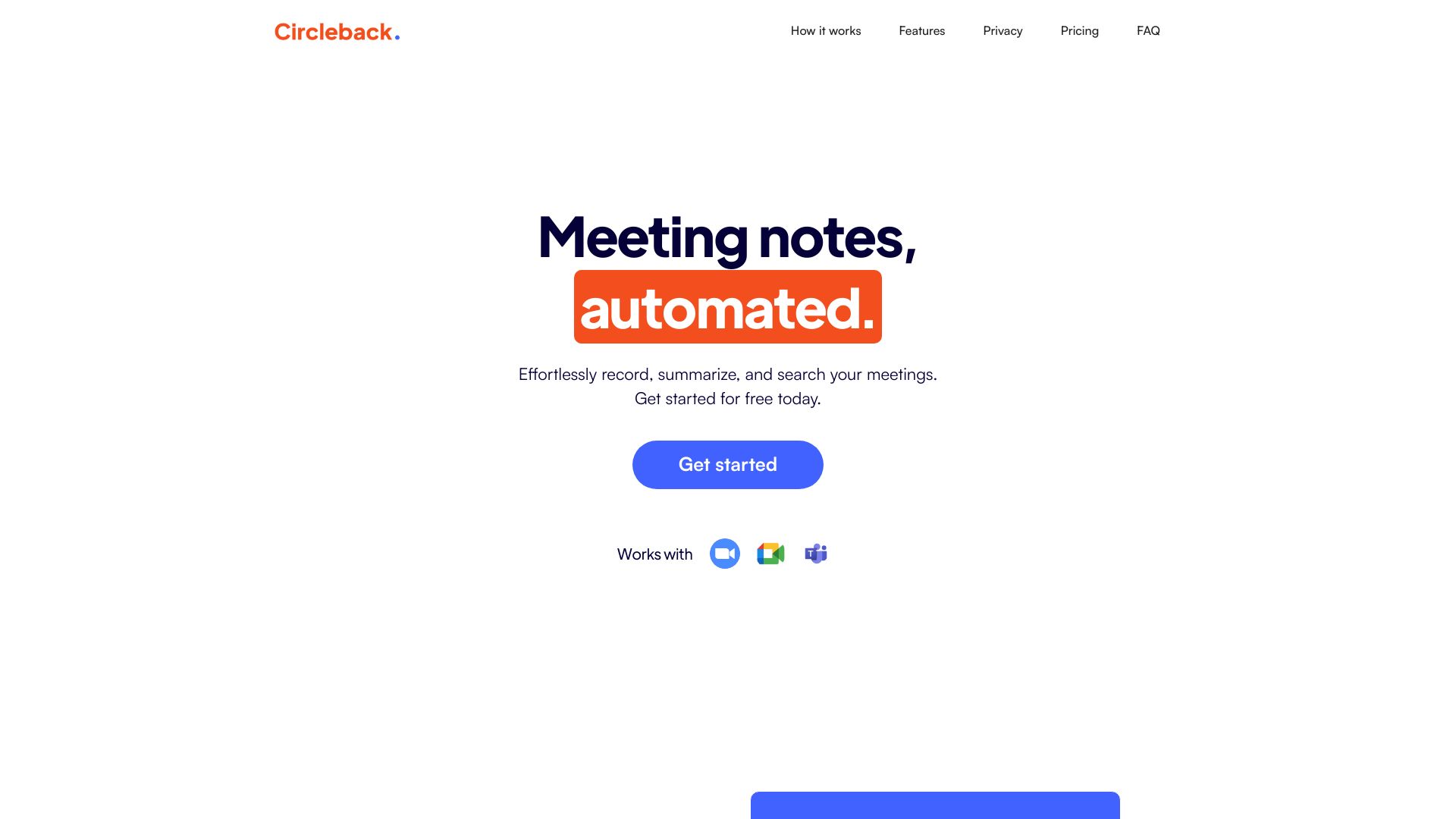
Screenshot archived from the listing page, for preview only.