
Clawdbot
Open source personal assistant inside chat appsAutomate calendar, email, and tasks from Telegram or WhatsApp
Highlights
What you can do with it
- A user schedules meetings from Telegram
- A user has email checked and important items surfaced
- A team coordinates project progress and updates
How to use it
- 1 Register an account on the Clawdbot website.
- 2 Download and install the application following the instructions.
- 3 Connect your communication tools, such as WhatsApp or Telegram.
- 4 Set preferences and grant calendar and email access.
- 5 Start giving commands to automate tasks.
Who it is for
Pros
- Works where you already chat
- Open source and customizable
- Background automation saves repeated clicks
Limitations
- The site was new when we checked, so documentation may be thin
- Free and paid tiers mean some features cost money
- Granting calendar and email access is a real privacy trade; review permissions
What Clawdbot is
Clawdbot is a personal AI assistant built to live inside chat applications rather than in a separate window. It works on platforms such as WhatsApp and Telegram, and its job is to take small recurring work off your hands: adding and changing calendar appointments, sending and handling email, running repeated tasks, and remembering your preferences so it does not ask the same questions twice. It supports background execution, team collaboration for families or company teams, and API integration with other apps and services. The project is open source and offers both free and paid usage options.
What you can do with it
- Manage calendar appointments and reminders from chat
- Send and check email without opening a mail client
- Automate repeated tasks in the background
- Connect other apps and services through the API
Who it is for
- People who already spend their day in Telegram or WhatsApp
- Families and small teams coordinating schedules
- Self hosters who want an assistant they can inspect and modify
What to watch out for
The site was new when we checked, so documentation and community support may still be thin, and setup could take patience. Free and paid tiers exist, meaning some features cost money, so check what sits behind the paid line before you depend on it. Granting calendar and email access is a genuine privacy trade: an assistant that can read your mail can also misread it, so review permissions carefully and start with limited scopes. And background automation means mistakes can happen while you are not looking. For team use, agree on naming and editing conventions in advance to avoid version conflicts or duplicated work.
FAQ
What is Clawdbot?
A personal AI assistant that automates tasks inside chat apps such as WhatsApp and Telegram.
What can it manage?
Calendar appointments, email, repeated tasks, and background jobs, with persistent memory of your preferences.
Is it open source?
Yes, the site describes the product as open source, with free and paid usage options.
Why it is free
What the official page says: 免费
Free limits, trial length and features are decided by the official site and can change at any time.
Product preview
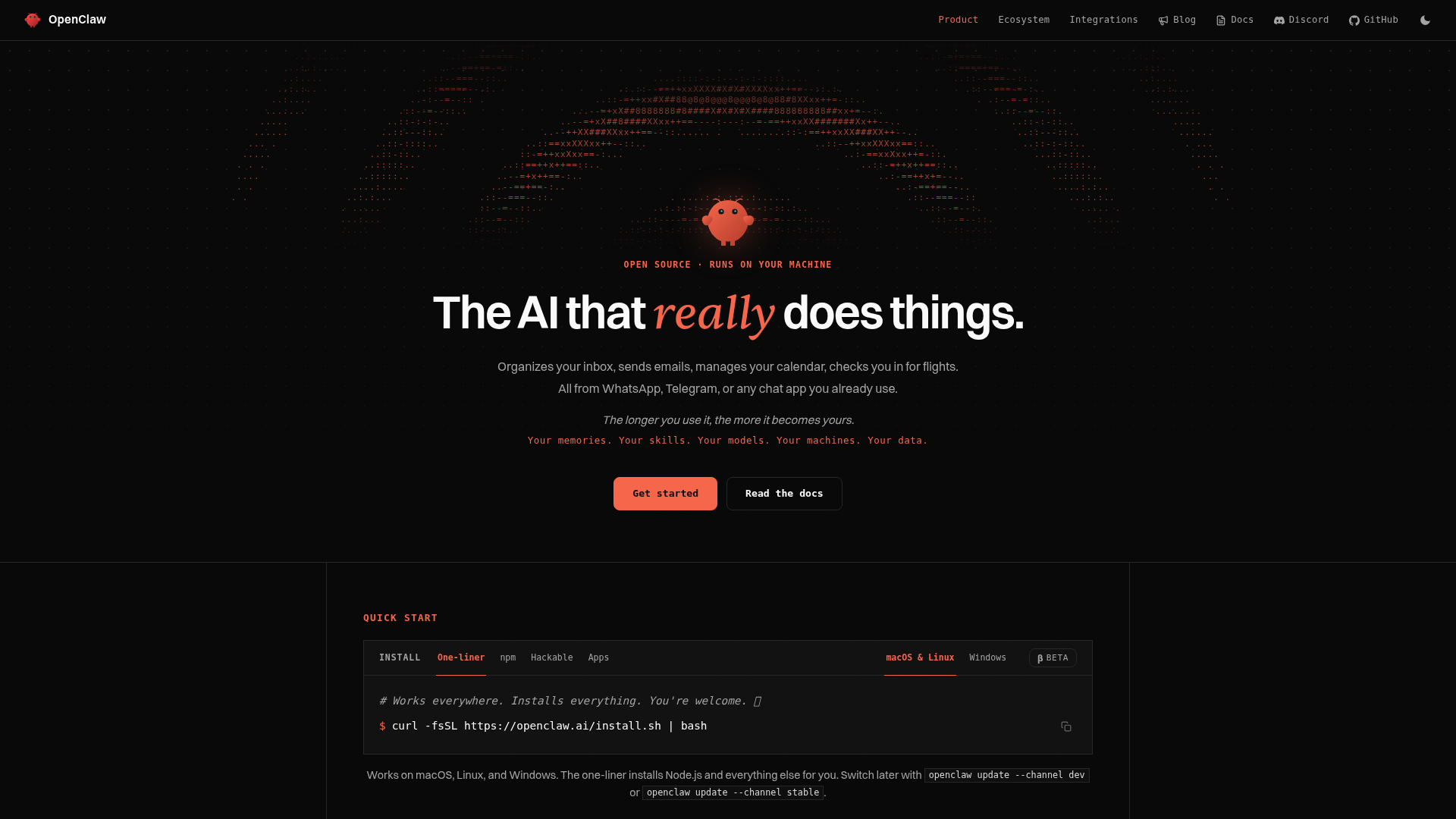
Screenshot archived from the listing page, for preview only.











