
Cleanvoice AI
Clean up podcast audio with AIRemove filler words and mouth noise
Highlights
What you can do with it
- Cleaning a podcast episode before publishing
- Tidying a recorded video voiceover
- Preparing an interview for release
How to use it
- 1 Go to Cleanvoice AI and start the free try
- 2 Upload your audio file
- 3 Let the AI detect unwanted sounds
- 4 Review the edits it proposes
- 5 Export the cleaned audio and timeline
Who it is for
Pros
- Free 30-minute trial with no credit card
- Automatic detection saves editing time
- Timeline export keeps you in control
Limitations
- The free try is limited to 30 minutes of audio
- Paid pricing can change after the trial
- Automatic cuts may need manual review
What Cleanvoice AI is
Cleanvoice AI is an AI audio tool that removes filler sounds such as um and er, mouth noises like lip and tongue clicks, and stutters from podcasts and other recordings. It detects these sounds and deletes them automatically, which the company says saves a lot of editing time. It also removes silences and can export a timeline so you can keep working in your own editor afterward. The service offers a free try of 30 minutes and no credit card is required to start. It is aimed at podcasters, video creators, and anyone who records spoken audio and wants a cleaner result without scrubbing the waveform by hand.
What you can do with it
- Strip filler words out of a recording
- Remove mouth and lip noises
- Cut long silences automatically
- Export a timeline for further edits
Who it is for
- Podcasters preparing episodes
- Video creators fixing voice tracks
- Interviewers cleaning long recordings
What to watch out for
The free try covers 30 minutes of audio, after which paid plans apply, and pricing can change. Automatic removal can cut moments you wanted to keep, so listen back to the whole file before you publish. Uploaded audio is processed by an external service, so think twice before sending confidential interviews, and keep a backup of the original recording in case the edits go wrong. For best results, start with a small test file and review the output carefully before working on anything important. Free tiers can change over time, so it is worth checking the current limits on the official page before you rely on the tool daily. If the result is not quite right, try adjusting your input description or settings and run the task again.
FAQ
What does Cleanvoice AI remove?
Filler sounds, mouth noises, stutters, and silences.
Is there a free try?
Yes, 30 minutes of audio with no credit card required.
Can I edit after it runs?
Yes, it offers a timeline export so you can adjust the cuts.
Why it is free
What the official page says: for freeno credit card
Free limits, trial length and features are decided by the official site and can change at any time.
Product preview
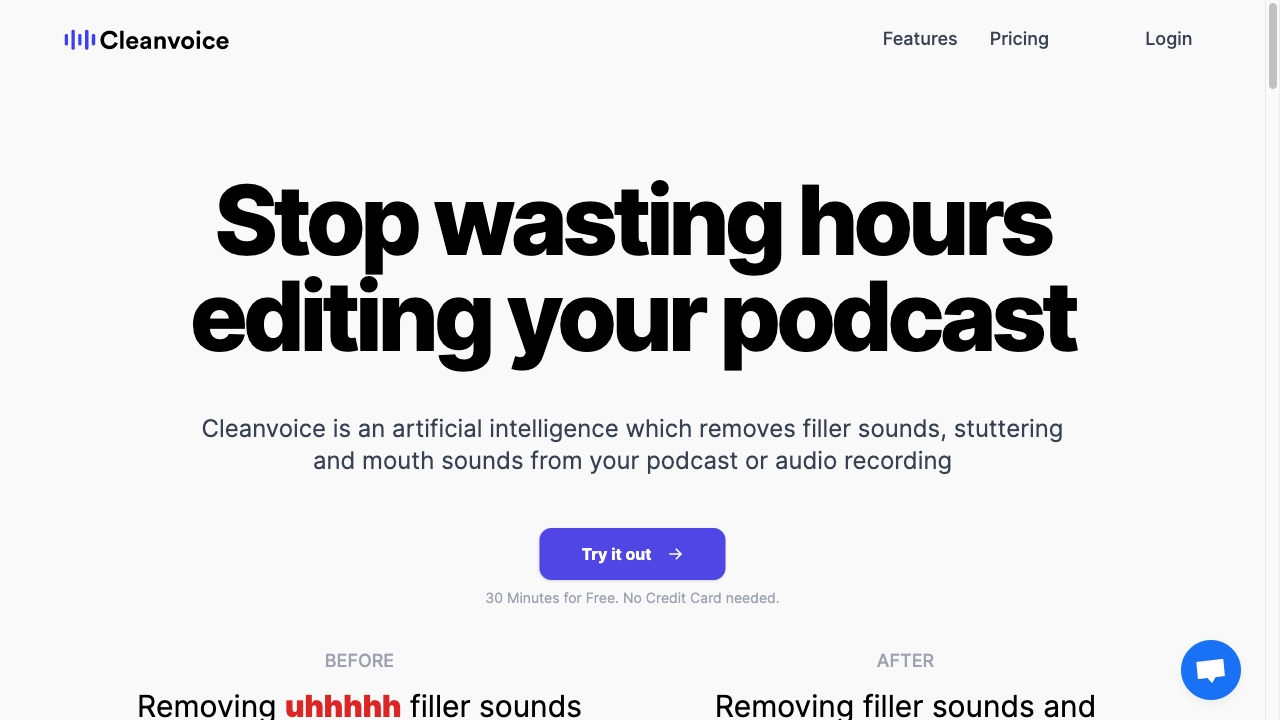
Screenshot archived from the listing page, for preview only.










