
Click2.ai
AI plugin for social content and task automationGenerate and automate social media content with an AI plugin
Highlights
What you can do with it
- Marketers generate compelling social media content with the plugin
- Real estate agents create property listings that engage clients
- Recruiters write job posting content that attracts candidates
How to use it
- 1 Install the Click2.ai plugin
- 2 Pick or customize an AI template for your post
- 3 Enter your product, listing, or job details
- 4 Generate the content and post it to your channel
Who it is for
Pros
- Free plan available to start with
- Templates and automation cut the time per post
- Fits common social tasks like listings and job posts
Limitations
- Free plan limits and paid pricing can change at any time
- Generated copy may need editing to match your brand voice
- Focused on social content, so not a full marketing suite
What Click2.ai is
Click2.ai is a resource designed to simplify and automate social content tasks and workflows. A free plan is listed alongside paid tiers that go up to $29.99, so you can start without paying. It offers AI template customization, social task automation, and a content creation toolkit that help you produce posts quickly. It is built for people who need steady social output, such as marketers, real estate agents, and recruiters, and it aims to raise efficiency while keeping content engaging.
What you can do with it
- Customize AI templates to fit the post you need.
- Automate routine social media tasks and workflows.
- Use a content toolkit to draft posts fast.
- Create property listings, job posts, and campaign content.
Who it is for
- Marketers who need a steady stream of social posts.
- Real estate agents promoting property listings and engaging clients.
- Recruiters writing job posting content that draws candidates.
What to watch out for
The free plan limits and the paid pricing can change at any time, so confirm current terms before you rely on them. Generated copy may not match your brand voice on the first try, so plan to edit. It is focused on social content and automation rather than a full marketing suite, so you may still need other tools for design, scheduling, or analytics. Review each post for accuracy, especially listings and job details, before it goes live. Start with a small sample to confirm the output meets your expectations before processing the full batch. Free tiers and usage limits can change, so check the current rules on the official page before relying on it long term.
FAQ
Is there a free plan?
Yes. The site lists three packages, Starter, Personal, and Enterprise, with prices from free up to $29.99, and terms can change.
What does the plugin do?
It helps with AI template customization, social task automation, and content creation so you can produce posts faster.
Who is it built for?
It targets marketers, real estate agents, and recruiters who need regular social content such as listings and job posts.
Why it is free
What the official page says: 免费
Free limits, trial length and features are decided by the official site and can change at any time.
Product preview
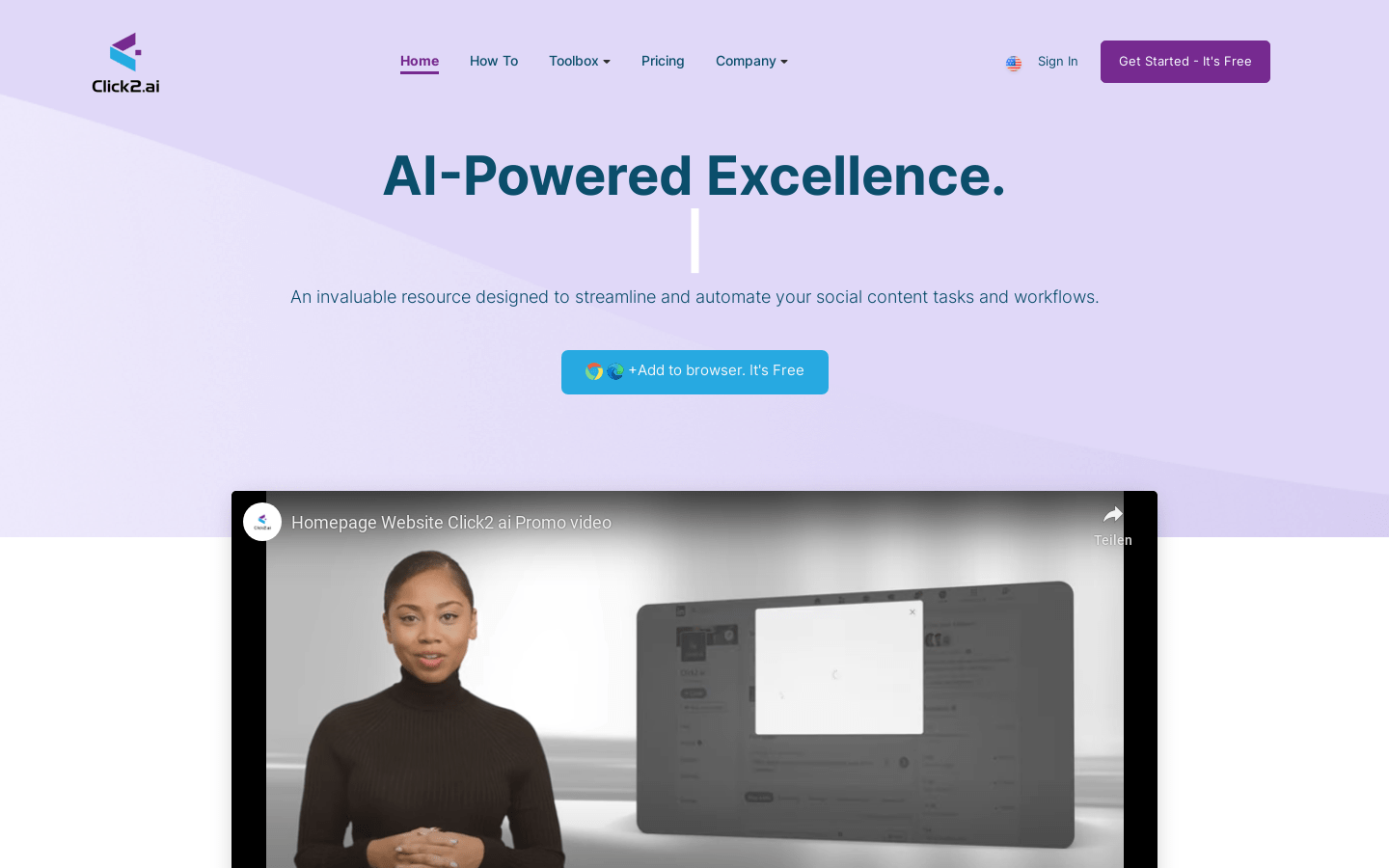
Screenshot archived from the listing page, for preview only.











