
ClipMe
AI turns live streams into viral short videosAuto-clip streams and publish shorts with one click
Highlights
What you can do with it
- Turn a 4-hour Twitch stream into dozens of highlight clips
- Publish weekly Kick stream moments to Shorts, Reels, and TikTok
- Clip podcast and interview soundbites into vertical shorts
How to use it
- 1 Visit clipme.com, register, and start for free with no credit card.
- 2 Connect your Kick, Twitch, or YouTube account.
- 3 Select a stream to process; the free plan covers 1 stream per month.
- 4 Run AI clipping to generate about 50 to 100 candidate clips.
- 5 Preview, filter, and pick the best clips, then publish with one click.
Who it is for
Pros
- Automates the slowest part of stream content: finding and cutting highlights
- One-click publishing to several platforms saves re-uploading
- Free plan lets new streamers test the workflow
Limitations
- The free plan is limited to 1 stream per month, so heavy output needs a paid plan and terms may change
- AI highlight picks are a starting point; expect to review clips before posting
- Results depend on connecting platform accounts, so access follows each platform's rules
What ClipMe is
ClipMe is an AI video editing and distribution tool built for live stream creators. It connects to Kick, Twitch, and YouTube content, then uses AI to spot highlight moments and cut about 50 to 100 short clips from a single stream. The smart highlight detection looks at speech, visuals, and interaction rhythms, favoring moments more likely to grab viewers and go viral. Generated clips are adapted to vertical, short-form viewing, and they can be published to TikTok, Reels, and Shorts in one click, without re-uploading and re-titling on each platform. Long streams turn into a reusable library of short video assets that keep driving traffic after the broadcast ends. The page says you can start for free with no credit card, and the free plan processes 1 stream per month.
What you can do with it
- Auto-clip 50 to 100 highlights from a single stream
- Let AI weigh speech, visuals, and interaction to find strong moments
- Adapt long live content into vertical short videos
- Publish clips to TikTok, Reels, and Shorts in one click
- Build a reusable short video library from past streams
Who it is for
- Live streamers on Kick, Twitch, and YouTube
- Short video creators who need a steady flow of content
- MCN and talent agencies managing many creators
- Podcast and interview creators repurposing long recordings
- New streamers who want to grow on a budget
What to watch out for
The free plan covers only 1 stream per month, so regular posting needs a paid plan, and the free terms can change. AI highlight picks are a starting point, so plan to preview and filter clips before publishing. Because publishing depends on connected platform accounts, what you can post also follows each social platform's own rules.
FAQ
Is ClipMe free?
You can start for free with no credit card, and the free plan processes 1 stream per month.
Which platforms does it support?
Kick, Twitch, and YouTube for streams, with publishing to TikTok, Reels, and Shorts.
How many clips does it make?
About 50 to 100 candidate clips from a single stream.
Who is it for?
Live streamers, short video creators, MCN agencies, and podcast or interview creators.
Why it is free
What the official page says: free planfor freeno credit card
Free limits, trial length and features are decided by the official site and can change at any time.
Product preview
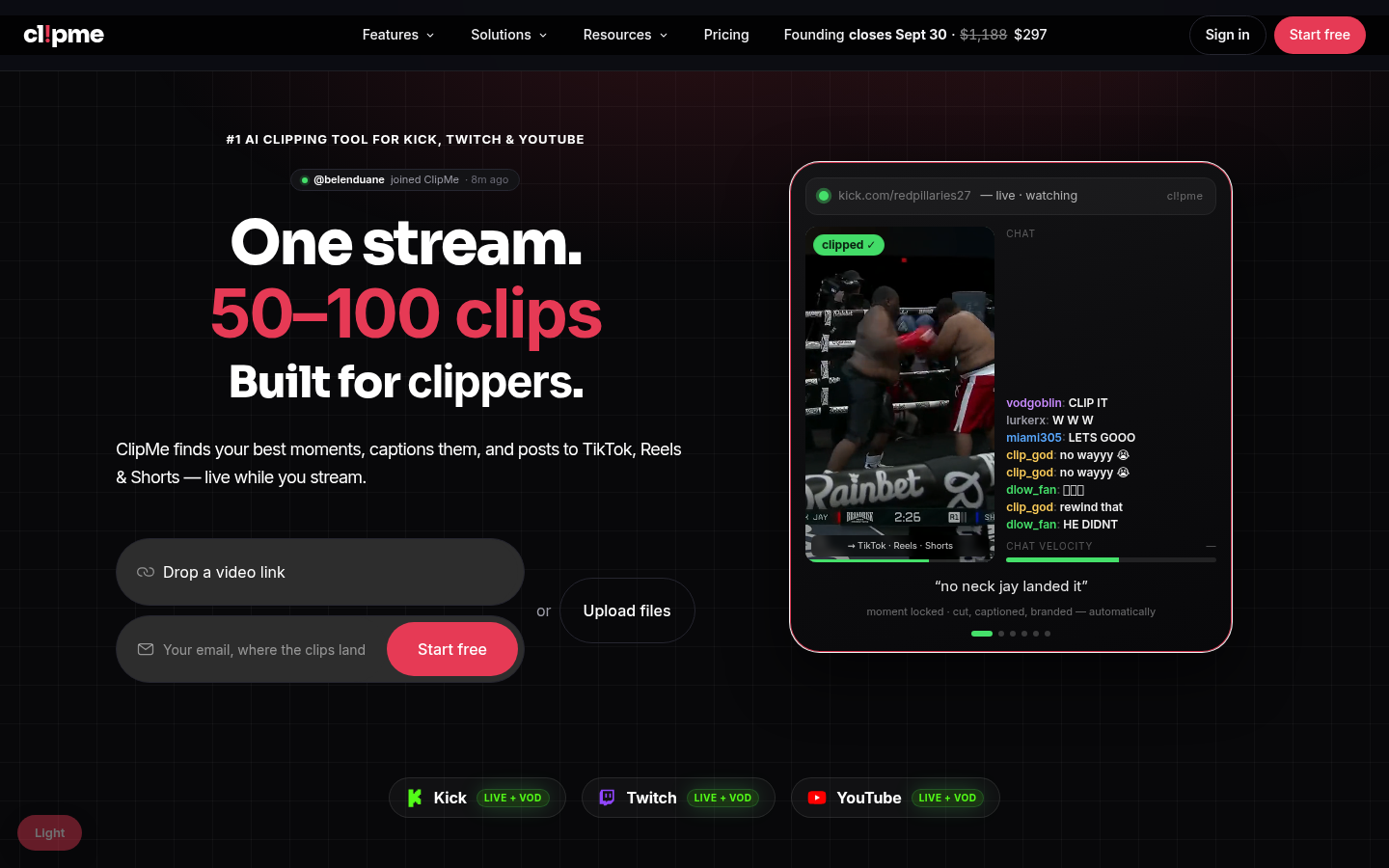
Screenshot archived from the listing page, for preview only.











