
ClipyBoard
Custom service panelsFree custom panels for service teams
Highlights
What you can do with it
- Customer service teams manage reusable message panels
- SEO analysts customize a panel for data checks
- Instagram micro-influencers create personalized buttons
How to use it
- 1 Open the ClipyBoard website in your browser.
- 2 Build a panel and configure the messages you want to send.
- 3 Create buttons in the language you need.
- 4 Invite collaborators to share and use the panel.
Who it is for
Pros
- Core application is entirely free
- Unlimited buttons in any language
- Built by people who work in customer service
Limitations
- A paid tier of about $7 per month may be added later, so free access rules could change
- Narrow focus on panels and buttons, not a full help desk
- Public setup detail is thin, so there is a learning cost
What ClipyBoard is
ClipyBoard is a completely free tool for building customizable panels. It is meant to improve customer service or to enhance SEO analysis. The application is entirely free to use right now. You can configure messages, invite collaborators, and take complete control of the messages sent through customer service. ClipyBoard is designed and developed by people who are actively involved in customer service, so it caters to real-world needs rather than theory. You can create an unlimited number of buttons in any language and share them with anyone. The team has noted that a potential subscription fee of about $7 per month may be considered for adding features, so the free access you see today could change over time.
What you can do with it
- Build customizable panels that fit how your team works each day
- Configure messages and control what is sent through customer service
- Create unlimited buttons in any language and share them with collaborators
- Set up panels for SEO analysis or for personal social media replies
Who it is for
- Customer service teams that need quick, reusable message panels
- SEO analysts who want a custom panel for data checks and notes
- Social media micro-influencers who want personalized buttons for replies
What to watch out for
The core app is free right now, but the team has said a paid subscription may be added later, so free access rules could change. ClipyBoard focuses on customizable panels and buttons rather than offering a full help desk with ticketing, live chat, or detailed reporting. The public materials do not provide step-by-step setup instructions, so there may be a learning cost as you explore how to configure panels and buttons. Treat it as a lightweight helper for message control and quick replies, not as a complete customer service platform that replaces a full support suite. Check the site before you rely on it for daily work.
FAQ
Is ClipyBoard free?
Yes, the core application is entirely free to use.
Will there be a paid plan?
The team has mentioned a possible $7 per month subscription if extra features are added.
Can I use it with a team?
Yes, you can invite collaborators and control the messages sent through customer service.
Why it is free
What the official page says: 完全免费免费
Free limits, trial length and features are decided by the official site and can change at any time.
Product preview
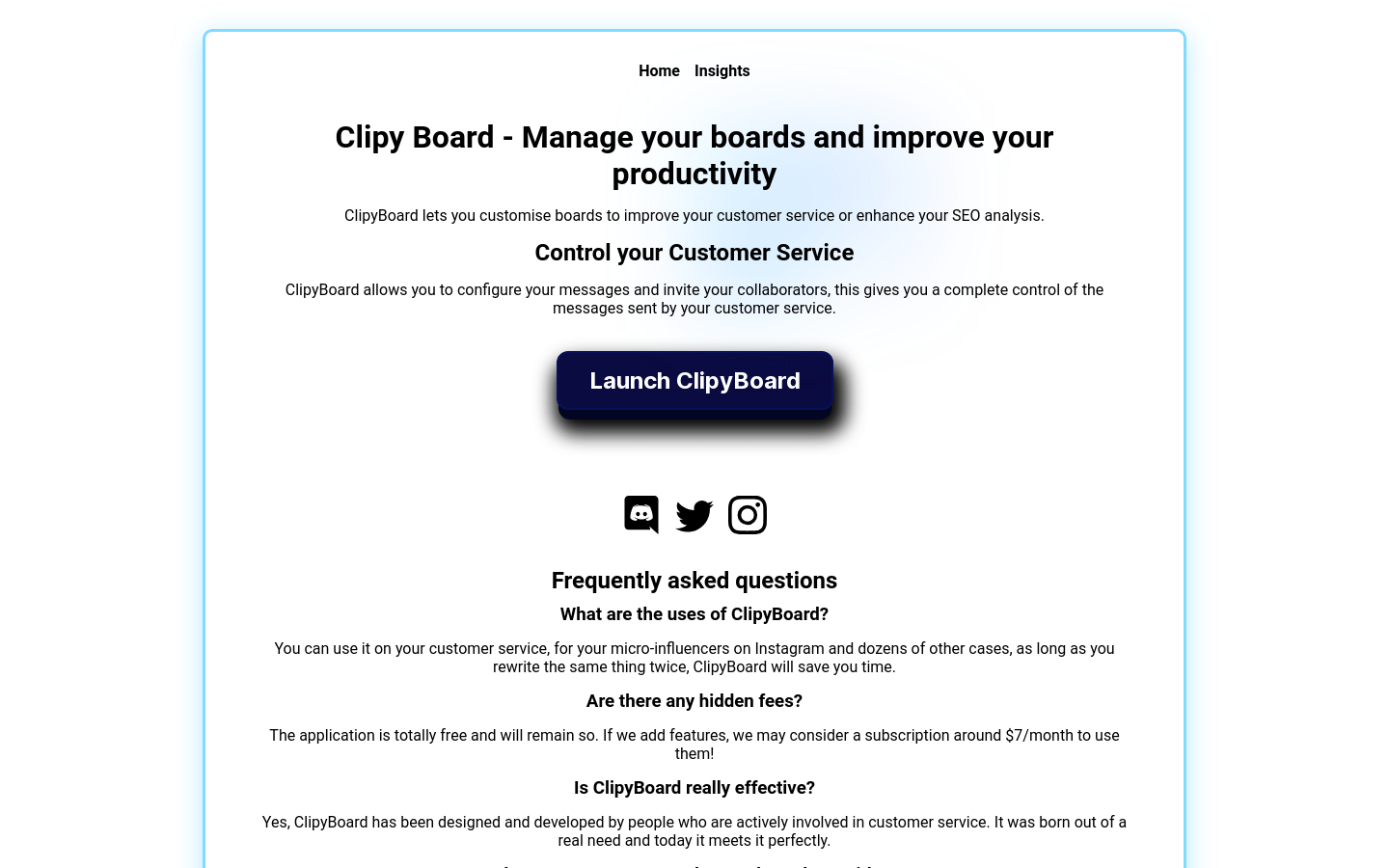
Screenshot archived from the listing page, for preview only.











