
Coda One
All-in-one AI writing and file web toolsRewrite, summarize, and process files in one workspace
Highlights
What you can do with it
- A creator rewrites one article into several styles for different platforms.
- A student summarizes a long book to grasp the core content.
- A professional drafts business emails faster.
How to use it
- 1 Open codaone.ai and click Try Free to register.
- 2 Pick the tool you need, such as AI writing, PDF, or image.
- 3 Enter your text or upload your file.
- 4 Use the generate, rewrite, or summarize controls.
- 5 Review the result, edit, then save or export.
Who it is for
Pros
- Many writing and file tools in one workspace
- Free to start before any upgrade
- Multiple rewrite modes for different tones
- Works in the browser with no install
Limitations
- The humanizer is meant to make AI text harder to detect, which may violate school or platform rules, and any consequence is your responsibility
- Free use is limited and upgrades cost money, with pricing subject to change
- AI detectors are not fully reliable, so treat results as a hint only
- Bundled tools vary in depth compared with dedicated apps
What Coda One is
Coda One is a web-based workspace that bundles AI writing with everyday file tools. In one place you get an AI humanizer that smooths text so it reads less like a machine, an AI detector that checks whether text looks AI-written, a rewriter with 8 modes, a summarizer for long passages, and a grammar checker. Around those it adds PDF processing, image tools, development utilities, browser tools, and an email writer, with support for multiple languages. The idea is a one-stop workspace so you do not switch between many sites. You can start free and upgrade when you need more processing power.
What you can do with it
- Rewrite text in 8 modes to change tone and style.
- Summarize long documents to pull out key points.
- Check grammar, spelling, and punctuation.
- Process PDFs and images and draft emails in the same workspace.
Who it is for
- Content creators who need many versions of the same text.
- Students who want quick summaries of long material.
- Developers and business users who want simple file and email tools in a browser.
What to watch out for
The humanizer is designed to make AI text harder to detect. Using it to disguise AI writing may violate school or platform rules, and any consequence is your responsibility, so use it carefully and honestly. Free use is limited and upgrades cost money, with pricing subject to change. The AI detector is not fully reliable, so treat its result as a hint rather than proof. Bundled tools are convenient but may be shallower than dedicated apps. When quality matters, export a small draft first to confirm the result before producing the final file.
FAQ
What is Coda One?
It is a web workspace that combines AI writing with PDF, image, development, and browser tools.
What writing tools does it include?
It includes a humanizer, an AI detector, an 8-mode rewriter, a summarizer, and a grammar checker.
Is it free?
You can start free and upgrade when you need more processing power.
Is the AI detector accurate?
Treat it as a hint only, since AI detection tools are not fully reliable.
Why it is free
What the official page says: free trial
Free limits, trial length and features are decided by the official site and can change at any time.
Product preview
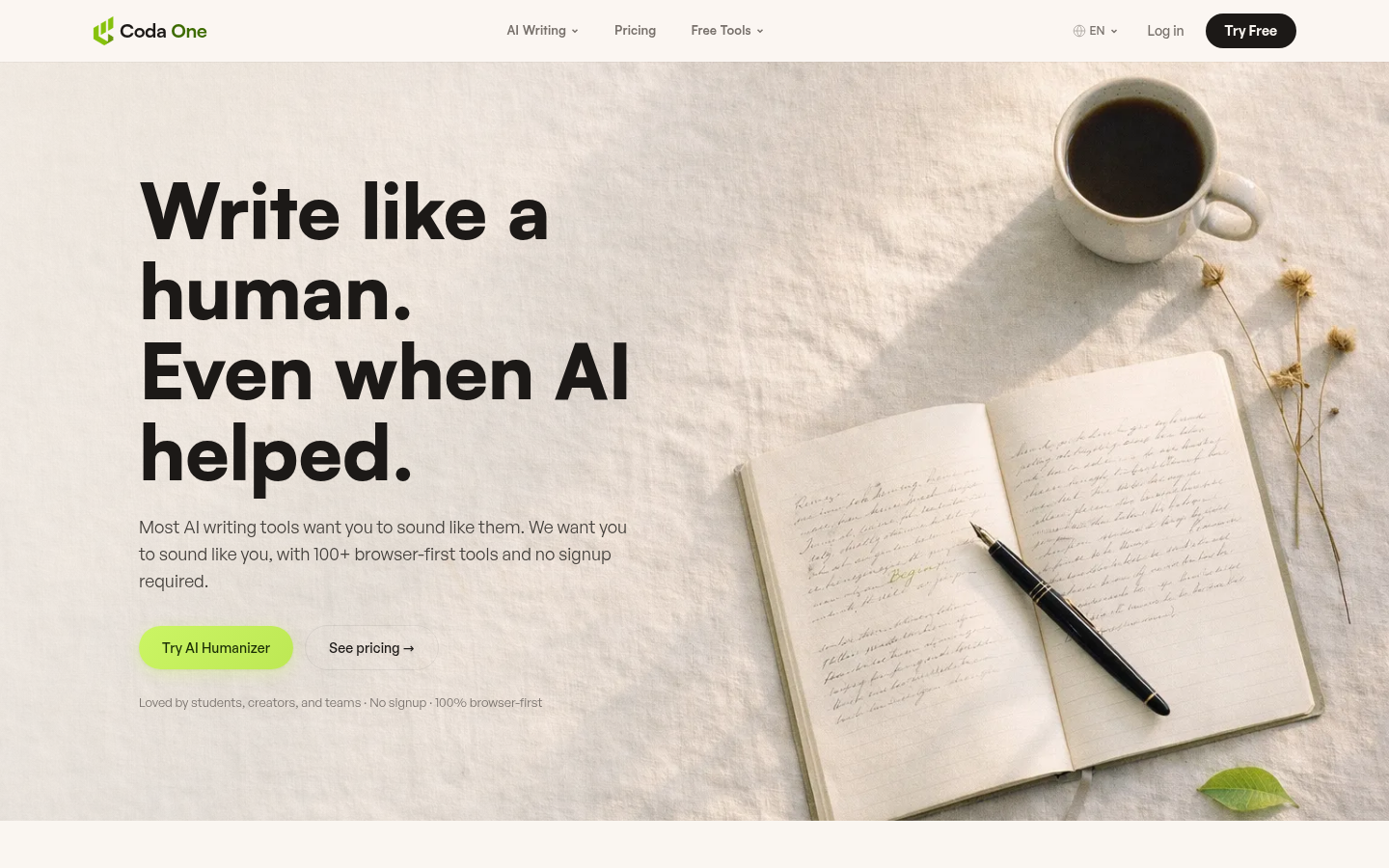
Screenshot archived from the listing page, for preview only.











