
Compose
Free Chrome extension for AI writingAutocomplete and generate text where you already type
Highlights
What you can do with it
- Writing routine emails faster.
- Drafting product descriptions.
- Getting past a block on a blog post.
How to use it
- 1 Install the Compose AI extension in Chrome.
- 2 Start typing in a supported field such as Gmail or Google Docs.
- 3 Accept or ignore the autocomplete suggestions.
- 4 Use the tone and length controls to adjust the draft.
Who it is for
Pros
- Free extension that works where you already write.
- Autocomplete and generation cut down repetitive typing.
- Style based suggestions adapt to how you write.
Limitations
- Suggestions need review, and accepting them unedited shows.
- The 40 percent time saving is the vendor's claim, not an independent measurement.
- Free version limits and paid tiers exist, so check what is included.
- The extension needs permission to read what you type, so review that carefully.
What Compose AI is
Compose AI is a free Chrome extension that automates writing with artificial intelligence. It sits inside the fields you already type into, so rather than opening a separate tool and copying text back and forth, the suggestions appear where you are working. The core functions are autocompleting sentences, generating full text from a short phrase, changing the length and tone of what you have written, and expanding a few words into a complete email. It also offers personalised phrase suggestions shaped by your own writing style, and the listing says it is compatible with environments including Gmail and Google Docs. The vendor claims it saves around 40 percent of your input time, which is a number worth treating as marketing rather than measurement.
What you can do with it
- Autocomplete sentences as you type in the browser.
- Turn a short phrase into a full email.
- Rewrite a passage shorter, longer, or in a different tone.
- Draft product descriptions and blog openings quickly.
Who it is for
- Anyone who writes a lot of routine email.
- Marketers drafting product copy at volume.
- Writers who want a starting point instead of a blank page.
What to watch out for
Suggestions need review. Text accepted without reading is usually obvious, and tone controls can flatten your voice if you lean on them too hard. The 40 percent time saving figure comes from the vendor and is not independently verified, so judge it against your own volume of writing rather than the claim. The listing calls it a free extension, but limits and paid tiers exist in this category, so check what the free version actually includes before you rely on it. Most importantly, a browser extension that offers to complete your typing needs access to what you type, so read the permissions it requests and decide whether you are comfortable with that in every field you use.
FAQ
Is Compose AI free?
The listing describes it as a free Chrome extension, though there may be limits or paid tiers, so check the current terms.
Where does it work?
It is compatible with various writing environments including Google Docs and Gmail.
Does it really save time?
The vendor claims around 40 percent of input time. Treat that as a marketing figure and judge it against your own writing volume.
Why it is free
What the official page says: 免费
Free limits, trial length and features are decided by the official site and can change at any time.
Product preview
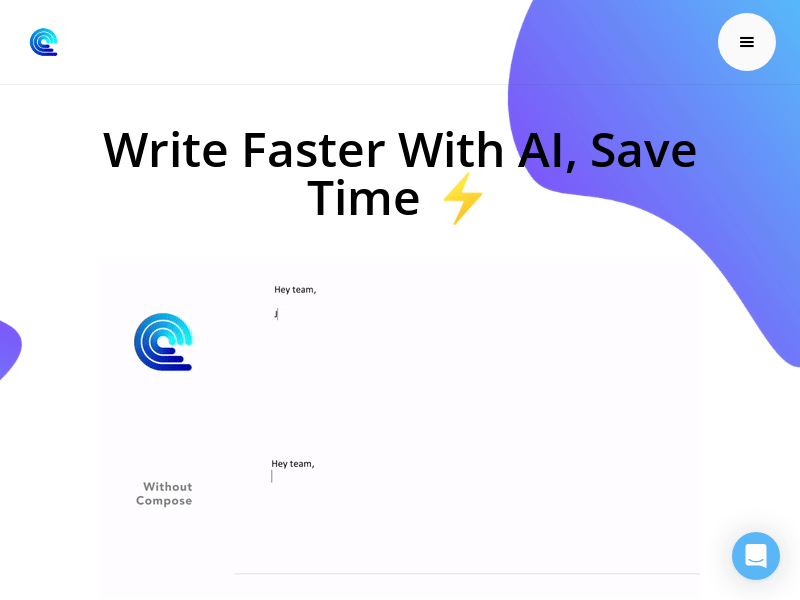
Screenshot archived from the listing page, for preview only.











