
Content Caddy
Webpage to social media post converterTurn any URL into ready-to-publish posts
Highlights
What you can do with it
- Event planners creating posts to boost event visibility
- Recruiters publishing job postings to attract candidates
- Freelancers generating promotional posts for projects
How to use it
- 1 Visit the Content Caddy website and click Get Started
- 2 Enter the URL of the page you want to convert
- 3 Select the target social media platform
- 4 Click Generate Posts and wait for the AI
- 5 Adjust the content and publish to your platform
Who it is for
Pros
- Simple URL-based workflow
- Multi-platform support
- Chrome extension speeds up conversion
Limitations
- Free trial only, with paid plans after
- Generated posts may need tone adjustments
- Quality depends on the source page content
What Content Caddy is
Content Caddy is a tool designed to quickly convert webpage content into social media posts. Using AI technology, it helps users save time on content creation and boost publishing efficiency. Instead of writing posts from scratch, users simply input a webpage URL and the tool generates content tailored for different platforms. The product supports LinkedIn, Facebook, and X, and offers a Chrome extension for one-click transformation while browsing. It also builds automatic content calendars to simplify planning. A free trial is available so users can test the workflow before committing.
What you can do with it
- Turn any webpage URL into platform-ready social posts
- Generate content for LinkedIn, Facebook, and X
- Use the Chrome extension to convert pages while browsing
- Build an automatic content calendar for planning
- Apply AI recommendations to improve engagement
Who it is for
- Event planners promoting events on social media
- Recruiters publishing job postings to reach candidates
- Freelancers and social media managers creating content at volume
What to watch out for
The free trial is time-limited and paid plans apply afterward. Generated posts are a starting point and often need tone or fact adjustments before publishing, especially for professional or regulated industries. Because the output depends on the source webpage, thin or poorly written pages will produce weaker posts. Always review AI suggestions for accuracy and brand voice before they go live. Start with a small sample to confirm the output meets your expectations before processing the full batch. Free tiers and usage limits can change, so check the current rules on the official page before relying on it long term.
FAQ
How does Content Caddy work?
You input a webpage URL and the AI generates posts tailored for different social platforms.
Which platforms does it support?
It supports LinkedIn, Facebook, and X (formerly Twitter).
Is there a free trial?
Yes, the product offers a free trial.
Why it is free
What the official page says: free trial
Free limits, trial length and features are decided by the official site and can change at any time.
Product preview
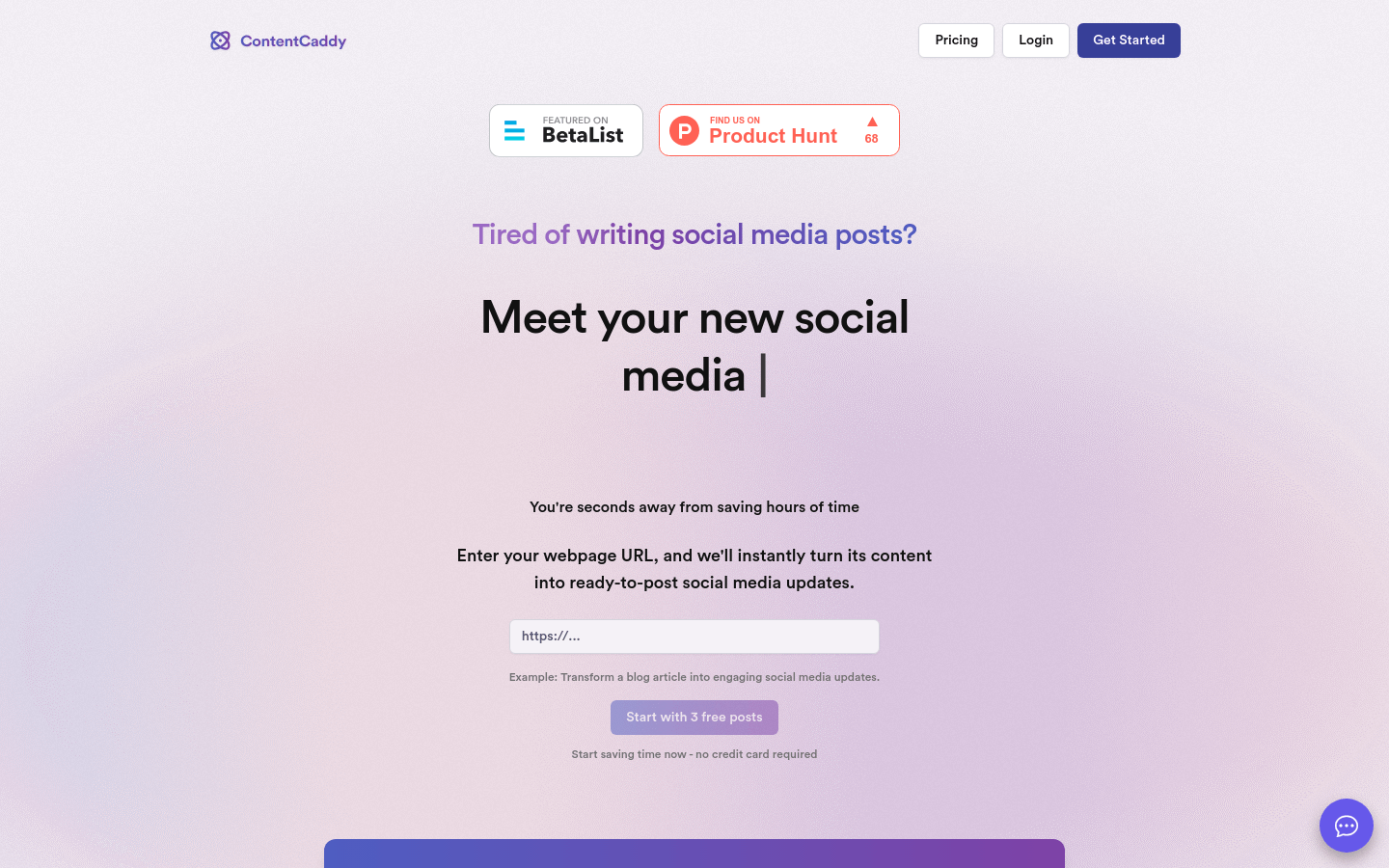
Screenshot archived from the listing page, for preview only.











