Content Compass AI
YouTube feedback surveysSurveys built from your comments
Highlights
What you can do with it
- Find out why a video underperformed
- Test a new format with a targeted audience survey
- Turn comment themes into questions you can act on
How to use it
- 1 Install the Content Compass AI plugin.
- 2 Open the YouTube video you want feedback on.
- 3 Click Generate AI Questions and review the suggestions.
- 4 Edit the questions, click Create Google Form, and share the link.
Who it is for
Pros
- A free plan is available
- Turns comment analysis into ready survey questions
- Google Forms integration avoids copy-and-paste work
Limitations
- Survey answers skew toward your most engaged viewers
- Comment analysis reads public text and can misread tone
- It depends on YouTube and Google Forms staying stable
- The plugin is young, so expect rough edges
What Content Compass AI is
Content Compass AI is a Chrome plugin for YouTube creators. It reads a video and its comments, then generates a feedback survey you can push straight into Google Forms. The plugin analyzes comment sentiment and themes, suggests questions related to the video, and lets you edit, add, or remove questions before sharing. The idea is to learn what your audience actually thinks instead of guessing from view graphs, then use that to improve the next video and keep loyal viewers. A free plan is available, and the pricing is described as transparent.
What you can do with it
- Analyze the sentiment and themes of YouTube comments
- Generate survey questions tied to a specific video
- Create and update a Google Form from the plugin
- Edit questions and share the survey link quickly
Who it is for
- YouTube creators who want structured audience feedback
- Channels trying to improve retention with viewer input
- Creators testing a new format before scaling it
What to watch out for
Survey results reflect the people who answer, which skews toward your most engaged viewers, so treat them as a lead to investigate rather than proof of what the whole audience thinks. Comment analysis reads public text only, and sarcasm, slang, or non-English comments can be misread. The plugin depends on YouTube and Google Forms, so changes on either side can break the flow without warning. The free plan is the entry tier and its limits can change, and the plugin is young enough that you should expect rough edges and check every question before you send it to viewers. Start with a small sample to confirm the output meets your expectations before processing the full batch.
FAQ
Is Content Compass AI free?
There is a free plan, and the pricing is described as transparent.
What does the plugin analyze?
It analyzes the sentiment and themes of YouTube comments and the video content, then suggests survey questions.
Does it work with Google Forms?
Yes. You can create and update Google Forms directly from the plugin and share the survey link.
Why it is free
What the official page says: free plan
Free limits, trial length and features are decided by the official site and can change at any time.
Product preview
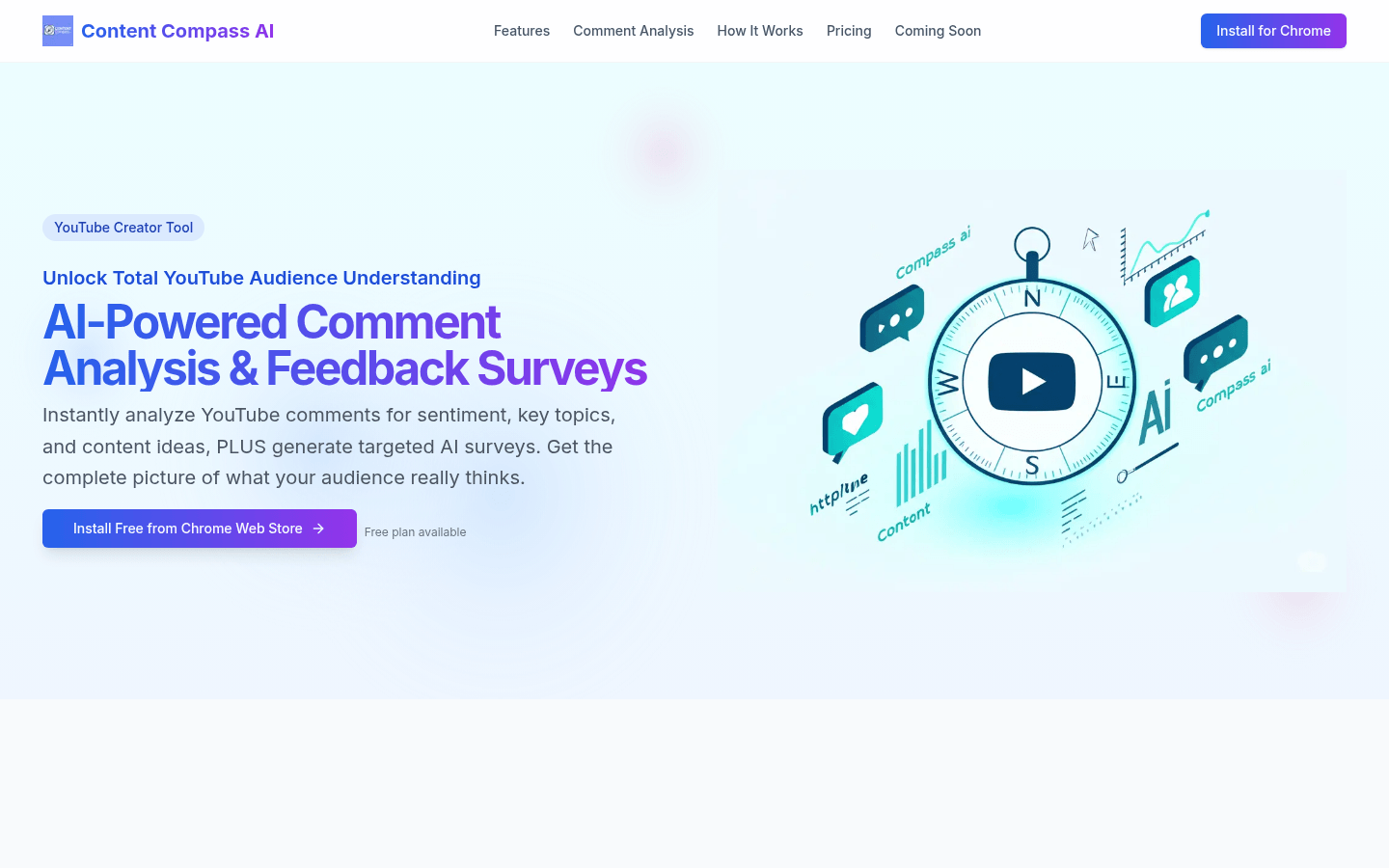
Screenshot archived from the listing page, for preview only.