GrowthTrackAI
AI website and SEO analysisFree AI advice on traffic and revenue
Highlights
What you can do with it
- A user said the analysis gave helpful direction for website optimization.
- A reviewer praised the combination of PageSpeed Insights data and a web crawler for directory sites.
- A user called the tool excellent and appreciated the clear analysis.
How to use it
- 1 Open the GrowthTrackAI site in your browser.
- 2 Enter the website you want analyzed.
- 3 Wait for the AI analysis to run.
- 4 Read the suggestions for conversion, SEO, performance, and traffic.
- 5 Apply the ones that fit your setup and re-check later.
Who it is for
Pros
- The site says it is completely free and needs no registration.
- Covers conversion, revenue, SEO, and speed in one pass.
- Also suggests automation and scaling tools for your business.
Limitations
- Free access may change, and no paid plans or usage limits are published.
- Suggestions are generated, so they need review before you act on them.
- The inputs behind the analysis are not fully documented beyond speed data and crawling.
What GrowthTrackAI is
GrowthTrackAI is an analysis tool aimed at website owners who want practical advice rather than dashboards. You point it at a site and it uses AI to review conversion rate, revenue potential, SEO opportunities, and loading performance, then returns suggestions you can act on. The site describes the product as completely free and registration-free, which lowers the barrier for small teams that cannot afford an agency. Feedback quoted on the site mentions the combination of PageSpeed Insights data with a web crawler, and praises the clarity of the analysis for directory websites.
What you can do with it
- Get AI suggestions for turning more visitors into customers.
- Find SEO opportunities that could lift search rankings.
- Review performance and loading speed with concrete fixes.
- See traffic sources and ideas for raising visibility.
Who it is for
- Website owners who want an outside read on their pages.
- Small and medium businesses improving their digital presence.
- People who want SEO and performance guidance without a large budget.
What to watch out for
The output is automated advice, so treat it as a starting point: check each suggestion against your own setup before changing anything on a live site. The documentation about what data the analysis reads is limited beyond speed metrics and crawling, so you may not see the full reasoning behind every recommendation. Free access is stated on the site but can change, and no paid tiers or usage limits are published, so have a second tool in mind if your needs grow. For best results, start with a small test file and review the output carefully before working on anything important.
FAQ
Is GrowthTrackAI free?
The site describes it as completely free and registration-free.
What does it analyze?
Conversion rate, revenue growth, SEO opportunities, website performance and loading speed, and traffic sources.
Who is it for?
Website owners and online businesses of all sizes, especially small and medium-sized ones.
Why it is free
What the official page says: no registrationcompletely free
Free limits, trial length and features are decided by the official site and can change at any time.
Product preview
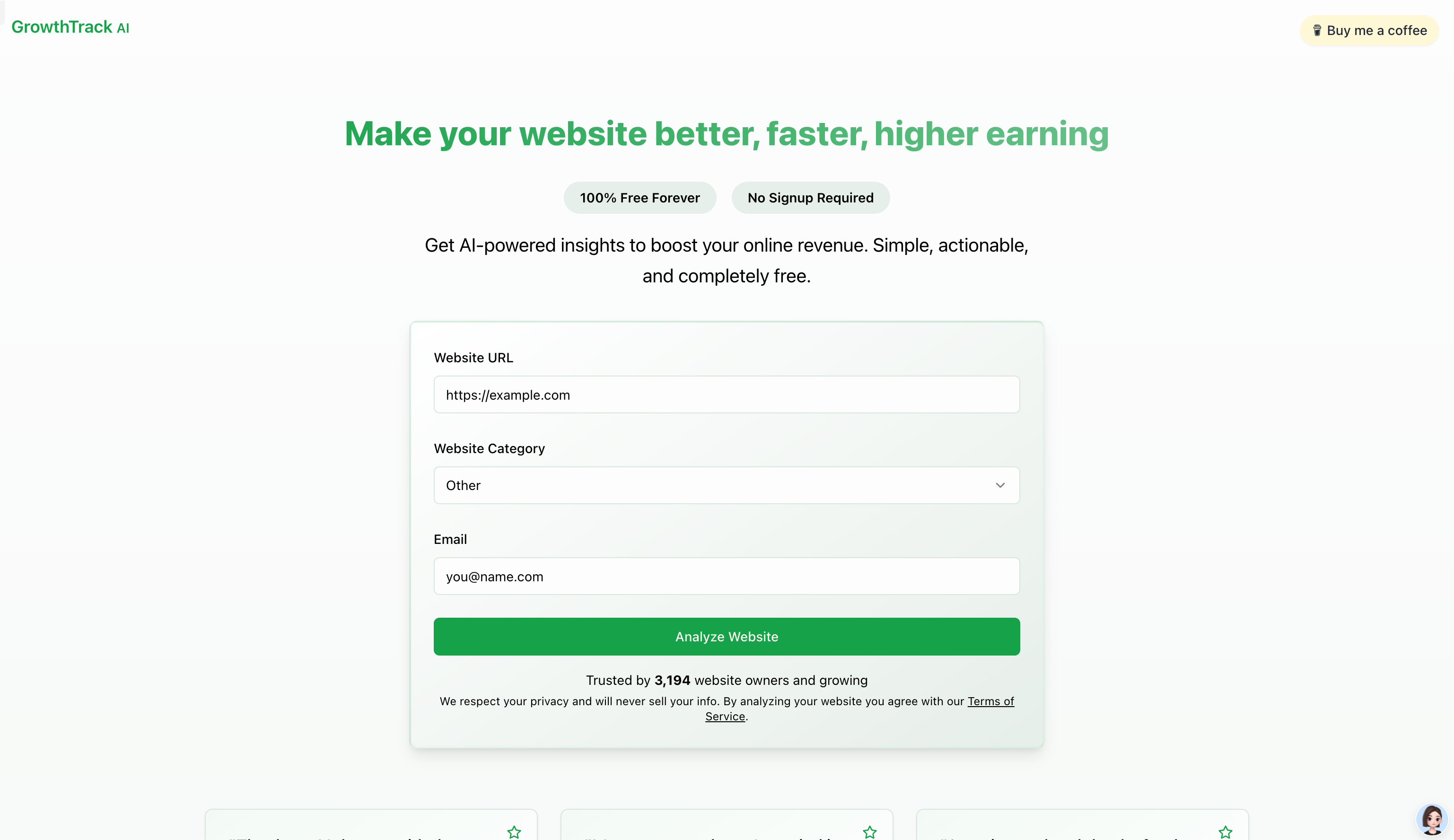
Screenshot archived from the listing page, for preview only.