
Context Link
Connects your own content sources as context for AIStop re explaining the same things to your AI tools
Highlights
What you can do with it
- A marketer points the AI at past campaign documents so copy matches brand voice
- An SEO professional pulls content from their own site to build many custom pages
- A team shares a Context Link so the AI plans from their own knowledge
How to use it
- 1 Register and log in to Context Link
- 2 Connect your content sources such as Google Docs, Notion pages and websites
- 3 Generate a personal Context Link
- 4 Share that link with your AI tool so it answers from your material
- 5 Set dynamic or fixed responses as needed, and update sources over time
Who it is for
Pros
- Free trial available
- Markdown output drops straight into AI tools
- Semantic search finds relevant text without exact keyword matches
Limitations
- Paid plans are 9 dollars a month for Starter and 19 dollars for Pro
- Source material has to be connected and kept current
- Answer quality depends on how well your sources are written
What Context Link is
Context Link is a product that supplies context to AI tools. You connect your own content sources, such as Notion pages, Google Docs and websites, and it uses semantic search to return the most relevant snippets for whatever you are working on. Those snippets come back as clean Markdown, which is a format connected large language models such as ChatGPT and Claude read well. The purpose is to stop repeating yourself: rather than pasting the same background into every prompt, you share a Context Link and the AI works from your material. Responses can be dynamic by default or locked for fixed content such as style guides, and you get a personal link in the form yourinitials.context.link.ai. A free trial is offered, with Starter at 9 dollars a month and Pro at 19 dollars a month.
What you can do with it
- Connect Notion pages, Google Docs and websites as sources
- Retrieve the most relevant snippets without exact keyword matches
- Get clean Markdown output ready for AI tools
- Lock specific responses for fixed reference material
- Share a personal Context Link with your AI
- Use private links and pinning on the Pro plan
Who it is for
- Marketers who reuse brand guidelines and past campaign material
- SEO professionals generating many custom pages from their own content
- Teams that want the AI to plan from shared knowledge
- Anyone tired of pasting the same background into every prompt
What to watch out for
Paid plans are 9 dollars a month for Starter and 19 dollars for Pro, so this is a subscription rather than a one off tool. The value comes from your own material, and poorly organised sources produce poorly organised context, so there is preparation work. Sources need to stay current, because a stale document feeds the AI stale answers. YouTube and Podcast support is described as planned rather than available, so do not build a workflow around those sources yet.
FAQ
What does Context Link actually do?
It connects your own content sources and returns the most relevant snippets as clean Markdown so AI tools can use them.
What sources can I connect?
Notion pages, Google Docs and websites are listed, with YouTube and Podcasts planned.
What does it cost?
There is a free trial, then Starter at 9 dollars a month and Pro at 19 dollars a month.
Why it is free
What the official page says: free trial
Free limits, trial length and features are decided by the official site and can change at any time.
Product preview
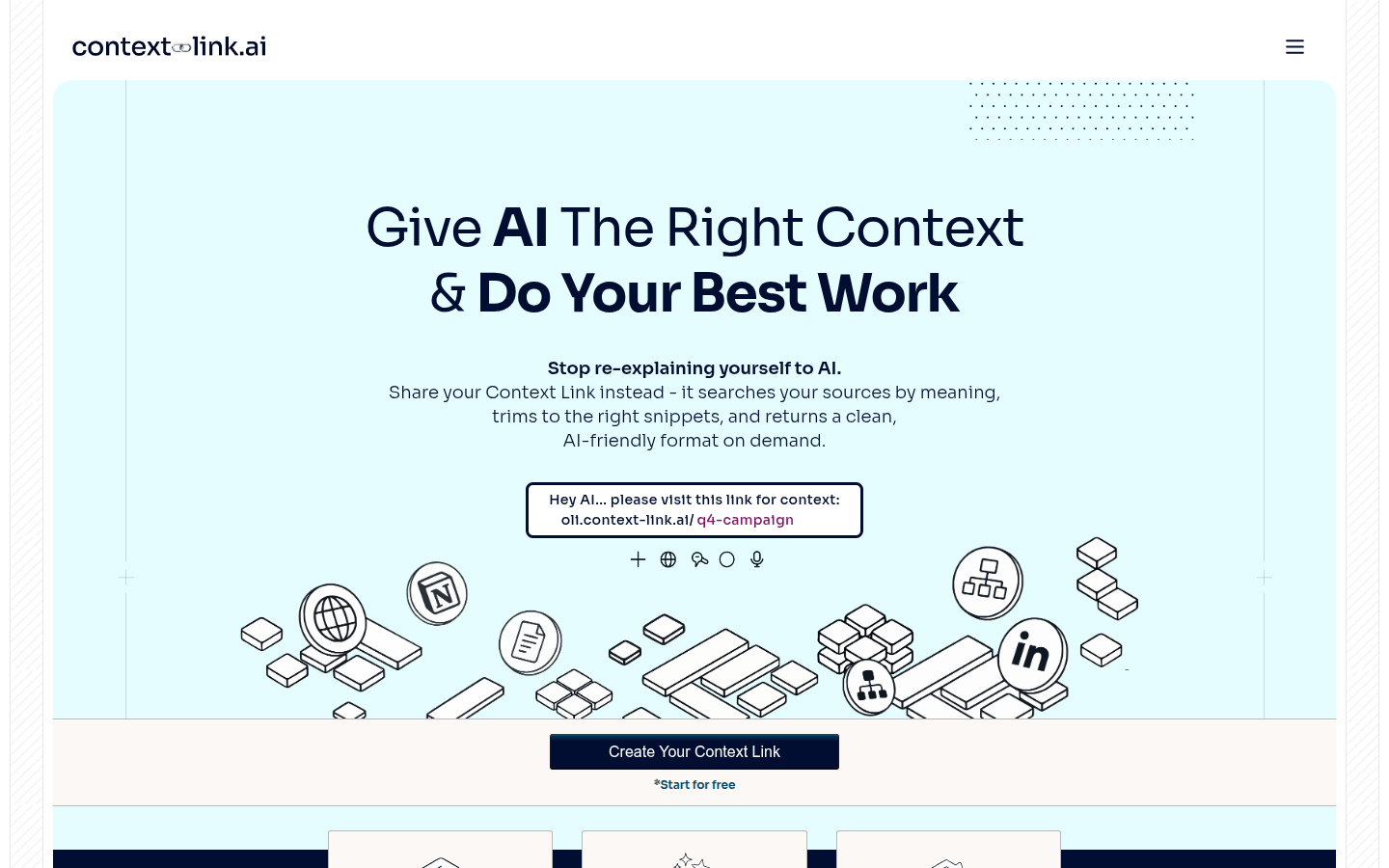
Screenshot archived from the listing page, for preview only.











