Smart PDFs
Free AI PDF summarizerTurn long PDFs into clear summaries, free
Highlights
What you can do with it
- Summarize textbook chapters before an exam
- Pull key points from academic papers for a literature review
- Extract the core of a contract or report quickly
How to use it
- 1 Visit the Smart PDFs website
- 2 Click Upload PDF and select your file
- 3 Choose the document language
- 4 Click Generate and wait for processing
- 5 View, download, or share the summary
Who it is for
Pros
- Completely free with no hidden fees
- No registration required
- Fast summaries across several languages
Limitations
- Free terms can change without notice
- Summary depth depends on the model and the document
- Long or scanned PDFs may be harder to process
What Smart PDFs is
Smart PDFs is an online tool that uses AI technology to analyze PDF documents and generate concise summaries. It analyzes text with an advanced AI model, listed as Llama 3.3, and it supports multiple languages including English, German, and French. The interface is designed to be user-friendly with simple operation, and the listing says no registration is required. It is aimed at users who need to grasp the key points of a document quickly, such as students, researchers, and businesspeople, and it is described as completely free to use with no hidden fees. The goal is a clear and accurate extraction of document content.
What you can do with it
- Upload a PDF and get an automatic summary
- Summarize content in several supported languages
- Generate a shareable summary you can download or pass on
- Get the core of a contract or report in a short read
Who it is for
- Students pulling chapter summaries out of textbooks
- Researchers scanning papers for a literature review
- Businesspeople who need the core of a contract or report fast
- Anyone facing a long PDF and wanting a quick first pass
What to watch out for
The tool is described as completely free, but free terms on AI services can change without notice, and the site status has been unstable, so access may not always be reliable. Summary depth depends on both the model and the document: a short, clean PDF will summarize better than a long or scanned one, and image-only pages may yield little text. Treat the output as an orientation aid, not a replacement for reading the original, especially for contracts or academic work where details carry weight.
FAQ
Is Smart PDFs free?
Yes, it is described as completely free with no hidden fees.
Do I need to register?
No, the listing says no registration is required.
Which languages are supported?
Multiple languages, including English, German, and French.
Why it is free
What the official page says: completely freefree to use
Free limits, trial length and features are decided by the official site and can change at any time.
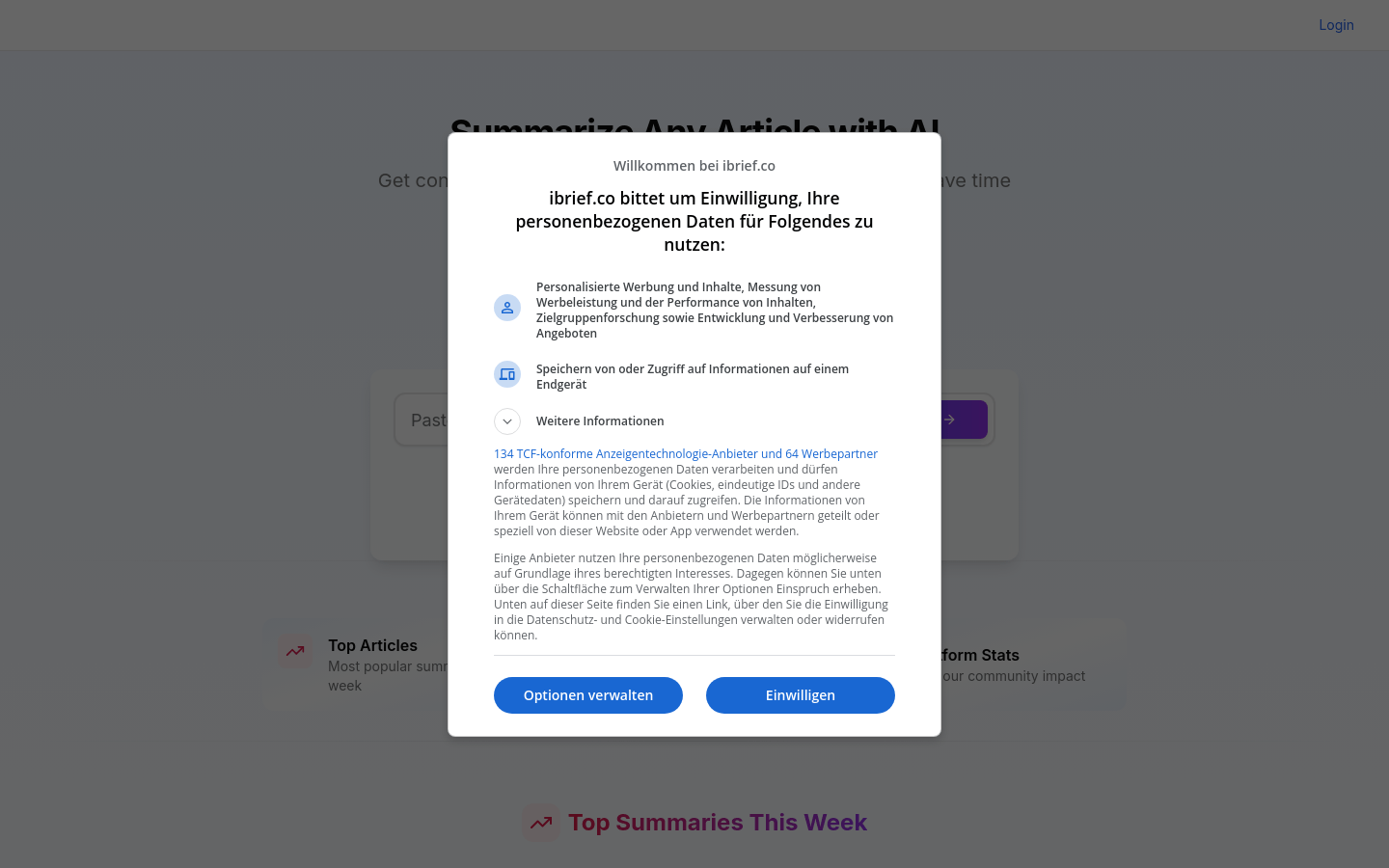
Product preview

Screenshot archived from the listing page, for preview only.