
CoPaw
Open-source personal AI assistant stationMulti-channel assistant that runs local models
Highlights
What you can do with it
- Aggregate daily summaries from social and news platforms
- Summarize emails and generate weekly reports
- Work on creative drafts overnight and review them later
How to use it
- 1 Choose a deployment method such as pip, curl, or Docker
- 2 Run copaw init to set up, then copaw app to start
- 3 Open the local console and connect your apps and models
- 4 Configure skills and scheduled tasks for your workflow
Who it is for
Pros
- Open source and free
- Runs local models for privacy
- Modular and extensible design
Limitations
- Needs technical setup to deploy
- Local models need your own hardware
- Open-source project access can change
What CoPaw is
CoPaw is an open-source personal AI assistant station built on the AgentScope framework. It is free to use and focuses on giving you full privacy control. You can deploy it locally or in the cloud, connect it to several chat applications, and run large language models on your own machine without depending on a cloud API. Its architecture is modular, so parts like prompts, tools, and memory can be swapped or extended on their own. It also includes an expandable skill system, long-term memory, and a heartbeat mechanism, all aimed at automating everyday workflows and improving efficiency.
What you can do with it
- Connect to chat apps like DingTalk, Feishu, QQ, Discord, and iMessage in one place
- Run local large language models with no API key or cloud dependency
- Automate tasks such as summarizing email or compiling daily news digests
- Generate and organize weekly reports from your messages
- Extend it with custom skills, scheduled tasks, and memory
- Manage multiple models through a unified model layer
Who it is for
- Office workers who want to automate repetitive daily tasks
- Content creators who want an assistant to work on drafts
- Developers who like modular, extensible tools they can customize
- Privacy-minded users who prefer local model execution
What to watch out for
CoPaw is a technical tool, so expect to handle deployment, whether through pip, curl, Docker, or the cloud, and some comfort with the command line. Running local models needs your own hardware and setup, which can be demanding. Because it is an open-source project, availability and maintenance can change, and you are responsible for securing your own deployment and data.
FAQ
Is CoPaw free?
Yes, it is open source and free to use.
Can it run local models?
Yes, it supports running large language models entirely on your machine.
What apps can it connect to?
It can connect to apps like DingTalk, Feishu, QQ, Discord, and iMessage.
Why it is free
What the official page says: for free
Free limits, trial length and features are decided by the official site and can change at any time.
Product preview
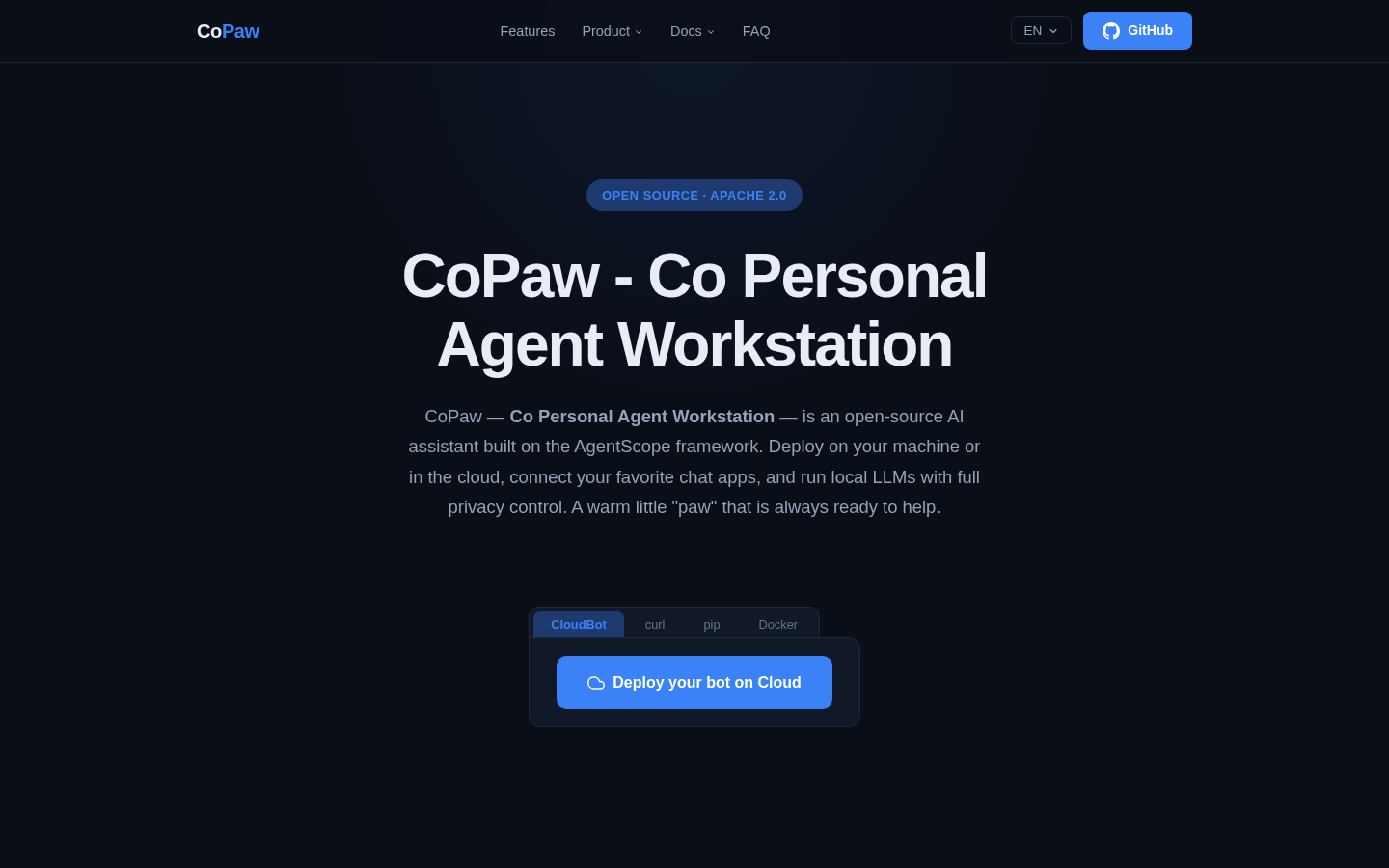
Screenshot archived from the listing page, for preview only.











