Coverposts
Turn blog posts into social media contentRepurpose articles into shareable social posts
Highlights
What you can do with it
- A blogger turns one article into multiple posts for different platforms
- A marketer repurposes a long guide into visual social updates
- A team automates scraping and posting from their blog
How to use it
- 1 Paste your blog article URL into the tool
- 2 Customize your brand style and colors
- 3 Let the AI generate posts and visuals
- 4 Share the content to your chosen social platforms
Who it is for
Pros
- Turns one article into many social posts automatically
- Generates visuals, not just text
- Free plan available, with paid and enterprise upgrades
Limitations
- Automated posts still need a human review for tone
- Enterprise automation is a paid feature, not free
- Platform rules and reach can change, so results vary
What Coverposts is
Coverposts is a tool that repurposes blog articles into social media content. You give it an article URL, choose your brand style, and it produces shareable posts complete with images and infographics. The point is to save the time of writing every social update by hand: the AI pulls the key points from your article and builds visuals that fit your brand, so one piece of writing can become many posts. Once the content is ready, you can push it straight to platforms like Twitter, Facebook, LinkedIn, and Reddit. There is a free plan to start, with paid and enterprise options for larger needs. The enterprise tier adds automated blog content scraping plus automatic creation and distribution, which suits teams that publish often.
What you can do with it
- Turn a blog article URL into ready-to-share social posts
- Generate eye-catching images and infographics automatically
- Keep visuals on-brand with custom styling
- Publish directly to Twitter, Facebook, LinkedIn, and Reddit
Who it is for
- Bloggers who want more reach from every article they write
- Marketers repurposing long content into short social updates
- Teams that want automated scraping and posting from a blog
What to watch out for
Automated posts are a first draft, not a finished voice, so review tone and accuracy before you publish. The heavier automation, such as blog scraping and automatic distribution, sits on the enterprise plan rather than the free tier, so budget accordingly. Social platforms change their rules and how content is shown, so what works today may need adjusting later, and reach can vary. Custom pricing for larger needs is quoted on request, and free plan limits can change over time.
FAQ
What does Coverposts do?
It converts blog articles into social media content, including images and infographics, ready to share.
Which platforms can I post to?
You can share directly to Twitter, Facebook, LinkedIn, and Reddit.
Is there a free plan?
Yes. Coverposts offers free, paid, and enterprise plans, with enterprise adding automated scraping and distribution.
Why it is free
What the official page says: 免费免费套餐
Free limits, trial length and features are decided by the official site and can change at any time.
Product preview
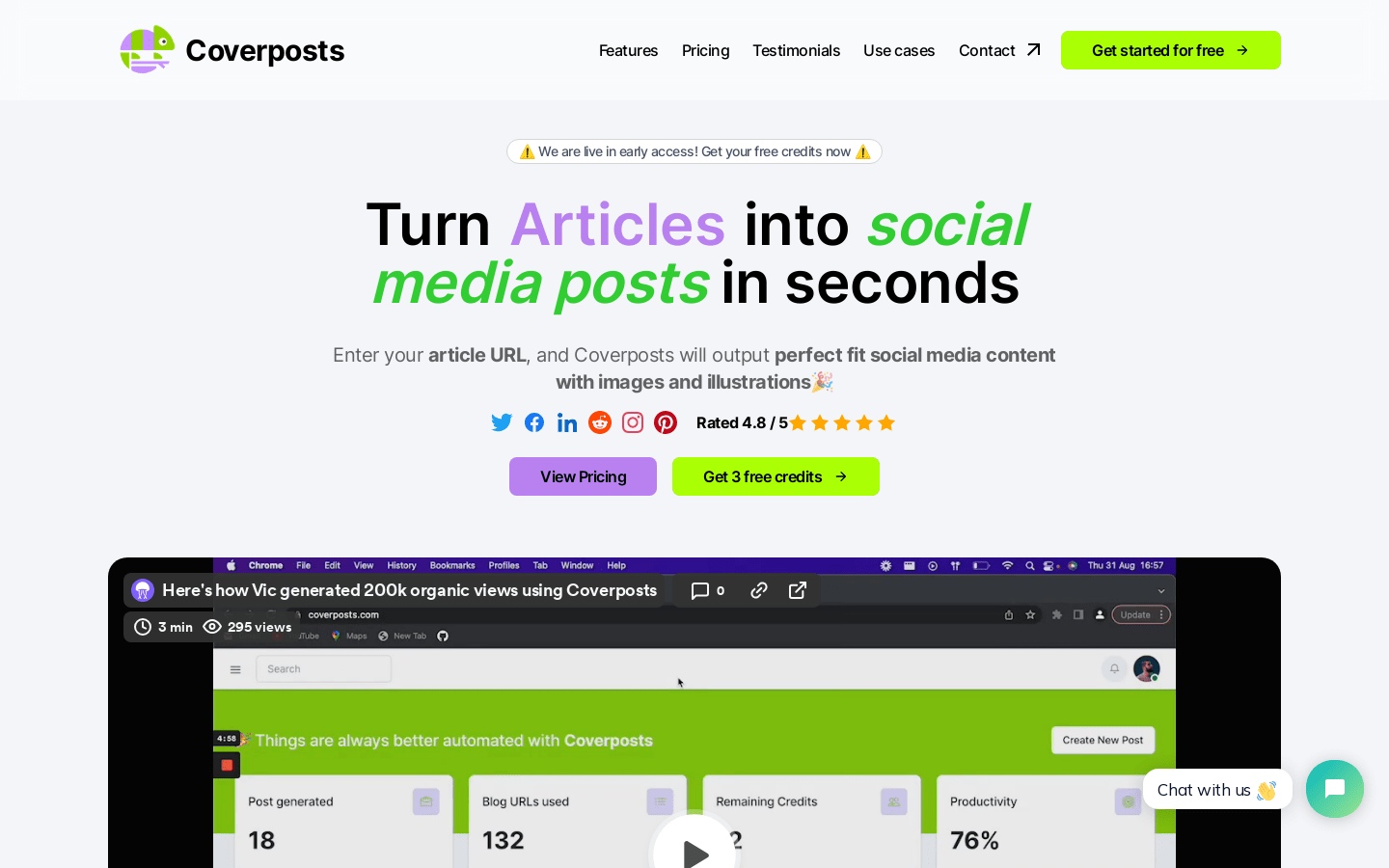
Screenshot archived from the listing page, for preview only.