CreateMemorial
Free online memorial pages and slideshowsA lasting place to remember someone
Highlights
What you can do with it
- A family creates a memorial page and a slideshow for a funeral
- Relatives share photos and messages from different cities
- A funeral home produces a tribute video for a service
How to use it
- 1 Open creatememorial.com and click create a memorial.
- 2 Enter the person's details, including name and dates.
- 3 Choose a privacy setting for the page.
- 4 Upload photos and family videos.
- 5 Build the slideshow with a template and music, then export.
- 6 Share the page with family and friends.
Who it is for
Pros
- Free plan covers the core memorial page
- Privacy controls let you keep a page closed if needed
- Slideshow exports at 1080p for use at a service
- Simple setup during a difficult time
Limitations
- A free plan means limits are likely on storage or video length
- Handling photos of the deceased needs care and consent from family
- Long-term availability of a free page is not guaranteed
- It is an emotional product, so support quality matters
What CreateMemorial is
CreateMemorial is an online platform for building a digital memorial for someone who has died. You create a page with details about the person, choose a privacy setting, and upload photos and family videos. Templates such as classic, sunny, and rose set the tone. A slideshow tool turns photos and background music into a 1080p video you can play at a funeral, vigil, or family gathering. Family and friends can leave condolence messages, share stories, and light virtual candles. A free plan covers the core page, which matters because nobody should be weighing subscription tiers while arranging a service.
What you can do with it
- Create a memorial page with the person's details and dates.
- Set privacy to public, private, invitation-only, or password-protected.
- Upload photos and family videos to enrich the page.
- Build a funeral slideshow and export it as 1080p video.
- Collect condolence messages and stories from people who knew them.
Who it is for
- Families who have lost a loved one and want a lasting place to remember them.
- Funeral institutions producing tribute videos for services.
- Relatives and friends in different places who need one shared page.
What to watch out for
A free plan usually means limits, and the listing does not specify them, so check storage, video length, and how long the page stays online before you upload everything. Handling photographs of someone who has died involves consent and family feelings, so agree with close family on what goes up and who can see it. Long-term availability is not guaranteed for a free page, so keep your own copies of photos and the exported video rather than treating the site as the only archive. Finally, this is an emotional product used on a bad week, so test the workflow early rather than learning it under pressure, and have a backup plan for the slideshow in case the export does not come out the way you need.
FAQ
Is there a free plan?
Yes. The listing describes a free plan for creating memorial pages, uploading photos, receiving condolences, and using virtual candles.
Can I make a video for the funeral?
Yes. The slideshow tool exports a 1080p video you can use at a funeral, vigil, or family gathering.
Can I keep the page private?
Yes. Options include public, private, invitation-only, and password-protected.
Why it is free
What the official page says: free plan
Free limits, trial length and features are decided by the official site and can change at any time.
Product preview
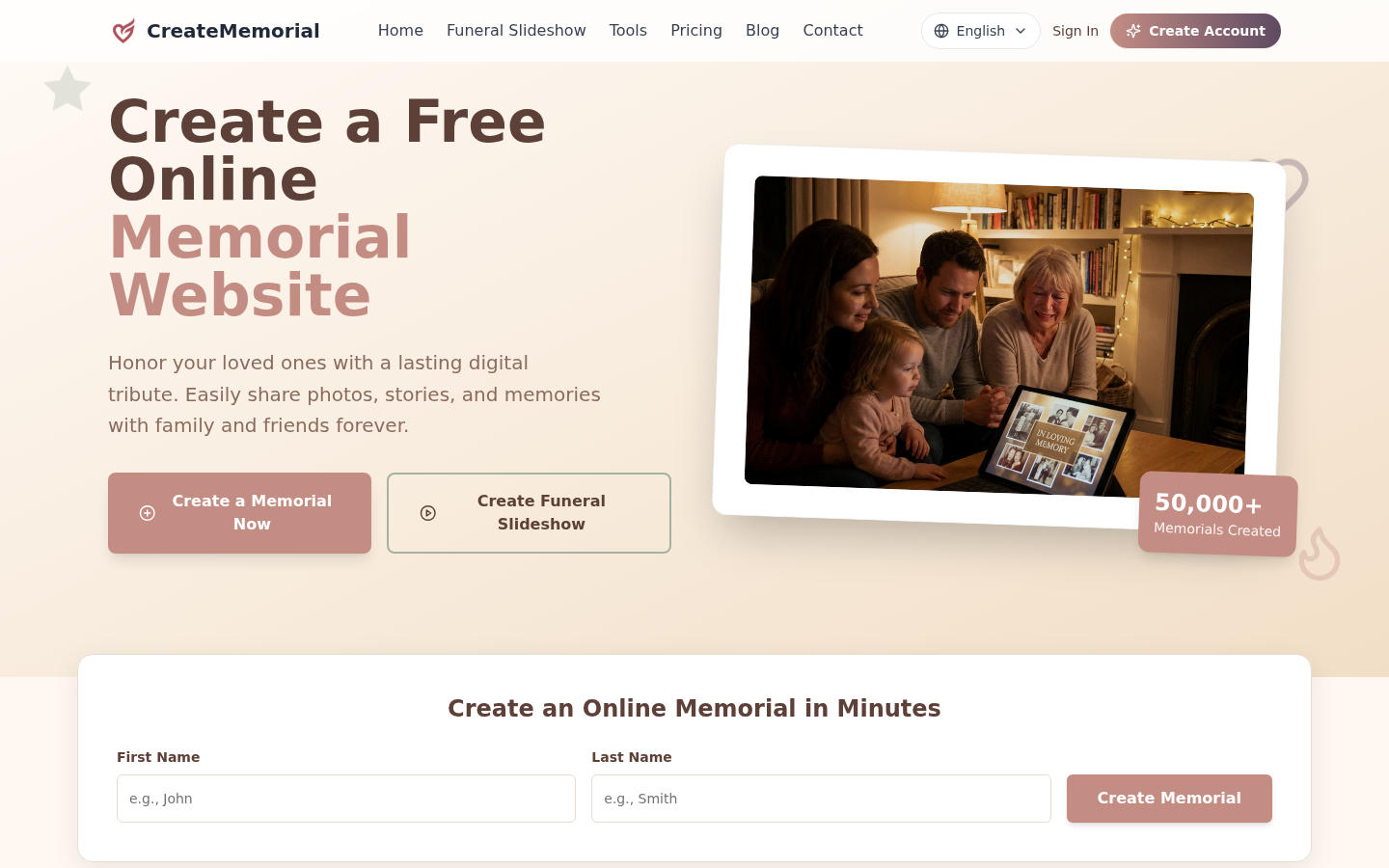
Screenshot archived from the listing page, for preview only.