
Crisp
AI customer service toolAnswer customers faster with AI
Highlights
What you can do with it
- Answering common customer questions automatically
- Managing a shared inbox across a support team
- Keeping a knowledge base for quick replies
How to use it
- 1 Sign up on the Crisp website
- 2 Start the 14-day free trial of the AI Assistant
- 3 Connect your website chat and channels
- 4 Add a knowledge base to power quick answers
- 5 Let the assistant handle common questions and review the rest
Who it is for
Pros
- No setup needed to start the assistant
- 14-day free trial to test it
- Bundles chat, inbox, ticketing, and knowledge base
Limitations
- Full use needs a paid plan after the trial
- Automated answers still need human review
- Trial length and pricing can change
What Crisp AI Assistant is
Crisp AI Assistant is an AI-powered helper for customer service teams. Its model needs no setup, so you can start using it immediately, and it comes with a 14-day free trial. Around the assistant, Crisp provides a set of tools for customer communication, including website chat, automated chatbots, a shared inbox, and support ticketing. You can also reach customers through email and in-app messages, keep a knowledge base for quick answers, and get monitoring alerts when issues come up. The aim is to help teams answer customers faster and keep every conversation in one place.
What you can do with it
- Answer common customer questions with the AI assistant
- Run website chat and automated chatbot conversations
- Manage a shared inbox and support tickets in one spot
- Keep a knowledge base for fast, consistent replies
Who it is for
- Customer service teams fielding a high volume of questions
- Businesses that want faster first responses
- Teams that need a shared inbox and ticketing in one place
What to watch out for
The 14-day trial is a test window, and full use of the platform runs on paid plans, so budget for that if you stay. Automated answers should be reviewed, since an AI can give a confident but wrong reply on edge cases. The assistant performs well when your knowledge base is filled with accurate, current information. Trial length and pricing can change, so confirm the current plans before you commit a team. For team use, agree on naming and editing conventions in advance to avoid version conflicts or duplicated work. Name and archive exported files consistently so you can find and reuse them, and keep a backup copy of key data.
FAQ
Is there a free trial?
Yes, Crisp offers a 14-day free trial of the AI Assistant.
Do I need to set it up?
The AI model needs no setup, so you can start right away.
What else is included?
Website chat, a shared inbox, ticketing, messaging, a knowledge base, and monitoring.
Why it is free
What the official page says: free trial
Free limits, trial length and features are decided by the official site and can change at any time.
Product preview
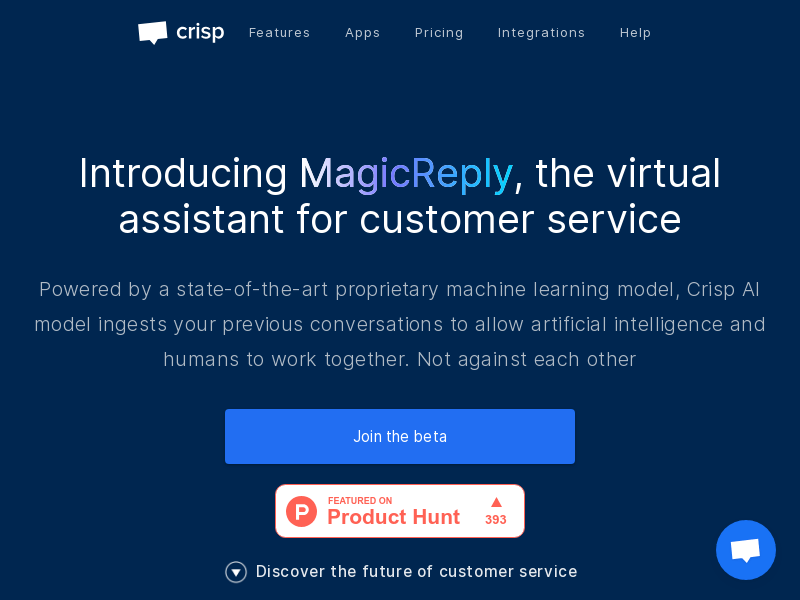
Screenshot archived from the listing page, for preview only.











