
CryptoAiden
Team collaboration and task trackingTasks, schedules, and projects in one place
Highlights
What you can do with it
- Track tasks and deadlines for a small project
- Schedule work across a team
- Monitor project progress in a shared space
How to use it
- 1 Open the CryptoAiden workspace on Ora
- 2 Set up your team space
- 3 Create tasks and assign owners
- 4 Schedule deadlines and track progress
- 5 Upgrade if you need advanced team tools
Who it is for
Pros
- Free version available
- Simple interface
- Flexible workflow
- Covers tasks, schedules, and tracking
Limitations
- Advanced features require the paid version
- Value depends on the whole team adopting it
- Free limits can change
- Best for small teams rather than large programs
What CryptoAiden is
CryptoAiden is a team collaboration tool listed on the Ora platform. It brings task management, scheduling, project tracking, and team management into one workspace. The interface is designed to be simple, and the workflow can be adjusted to fit how a team already works instead of forcing a new method on everyone. A free version covers basic collaboration, while the paid version adds more advanced features and team management tools.
What you can do with it
- Create and assign tasks across a team.
- Schedule work and set deadlines.
- Track project progress in one place.
- Manage team members and their roles.
- Keep collaboration visible to everyone involved.
Who it is for
- Small teams coordinating day-to-day tasks.
- Project groups that need deadline tracking.
- Anyone who wants a shared task space without heavy setup.
What to watch out for
The more advanced features and team management tools sit behind the paid version, so the free tier is a starting point. A collaboration tool only pays off when the whole team uses it, and partial adoption usually means the board goes stale. It suits small teams better than large programs with many dependencies, and free limits can change. Free tiers and usage limits can change, so check the current rules on the official page before relying on it long term. Processing speed depends on file size and network conditions, so retry later if a task stalls during peak hours. Save a backup of the original file before large batch jobs, and keep an exported copy of key results in case the page or service becomes temporarily unavailable. Save a backup of the original file before large batch jobs, and keep an exported copy of key results in case the page or service becomes temporarily unavailable.
FAQ
Is there a free version?
Yes, a free version is available with a paid version for more advanced features.
What does it do?
Task management, scheduling, project tracking, and team management.
Who is it for?
Teams that want a simple collaboration space.
Why it is free
What the official page says: free version
Free limits, trial length and features are decided by the official site and can change at any time.
Product preview
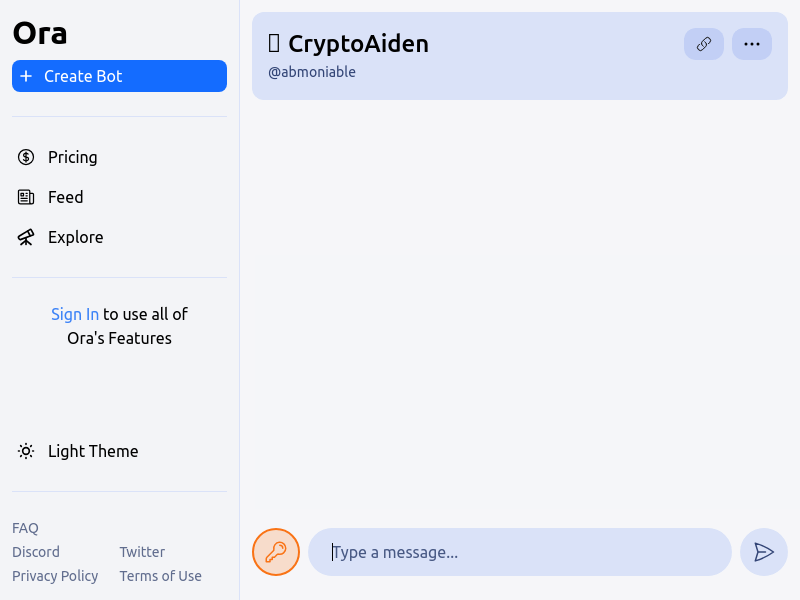
Screenshot archived from the listing page, for preview only.











