
CyberCut
AI short video editor, currently freeEdit viral short videos with AI
Highlights
What you can do with it
- Individual creators editing personal vlogs and adding effects
- Self-media authors cutting highlight clips for viewers
- E-commerce teams producing promotional short videos
How to use it
- 1 Upload your video materials or use the sample material
- 2 Apply AI editing such as intelligent highlights or script-to-video
- 3 Refine the result manually where needed
- 4 Export the finished video and share it on your platforms
Who it is for
Pros
- Every function is free at the moment
- Many AI editing modes in one tool
- Strong transcription and multilingual support
Limitations
- Currently free means pricing can change later
- AI edits still need manual refinement
- Digital human videos may not suit every brand or audience
What CyberCut is
CyberCut is an AI-based video editing tool designed for short videos. Instead of a timeline-heavy workflow, you upload material and let the AI handle the heavy parts: it finds highlight moments in long video, edits from dialogue commands, and can turn a script into a video using digital humans so no real person needs to be on camera. There is also text-based editing for people who can type but not edit, a large built-in material library, and transcription that supports up to 99 languages with high stated accuracy. All functions are currently free.
What you can do with it
- Turn long footage into short highlight clips automatically
- Edit video by giving dialogue commands or editing text
- Create voice-over style videos with digital humans
- Add popular creative elements and effects in a few clicks
- Transcribe and subtitle audio across many languages
Who it is for
- Individual creators making vlogs and personal short videos
- Self-media authors who publish highlight clips regularly
- E-commerce teams that need promotional video at volume
What to watch out for
The tool is free right now, which is a current state rather than a promise, so pricing can change and you should not build a business process that assumes it stays free. AI editing gets you a rough cut quickly, but the final video usually needs manual refinement, because automatic highlight detection can miss the moment you cared about. Digital human videos are efficient, but they may not fit every brand or audience, so test one before committing to a series. Because it processes your footage, keep local copies of source material until you are happy with the exports.
FAQ
Is CyberCut free?
All functions are currently free, though that can change.
What editing features does it have?
It includes AI editing, intelligent highlights, dialogue-based editing, script-to-video with digital humans, text-based editing, and a large material library.
How accurate is transcription?
Audio-to-subtitle accuracy is stated at up to 99%, with support for up to 99 languages.
Why it is free
What the official page says: 免费
Free limits, trial length and features are decided by the official site and can change at any time.
Product preview
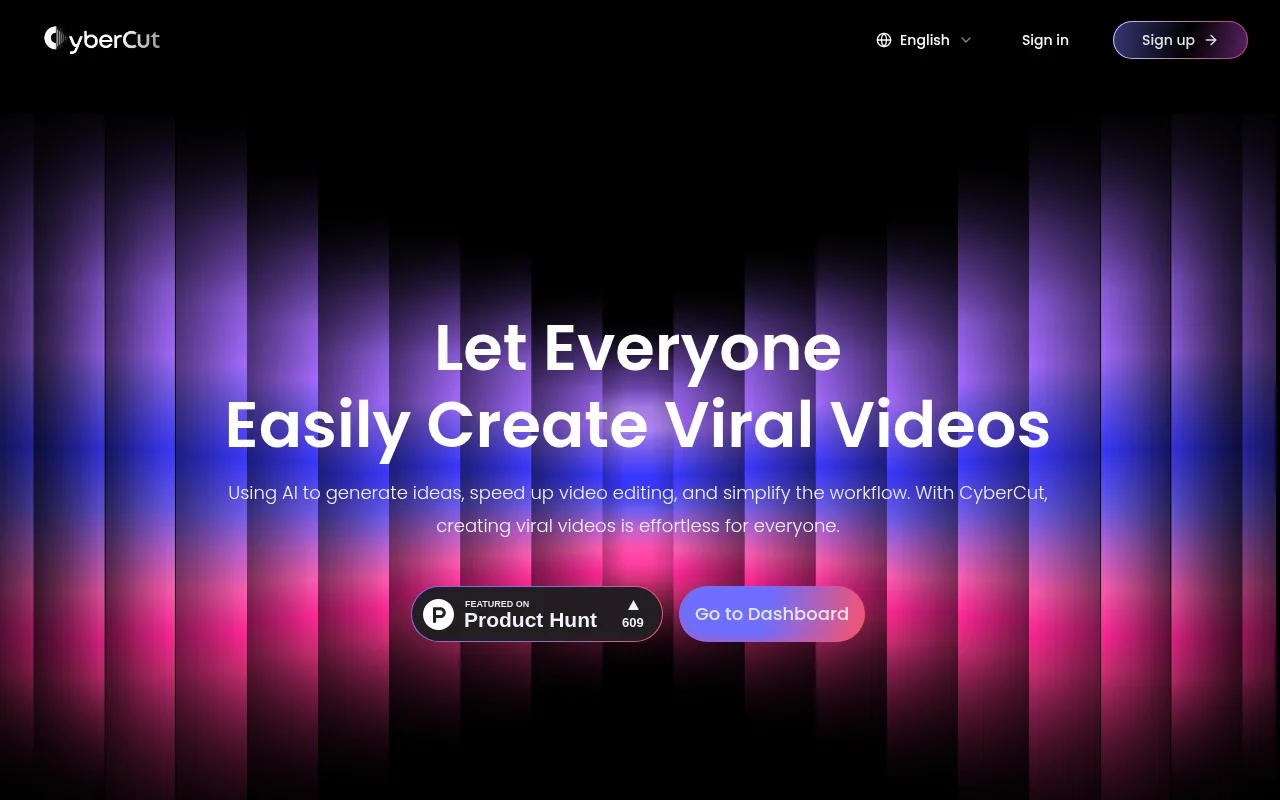
Screenshot archived from the listing page, for preview only.











