
Dailystack
AI daily work briefing appOne morning summary of your workday
Highlights
What you can do with it
- Get a morning briefing before stand-up
- Cut through notification noise across tools
- Keep a high-level view of daily priorities
How to use it
- 1 Register at dailystack.ai
- 2 Connect the work tools you use
- 3 Set the sync and briefing delivery times
- 4 Read the briefing each morning
- 5 Plan the day from the summary
Who it is for
Pros
- Seven-day free trial with no credit card
- Pulls from several common work tools
- Reduces noise with automatic filtering
Limitations
- Paid plans follow the short free trial
- Briefing quality depends on connected data
- Trial terms and pricing can change
- It requires access to your work accounts
What DailyStack is
DailyStack is an AI-driven daily summary app at dailystack.ai. The site says it connects to common work tools such as Gmail, Outlook, calendars, and Todoist, pulls data at the time you choose, and delivers a high-level briefing of tasks, meetings, and priorities. Its pitch is cutting information overload: the model reads connected tools and surfaces only what needs attention that day, filtering out automated notifications. Listed features include multi-tool connections, daily data sync, AI summarization, noise filtering, timed briefing delivery, personalized configuration, and advanced analytics on higher tiers. Pricing runs on basic, professional, and enterprise plans with a seven-day free trial that requires no credit card.
What you can do with it
- Connect several work tools in one place
- Get a daily briefing of tasks and priorities
- Filter out automated noise and low-value alerts
- Set delivery timing to match your routine
Who it is for
- Professionals overloaded with notifications
- Teams that want a shared daily rhythm
- People juggling many tools and tasks
What to watch out for
The seven-day trial is short, so test the full flow quickly before deciding, and note that briefing quality depends entirely on what your connected tools contain. Connecting accounts means granting access to email and calendar data, so review the privacy policy and your organization's rules before you link anything sensitive. Paid plans follow the trial, and prices and terms can change, so confirm the current offer on the official page. The app depends on external services and their APIs, so a change or outage at any connected tool can break the briefing. Keep your own task list as a backup, and treat the summary as a convenience layer rather than the single source of truth for your day.
FAQ
Is DailyStack free?
It offers a seven-day free trial with no credit card, then basic, professional, and enterprise plans.
What does it connect to?
The site lists Gmail, Outlook, calendars, Todoist, Linear, Asana, Notion, Jira, and similar tools.
When does the briefing arrive?
You set the time, for example before a morning stand-up or when you open your laptop.
What should I keep in mind?
The trial is short, so test the full flow quickly, and remember the app needs access to your work accounts.
Why it is free
What the official page says: free trial
Free limits, trial length and features are decided by the official site and can change at any time.
Product preview
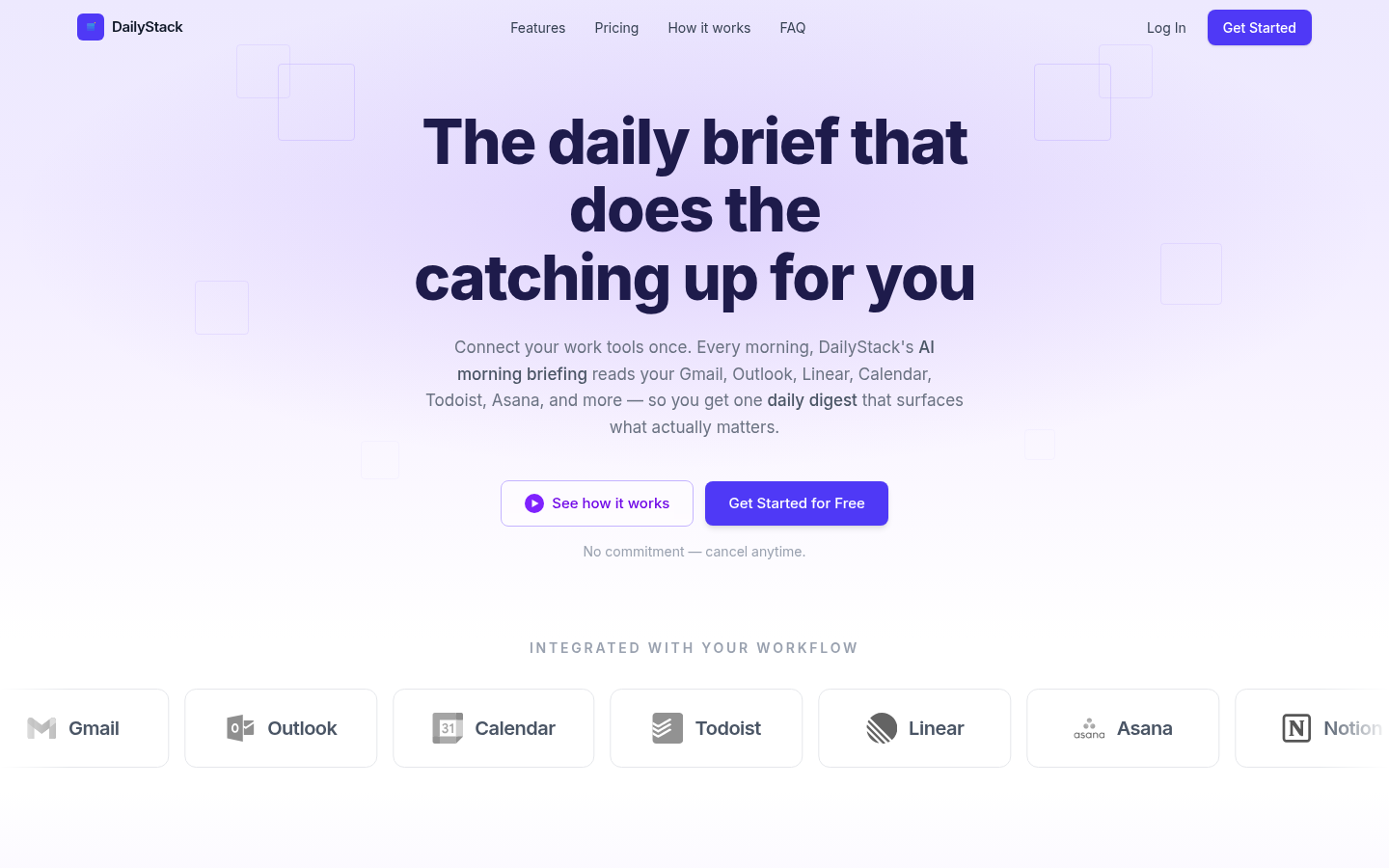
Screenshot archived from the listing page, for preview only.











