
Daiti
Local AI voice input for Windows and MacDictate text with on-device recognition
Highlights
What you can do with it
- Dictate code and comments while programming
- Record notes and material for a presentation
- Draft a manuscript by speaking instead of typing
How to use it
- 1 Download and install the Daiti desktop client.
- 2 Launch it and select your input language.
- 3 Speak and let the system convert your voice to text.
- 4 Add custom words to the user dictionary if needed.
- 5 Edit and save the finished text.
Who it is for
Pros
- Local processing keeps audio on your machine
- Fast response and a custom dictionary
- Described as permanently free
Limitations
- Accuracy depends on microphone quality and accent
- Noisy environments reduce recognition quality
- Free status and platform support depend on the upstream project
What Daiti is
Daiti is an AI voice input method that runs on local AI technology. It responds in milliseconds and processes data on your own device, which is why the listing stresses privacy. It can be used for AI conversation, programming, document creation, and similar work, and it includes a user dictionary so you can add custom words. The product is described as permanently free and supports both Windows and Mac. The core appeal is dictating instead of typing without sending audio anywhere.
Local processing is the differentiator against cloud dictation services. It means the microphone audio never leaves the machine, which matters in an office, a clinic, or anywhere with confidential conversation, and it also means the tool keeps working without a network connection. The trade is that performance depends on your own hardware rather than a server farm.
What you can do with it
- Dictate text into any application on Windows or Mac
- Use voice input for coding, chat, and document work
- Add custom words to improve recognition
- Keep audio processing local to your machine
- Draft long text without typing strain
Who it is for
- Programmers who want to dictate code and comments
- Students capturing notes and material quickly
- Writers drafting by voice to avoid typing strain
- Anyone working where audio must not leave the device
What to watch out for
Recognition accuracy depends on your microphone, your accent, and background noise, so a quiet room and a decent mic matter more than the model. Technical terms and names often need to be added to the user dictionary before they transcribe correctly, and dictating code punctuation is slower than typing it. Local processing protects privacy but also means performance depends on your own hardware, so an older machine will feel the difference. The permanently free claim and platform support come from the upstream project, so confirm current builds before relying on it for daily work.
FAQ
Does Daiti need the internet?
It uses local AI technology, so processing happens on your device.
Which platforms are supported?
Windows and Mac.
Is it free?
Yes, the listing says it is permanently free.
Why it is free
What the official page says: free to use
Free limits, trial length and features are decided by the official site and can change at any time.
Product preview
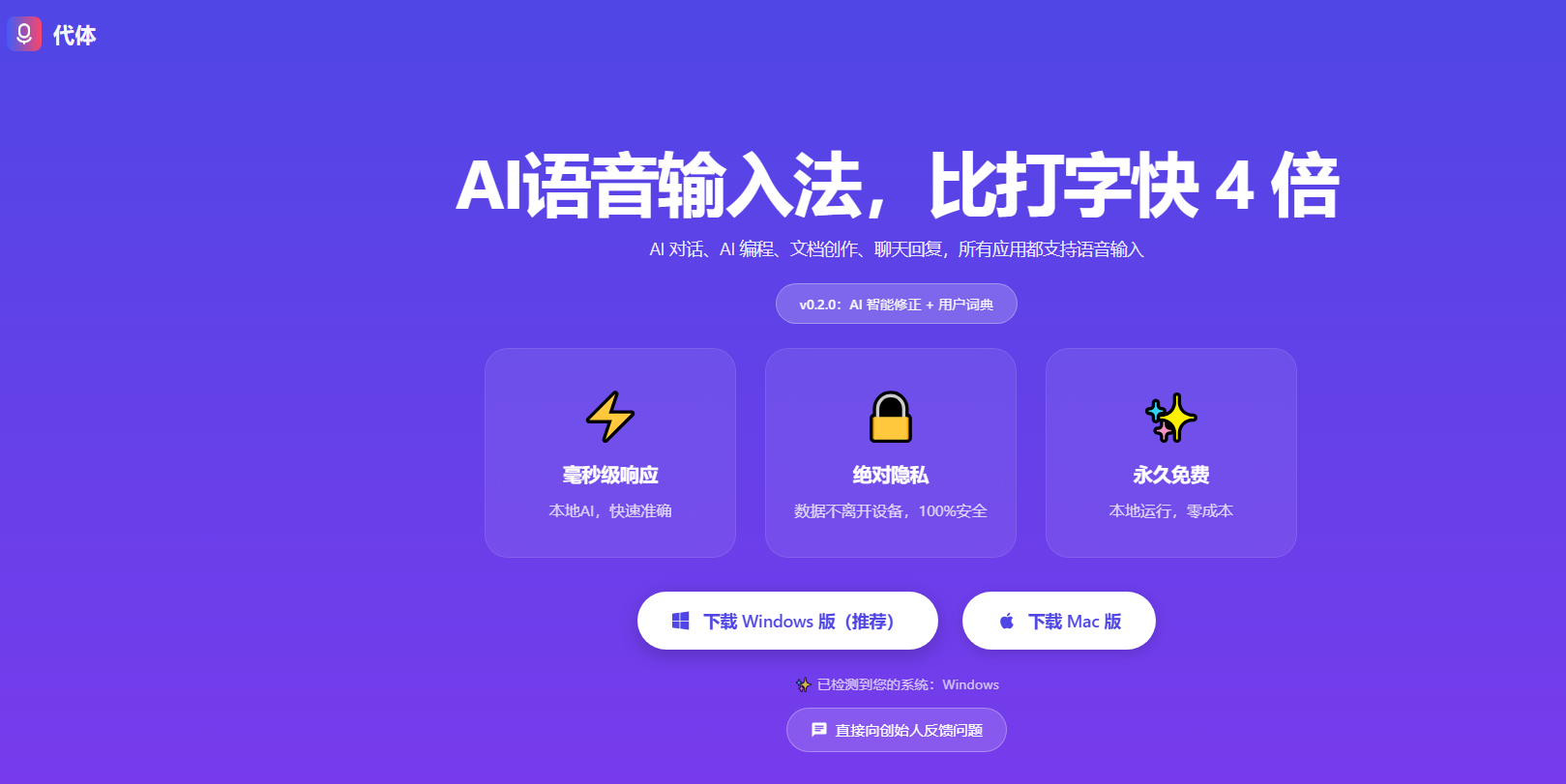
Screenshot archived from the listing page, for preview only.











