dassi
Browser AI agent that automates logged-in sitesDescribe the task once, Dassi runs it in your browser
Highlights
What you can do with it
- An e-commerce operator schedules a weekly reconciliation across store admin and payment platforms
- A recruiter schedules weekday resume screening in the ATS and inbox with scoring and comments
- A back-office team schedules a Monday report built from operations, ad, and finance dashboards
How to use it
- 1 Install the Dassi extension from dassi.ai or the Chrome Web Store
- 2 Register an account or log in with an existing ChatGPT, Claude, or Gemini account
- 3 Click the extension icon and describe the task, or record a manual walkthrough once
- 4 Set allowed sites, fields that change each run, output destinations, and steps needing confirmation
- 5 Choose to run now, trigger manually, or set a recurring schedule
- 6 Watch execution in the browser and answer when Dassi asks about anything uncertain
- 7 Review results and exceptions afterward, correcting mistakes in natural language
Who it is for
Pros
- No credentials are shared; it works inside your existing logged-in browser
- Scheduling turns a demonstrated workflow into a recurring automated task
- Rules and approval gates keep sensitive steps under your control
- Not locked to one model provider, so you can switch as needed
Limitations
- The free trial lasts 7 days, and what the paid plans cost is not stated here
- Website layout changes can break recorded workflows and require re-teaching
- Automated actions still need review, and mistakes can reach live systems
- Running an agent inside your browser touches sensitive accounts, so permissions need care
What Dassi is
Dassi is a browser extension AI agent developed by Omnify Labs that runs in Chrome, Edge, or Brave. You describe a task in plain language, or manually walk through a workflow once so it can learn the steps, and Dassi repeats those steps across the sites and accounts you are already logged into. Because it uses the sessions already open in your browser, you do not hand over credentials or build an integration for each website. It keeps a task context cache within a single run to reduce repeated page reading, supports scheduling, and lets you switch between models such as Claude, GPT, and Gemini. Signing up gives 7 days free with no credit card required.
What you can do with it
- Describe a task in natural language and let Dassi break it into browser actions
- Record a workflow once by hand and replay it automatically later
- Run tasks on a schedule, such as every Friday morning or every weekday
- Set rules for allowed sites, changing fields, output locations, and steps that need approval
Who it is for
- E-commerce operators handling reconciliation, order checks, and logistics tracking
- Recruiters and HR staff screening candidates across ATS, job boards, and email
- Finance and admin teams building weekly reports from multiple backends
- No-code users who want browser automation without writing scripts
What to watch out for
The free trial runs 7 days, and the pricing after that is not stated in the available information, so confirm current plans before you build a process around it. Recorded workflows break when a website changes its layout, which means re-teaching the task from time to time. An agent acting inside your browser can touch live systems and sensitive accounts, so set approval gates carefully and review results and exceptions after each run. Automation reduces effort, but responsibility for what the agent does stays with you.
FAQ
Is there a free trial?
Yes, signing up gives 7 days free and no credit card is required.
Does Dassi need my passwords?
No. It uses the login sessions already present in your current browser instead of taking your credentials.
Which browsers and models are supported?
It runs in Chrome, Edge, or Brave, and works with models including Claude, GPT, and Gemini.
What happens if it makes a mistake?
You can correct it in natural language after the run, and the correction is stored in editable memory so it should not repeat.
Why it is free
What the official page says: free trialno credit card
Free limits, trial length and features are decided by the official site and can change at any time.
Product preview
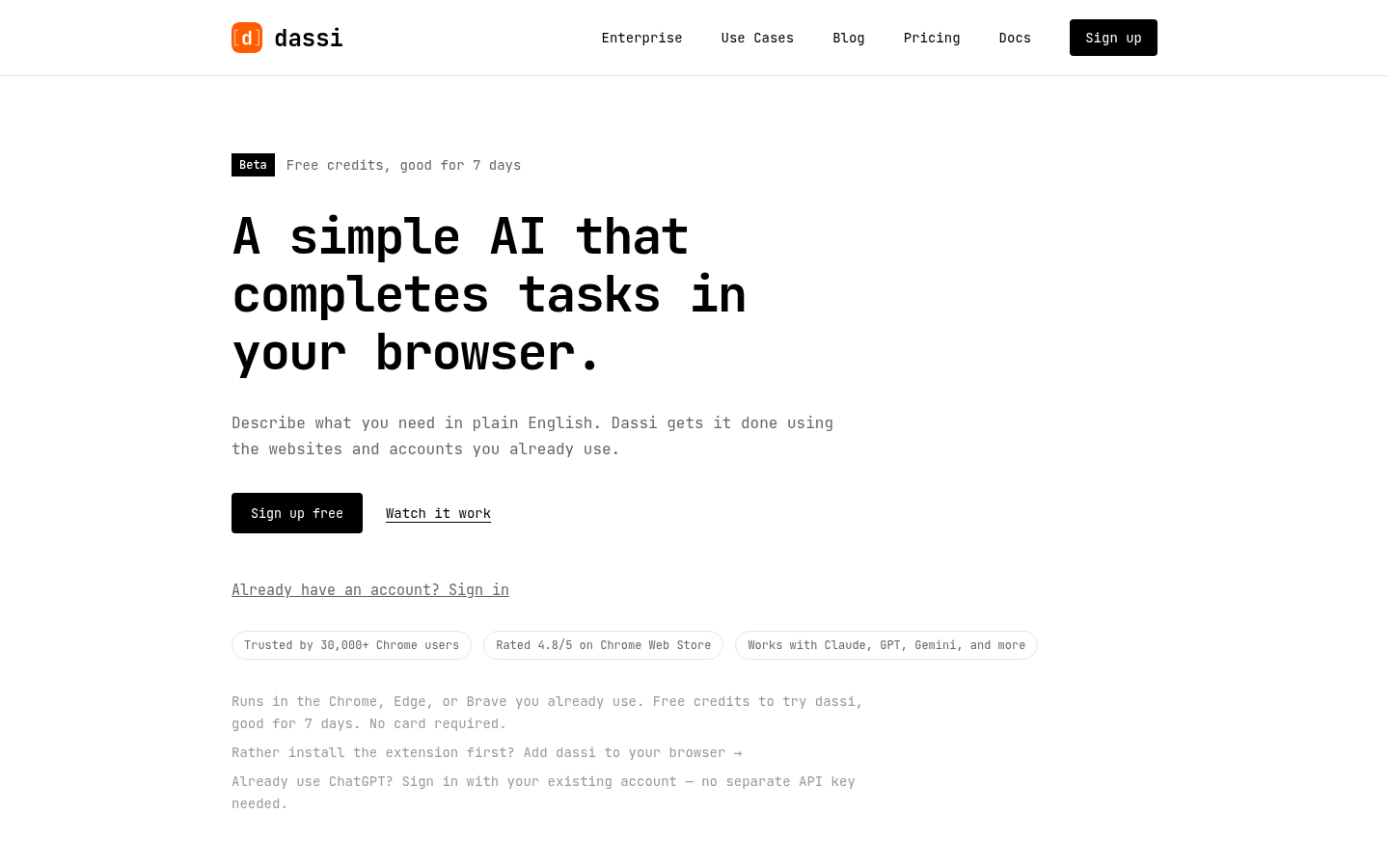
Screenshot archived from the listing page, for preview only.