Data Science Agent in Colab
Gemini assistant inside Google ColabDescribe the analysis, get notebook code
Highlights
What you can do with it
- Visualising survey data such as developer language trends
- Computing correlation coefficients on a sample dataset
- Training a classifier on a public dataset
How to use it
- 1 Open a blank Colab notebook.
- 2 Upload the data file you want to analyse.
- 3 Describe your goal in the Gemini sidebar.
- 4 Review the generated code and results.
- 5 Edit and extend the code for your own needs.
Who it is for
Pros
- Free of charge to eligible users
- Fast path from idea to working notebook
- Output code can be edited and shared
Limitations
- Eligibility and availability can change
- Generated code still needs review for correctness
- Works inside Colab, so it is tied to that environment
- Complex analyses may need manual rework
What Data Science Agent in Colab is
Data Science Agent in Colab is a Google tool built on Gemini that shortens the gap between a question and a working notebook. You open a Colab notebook, upload a data file, and describe your goal in plain language, for example visualising trends or training a predictive model. The agent then generates the notebook code, including the necessary library imports and data loading steps, and runs the analysis so you see results inline. The listing says it is offered free of charge to eligible users, and that the generated code is meant to be modified and shared. It targets data scientists, researchers, and developers who want a faster first pass.
What you can do with it
- Generate complete notebook code from a description.
- Import libraries and data files automatically.
- Run visualisation, statistical, and modelling tasks.
- Edit and extend the generated code.
- Share results with teammates for collaboration.
Who it is for
- Data scientists prototyping analyses quickly.
- Researchers exploring unfamiliar datasets.
- Developers producing notebook based reports.
What to watch out for
Eligibility and availability can change, so confirm current access before relying on it for a project. Generated code is a starting draft and still needs review for correctness, edge cases, and methodology. It lives inside Colab, so it does not help if your work happens elsewhere, and complex analyses will still need manual rework. Treat it as a way to skip boilerplate rather than a replacement for data science judgement. Features and interface details may change between versions, so review the latest notes on the page before you start. For team use, agree on naming and editing conventions in advance to avoid version conflicts or duplicated work.
FAQ
What does it do?
It turns a natural language description of an analysis into complete Colab notebook code.
Is it free?
The listing says it is offered free of charge to eligible users.
Can I edit the code it writes?
Yes, the generated notebook code is meant to be modified and extended.
Why it is free
What the official page says: free of charge
Free limits, trial length and features are decided by the official site and can change at any time.
Product preview
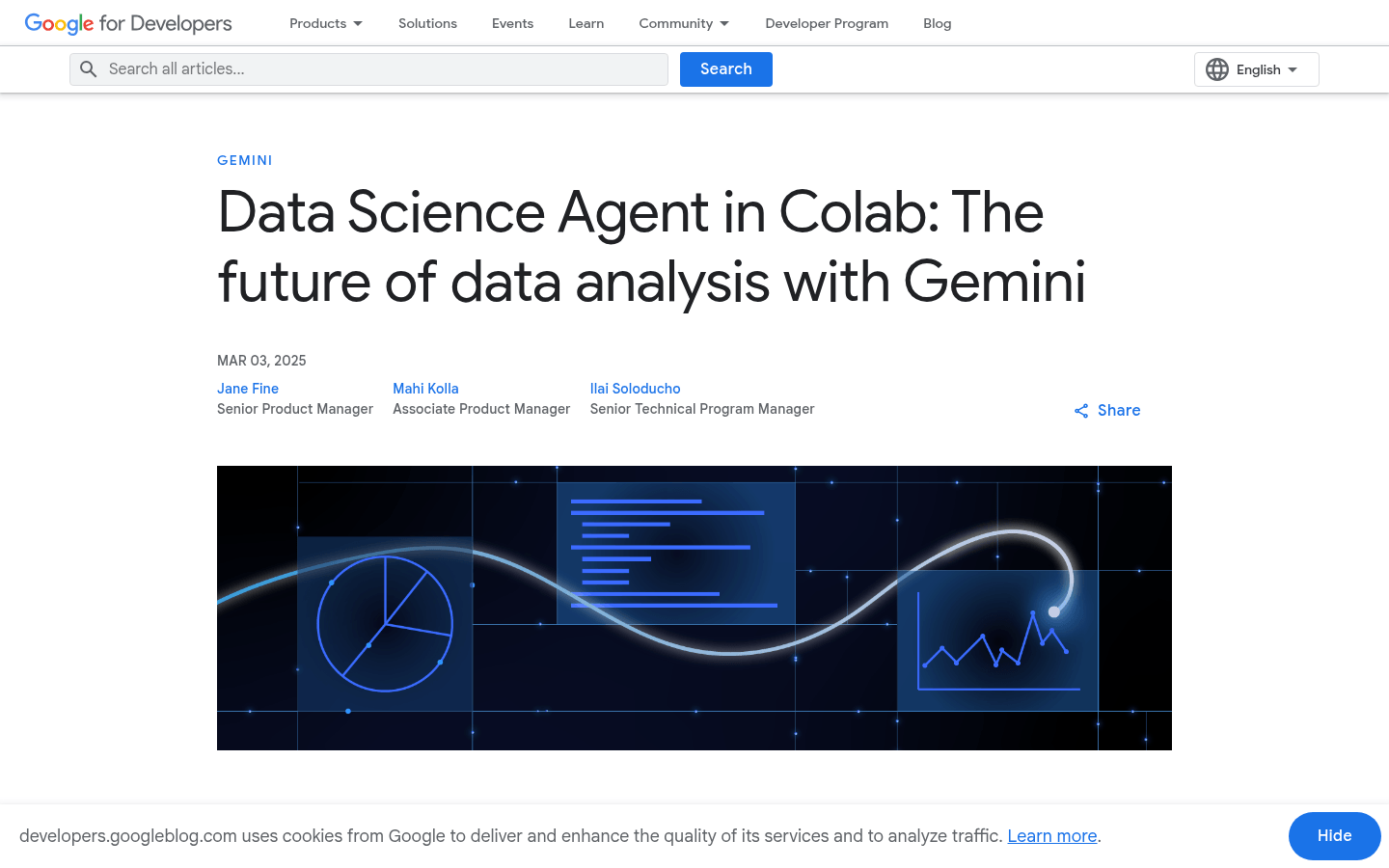
Screenshot archived from the listing page, for preview only.