Daze
Waitlist chat platform for fresh connectionsA new way to chat and connect
Highlights
What you can do with it
- Real-time video chat with friends to share daily life
- Online study groups where members discuss and share materials
- Community conversations with people who share your interests
How to use it
- 1 Visit daze.chat in your browser
- 2 Click the option to join the waitlist
- 3 Complete registration and set up your account
- 4 Log in and start exploring the messaging features
- 5 Join or create groups and try advanced features such as calls
Who it is for
Pros
- Real-time messaging with cross-platform access
- Customizable settings for a personal chat experience
- Privacy protection is described as a core focus
Limitations
- Access is waitlist-based, so you cannot start immediately
- Some features are described as possible rather than confirmed
- The split between free and paid features is not clearly stated
What Daze is
Daze is a communication platform that aims to connect users in a different way from traditional social networks. It focuses on real-time messaging, customizable chat settings, and privacy protection, and it is presented as an ongoing project rather than a finished product. Right now the site asks visitors to join a waitlist, so access is granted over time rather than instantly. The description suggests a free trial or free basic service, with advanced features charged.
What you can do with it
- Exchange instant messages with other users in real time
- Share multimedia content such as images, videos, or files
- Customize settings to shape your own chat experience
- Join or create groups for community discussion, and try voice or video calls if available
Who it is for
- People who want a fresh social and chat experience
- Privacy-conscious users who care about how their data is handled
- Communities and study groups that need real-time discussion and file sharing
What to watch out for
Access is waitlist-based, so you cannot sign up and start the same day. Some features, including multimedia sharing, group chats, and voice or video calls, are described as possible rather than confirmed, so the final product may differ. The split between free and paid features is not clearly stated, and because it is an early platform, stability and long-term availability are not guaranteed. Treat it as an experiment you are joining, not a finished service. For team use, agree on naming and editing conventions in advance to avoid version conflicts or duplicated work. Name and archive exported files consistently so you can find and reuse them, and keep a backup copy of key data.
FAQ
Can I use Daze right now?
The site asks you to join a waitlist first, so access is not immediate.
What features does it offer?
Real-time messaging, customizable settings, and privacy measures are listed, with group chats and calls described as possible.
Is it free?
The description suggests a free trial or free basic service, with advanced features charged.
Why it is free
What the official page says: free trial
Free limits, trial length and features are decided by the official site and can change at any time.
Product preview
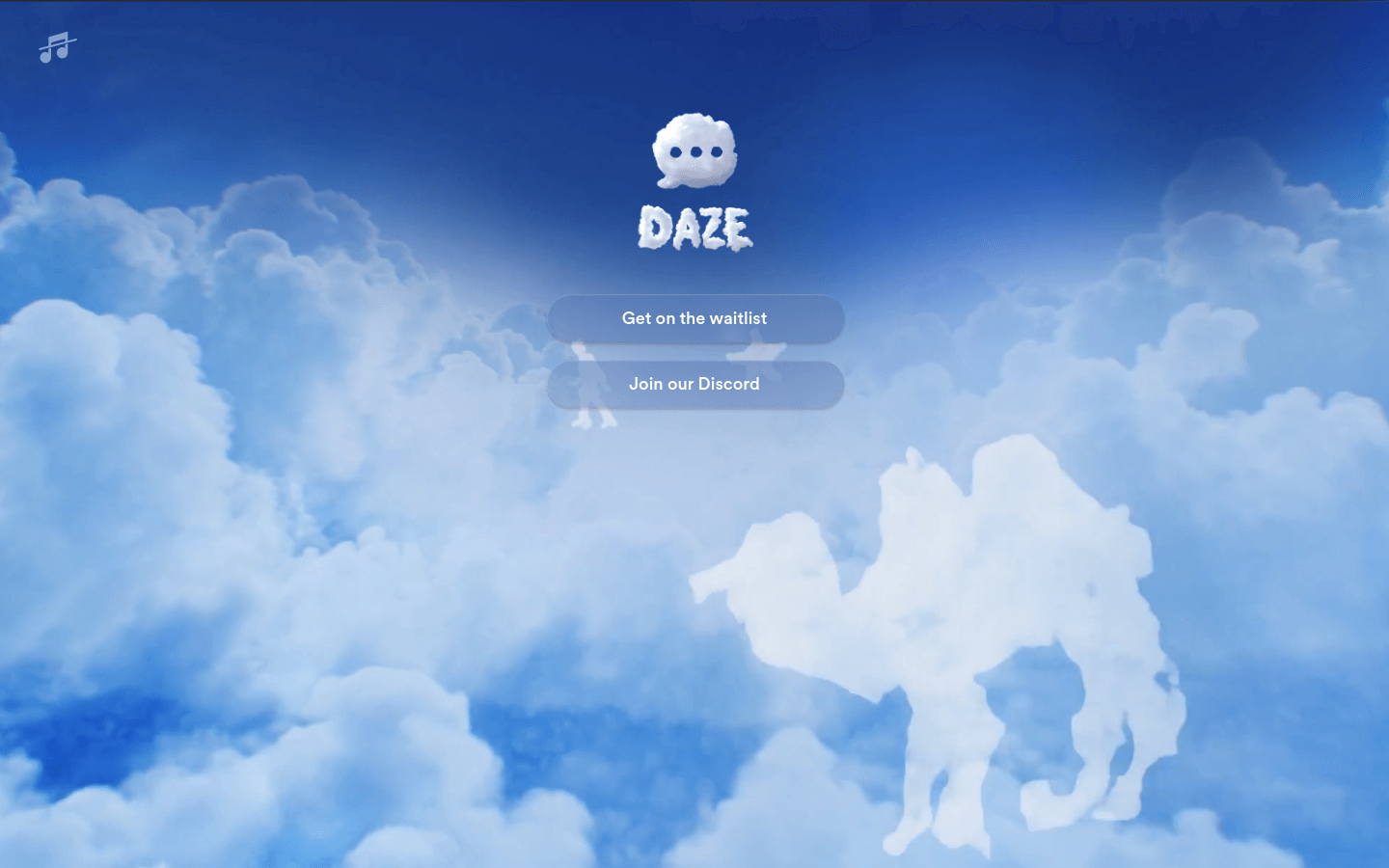
Screenshot archived from the listing page, for preview only.