
DealDazzle
Free shopping assistantCoupons, cashback, price tracking
Highlights
What you can do with it
- Have a coupon applied automatically during an online checkout.
- Set a price drop alert for a product you want later.
- Earn cashback on a purchase you were making anyway.
How to use it
- 1 Add the DealDazzle extension to Chrome with one click.
- 2 Shop as usual on a supported store.
- 3 Let it search for coupons and compare prices automatically.
- 4 Turn on price tracking for items you are watching.
- 5 Complete checkout with any coupon or cashback it surfaces.
Who it is for
Pros
- Completely free to add and use.
- Runs in the background while you shop normally.
- Combines coupons, price comparison, tracking, and cashback in one extension.
Limitations
- Coupon and cashback coverage depends on individual retailers and can change or disappear.
- Detection depends on store page layouts, which change often and can break automatic finding.
- Savings shown in examples are not guaranteed for every order, cart, or region.
What DealDazzle is
DealDazzle is a completely free Chrome extension that works while you shop. Once added, it searches for coupons, compares prices, tracks price drops, and surfaces cashback and shopping alternatives, so you do not have to hunt for codes yourself. The extension is designed to run in the background on store pages and act at the moment it can help, such as during checkout or when a tracked item changes price. Examples on the site include coupons applied automatically at Amazon and cashback earned on eBay.
What you can do with it
- Have coupons found automatically instead of searching by hand.
- Compare prices for the same product across options.
- Subscribe to price drop alerts for items you want later.
- See cashback opportunities on purchases you were making anyway.
Who it is for
- Frequent online shoppers who want savings without extra effort.
- Deal hunters watching a price over days or weeks.
- Anyone tired of testing coupon codes one at a time.
- Shoppers who like to check alternatives before committing to a purchase.
What to watch out for
Coupon and cashback coverage depends on individual retailers, so what works on one store may not exist on another, and offers can disappear without warning. Detection also depends on store page layouts, which change often and can break automatic finding until the extension is updated. Savings shown in examples are not guaranteed for every order, cart, or region. Since the extension is free, its features and terms can change, and you should still compare the final price yourself before you pay. For best results, start with a small test file and review the output carefully before working on anything important.
FAQ
How much does DealDazzle cost?
It is described as completely free.
Which browser does it support?
It is a Chrome extension.
What does it do while I shop?
It searches for coupons, compares prices, tracks price drops, and surfaces cashback and alternatives automatically.
Why it is free
What the official page says: completely free
Free limits, trial length and features are decided by the official site and can change at any time.
Product preview
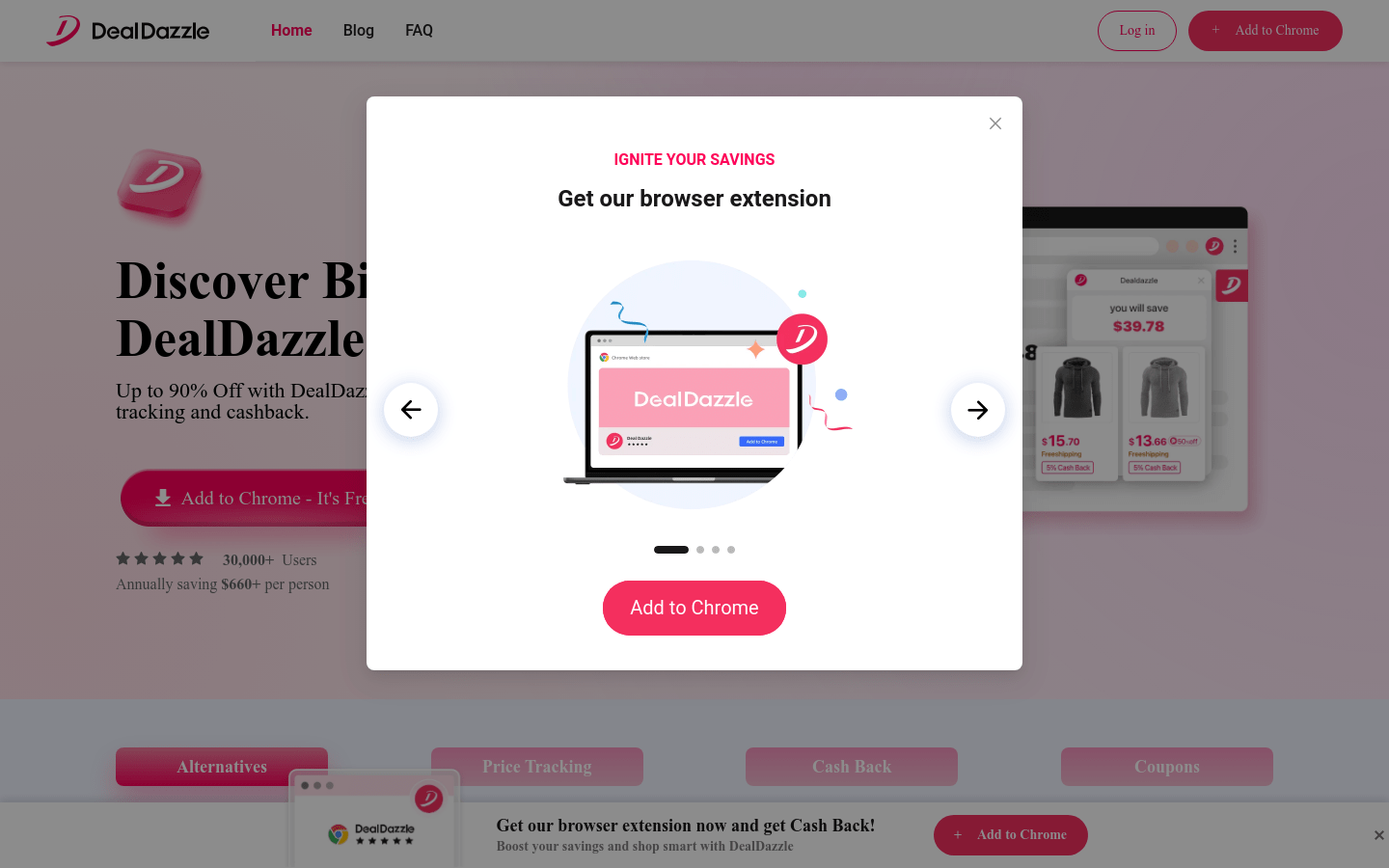
Screenshot archived from the listing page, for preview only.











