
Decksy
AI presentation maker for work and classFrom topic to finished slides in minutes
Highlights
What you can do with it
- A marketing consultant turns ideas into on-brand presentations quickly
- A college student builds coursework slides without design work
- A CFO saves time producing weekly training material
How to use it
- 1 Share a topic, upload a file, or add key points in the AI presentation maker
- 2 Select a presentation style and let the layout adjust to the content
- 3 Pick your preferred version, download the presentation, and present it
Who it is for
Pros
- Research engine adds citations and cross-checking to the content
- Template library saves design time
- Free plan allows one presentation every day
Limitations
- The free plan is limited to one presentation per day
- Full features and all templates need a subscription
- Generated content and figures still need review before you present
What Decksy is
Decksy is an AI presentation maker that turns a topic, a set of notes, or an uploaded file into a finished slide deck. You share the subject, choose a layout, and download the result, and the process is built so that no design skills are required. Behind the slides, a deep research engine collects verified sources, adds citations, and cross-checks insights, which gives the content something to stand on instead of generic filler. Hundreds of professional templates handle the visual side. The site says it is trusted by 200,000 users worldwide, and access includes a free plan that allows one presentation per day alongside paid subscriptions.
What you can do with it
- Create a deck from a single topic by entering the subject and the number of slides you need.
- Upload an outline or file and let the tool reshape that material into slides.
- Rely on the research engine for sourced, cited content instead of writing every line yourself.
- Choose from hundreds of templates so the deck looks considered from the first slide.
- Download the finished presentation and use it in meetings, classes, or pitches.
Who it is for
- Business people in marketing and sales who need client-ready decks on short notice.
- Educators who want courseware without spending evenings on layout and formatting.
- Students who need to turn assignment material into a clear presentation quickly.
- Entrepreneurs preparing roadshows, investor updates, and internal pitches.
What to watch out for
The free plan is capped at one presentation per day, so anyone with regular volume will end up on a subscription. The research engine helps with sourcing, but numbers, quotes, and claims should still be checked before the deck goes in front of an audience. Template designs cover common cases, so unusual branding may need manual adjustment after export. Uploaded material is described as encrypted, yet it is worth confirming the privacy terms before putting confidential company data into the tool.
FAQ
What does the free plan include?
The free plan allows you to generate one presentation per day; a subscription unlocks all features.
How does the research feature work?
The deep research engine collects verified sources, adds citations, and cross-checks insights using models.
Can I upload my own files?
Yes, you can start from a topic, upload an outline or file, or add the key points you want covered.
Why it is free
What the official page says: free plan
Free limits, trial length and features are decided by the official site and can change at any time.
Product preview
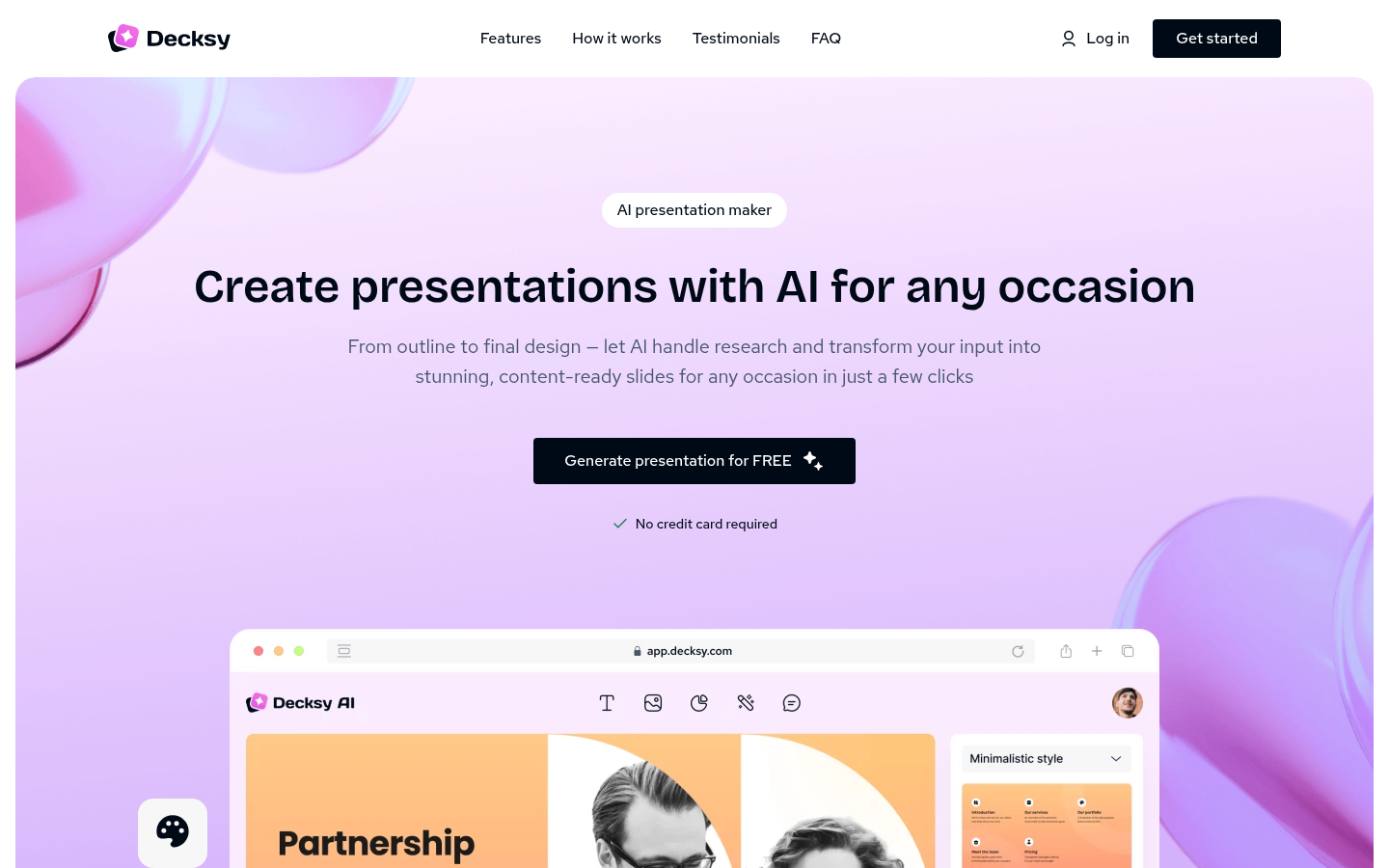
Screenshot archived from the listing page, for preview only.











