Deep Nostalgia
Animate faces in old family photosBring still ancestors back to motion
Highlights
What you can do with it
- Animate an old portrait to share with relatives
- Bring an ancestor's photo to life for a family project
- Add motion to images used in a family history presentation
How to use it
- 1 Open the Deep Nostalgia page on MyHeritage
- 2 Upload the photo you want to animate
- 3 Let the model process the image
- 4 Preview and save the resulting video
Who it is for
Pros
- Simple path from a still photo to a short video
- Free to use for family photos
- Purpose built for genealogy content
Limitations
- Only use photos you have rights to, and avoid animating living people without consent; misuse can cause harm and the responsibility sits with you
- The site did not respond during our last check, so access may vary
- Results are a reconstruction, not documentary evidence
What Deep Nostalgia is
Deep Nostalgia is a deep learning feature from MyHeritage that animates faces in still photographs and turns them into short, realistic video sequences. The idea is to let people see an old portrait move, which supports family history work and gives relatives something emotional to share. It is described as free to use for animating family photos, and it sits in the same product family as genealogy and family tree tools. The output is a reconstruction generated by a model, so it should be treated as an interpretation of a photo rather than a record of how a person actually moved.
What you can do with it
- Animate the face in a still family photograph
- Create a short video sequence from a single image
- Share the result with relatives as part of a family history project
- Add moving portraits to a genealogy presentation
Who it is for
- Genealogy and family history researchers
- Families who want to share old portraits in a new form
- Anyone building a visual family history project
What to watch out for
Use photos you have the right to use. Animating the face of a living person without their consent can cause real harm, and the consequences rest with you, so keep the tool for old family images and permissioned material. The generated motion is a model's guess, not evidence, so do not present it as documentation. The site did not respond during our last check, which suggests access can vary, so confirm before you plan a project around it. Expect a queue during busy periods as well. Free tiers and usage limits can change, so check the current rules on the official page before relying on it long term.
FAQ
What is Deep Nostalgia?
It is a MyHeritage feature that uses deep learning to animate faces in still photographs and create short video sequences.
Is it free?
The service is described as free to use for animating family photos.
What is it used for?
Exploring family history, sharing moments with relatives and enriching a genealogical tree with moving images.
Why it is free
What the official page says: free to use
Free limits, trial length and features are decided by the official site and can change at any time.
Product preview
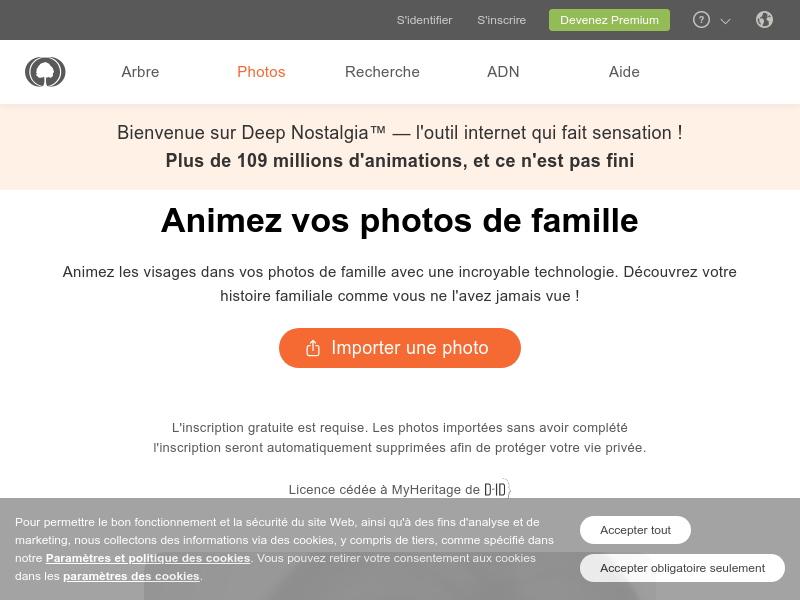
Screenshot archived from the listing page, for preview only.