
DeepSider
Free browser sidebar AI assistantQ&A, writing, and translation in your sidebar
Highlights
What you can do with it
- Students get quick answers while studying online
- Programmers request code examples and help
- Professionals draft, translate, and summarize at work
How to use it
- 1 Install the browser extension from the DeepSider site
- 2 Open the sidebar and type your question or instruction
- 3 Select web text and use the highlight tool for quick actions
- 4 Upload documents or images to interact with them
Who it is for
Pros
- Free and open-source to use
- Many tasks in one sidebar: Q&A, writing, code, translation
- Works with documents, images, and online search
Limitations
- Open-source tools can change or break with updates
- Answers still need checking for accuracy
- Runs on specific models, so features depend on them
What DeepSider is
DeepSider is an AI assistant that sits in your browser sidebar. It is built on the DeepSeek R1 and V3 models and is described as free and open-source. With a clean interface and fast replies, it helps with work, study, and daily browsing. You can ask questions, write content, translate text, generate code, and interact with documents and images. A highlight tool lets you select text on a page for quick translation or summary, so you do not have to leave the tab you are reading, and an online search option pulls in fresher answers.
What you can do with it
- Ask questions and get real-time answers
- Write, translate, and summarize selected web text
- Generate code examples for development
- Interact with uploaded documents and images
Who it is for
- Students who want answers while studying online
- Programmers who need code help in the sidebar
- Professionals who write, translate, and research often
What to watch out for
As an open-source tool, it can change or break when updates ship, so keep backups of important work and install updates carefully. Its answers are not always correct, so verify facts before you rely on them, especially for code. It also depends on the underlying models, so availability and quality can shift if those models change or if the project is not maintained. For best results, start with a small test file and review the output carefully before working on anything important. Free tiers can change over time, so it is worth checking the current limits on the official page before you rely on the tool daily. If the result is not quite right, try adjusting your input description or settings and run the task again.
FAQ
Is DeepSider free?
Yes, it is described as free and open-source.
What models does it use?
It is built on the DeepSeek R1 and V3 models.
What can it do in the sidebar?
Answer questions, write, translate, generate code, and interact with documents and images.
Why it is free
What the official page says: 免费使用免费
Free limits, trial length and features are decided by the official site and can change at any time.
Product preview
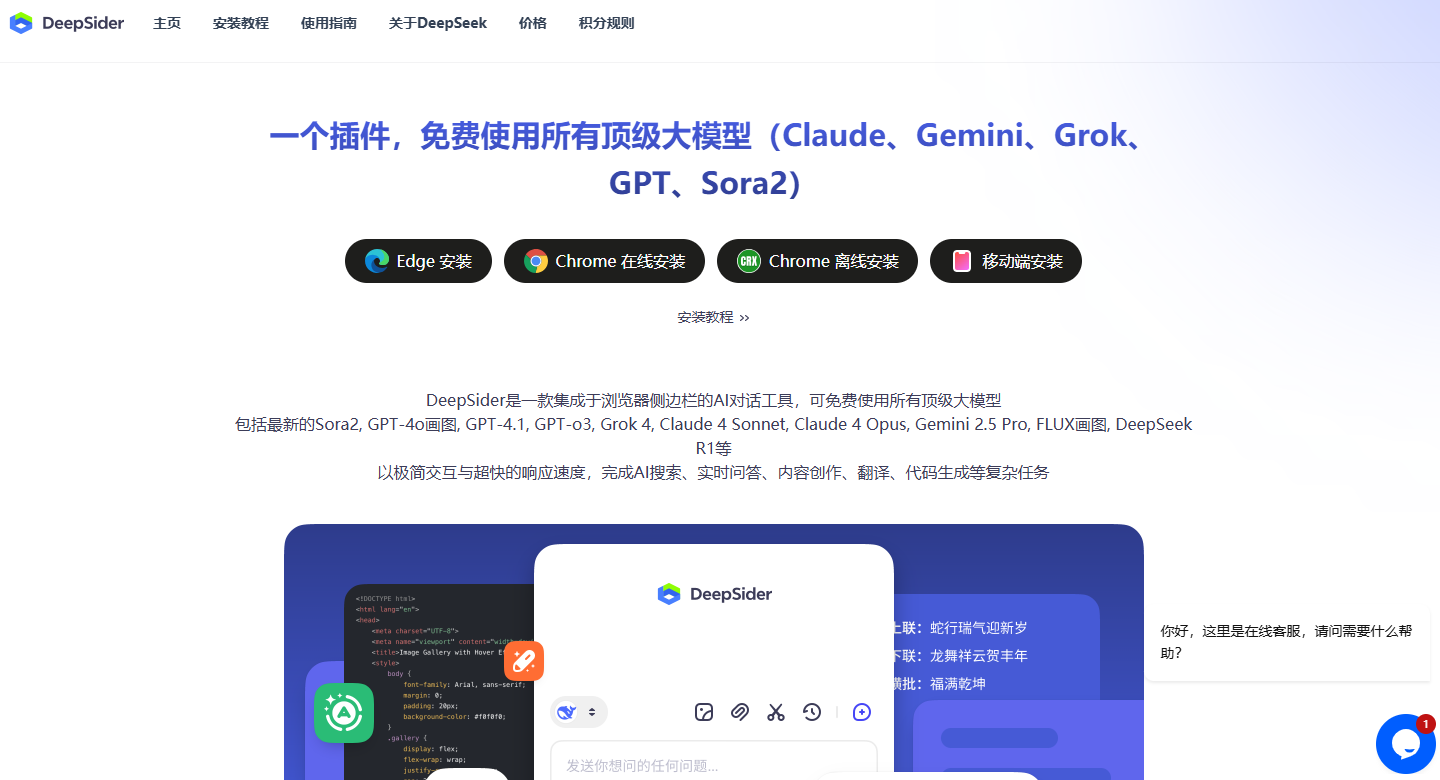
Screenshot archived from the listing page, for preview only.











