
Deeptrain
Video processing for LLMs and AI agentsFeed video into your language models
Highlights
What you can do with it
- Build an AI recommendation system that pulls key information out of video
- Create a multilingual video translation application
- Pair instructional video with AI study tools on an education platform
How to use it
- 1 Visit deeptrain.org and sign up for an account
- 2 Choose the video source, such as YouTube or Google Drive
- 3 Paste the video URL or upload a local file
- 4 Select the language model you want to run
- 5 Start the processing job and wait for it to finish
- 6 Send the result into your own AI application
Who it is for
Pros
- Free while you develop, you pay only in production
- Broad model support keeps you from locking into one vendor
- URL workflow removes downloading and storing video files
- Transcription works even for video without an audio track
Limitations
- Production usage is charged, so the free tier is not for live products
- API processing currently covers videos up to 40 minutes
- Aimed at developers, so you need to be comfortable calling an API
- The site was unreachable at review time, so check current status yourself
What Deeptrain is
Deeptrain is a video processing platform built to make video usable inside language models and AI agents. Instead of treating a video as a file you have to download, transcribe, chunk, and clean by hand, the platform runs that pipeline for you. It supports more than 200 language models, including GPT-4o and Gemini, so you can point the output at the model you already work with. Video can arrive from YouTube, Vimeo, or Google Drive, and you can pass the URL directly without saving anything locally first. The service processes video in more than 100 languages and can transcribe clips even when they have no audio track. Development use is free, and charges begin only when you move into a production environment.
What you can do with it
- Turn a YouTube link into structured content a language model can read
- Process video in more than 100 languages for multilingual products
- Transcribe video, including clips that carry no audio
- Cut processing spend with Quantitative Video Compression, which the vendor says saves about 70 percent
- Send videos of up to 40 minutes through the API
Who it is for
- Developers building AI applications that need to understand video
- Teams creating multilingual video translation or search features
- Educators and course builders who want video and AI assistance in one workflow
What to watch out for
Production usage is charged, so the free development tier is not meant for live traffic. API processing currently caps videos at 40 minutes, which means long recordings have to be split into segments before they go through. The product is aimed at developers, so you should be ready to write integration code against an API rather than click through a dashboard. Finally, the website was unreachable at the time of this review, so confirm current availability, limits, and pricing on the official site before you build a product on top of it.
FAQ
Is Deeptrain free?
Development use is free. You are only charged when you run it in a production environment.
Which video platforms can I use?
YouTube, Vimeo, and Google Drive are supported, and you can also upload a local video.
Do I have to download YouTube videos first?
No, you can process a video directly by pasting its URL.
Why it is free
What the official page says: 免费
Free limits, trial length and features are decided by the official site and can change at any time.
Product preview
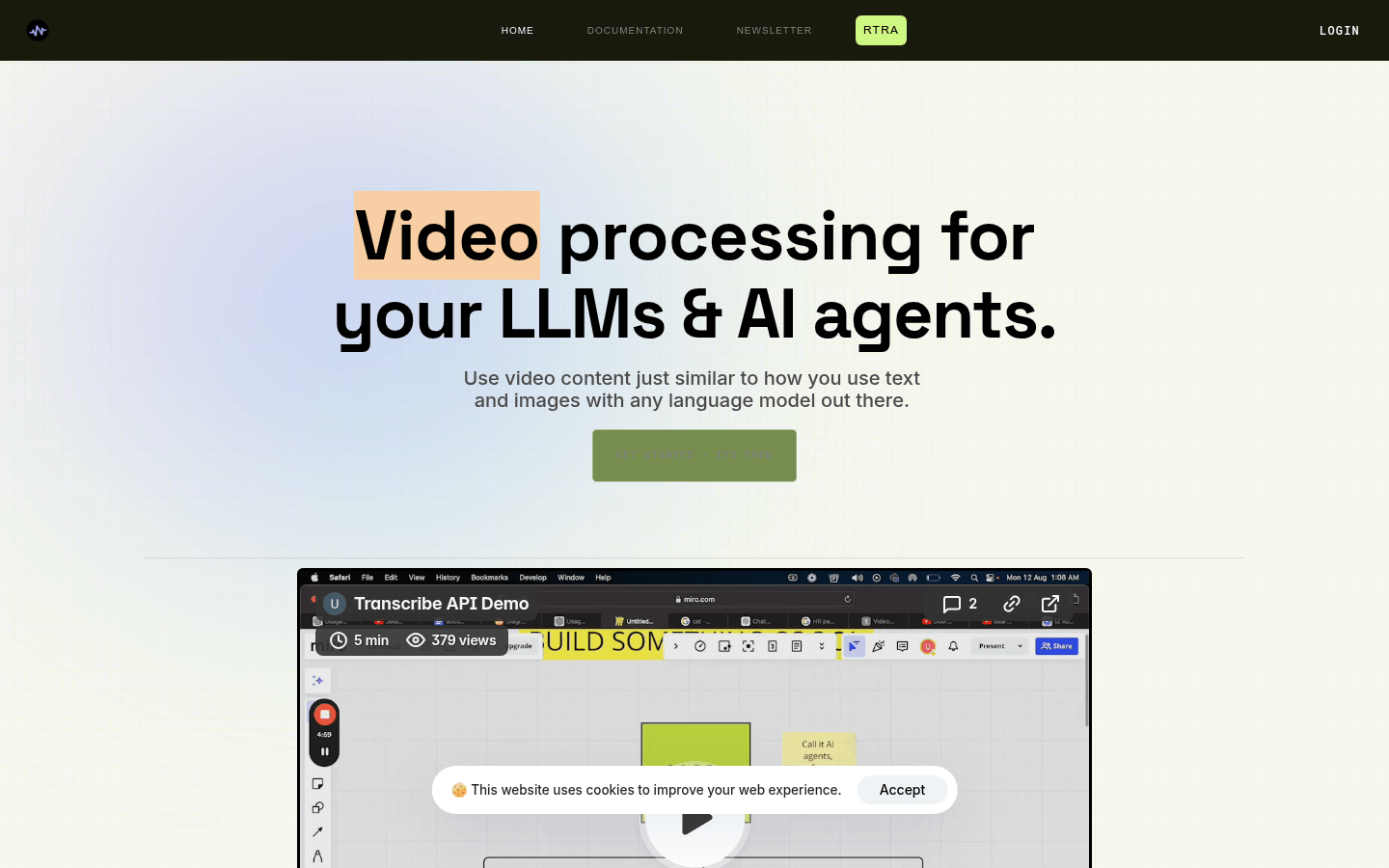
Screenshot archived from the listing page, for preview only.











