
DenoLyrics
AI speech-to-text toolTranscribe, subtitle, and summarize audio
Highlights
What you can do with it
- Transcribe interviews into text
- Generate subtitles for a video
- Summarize and translate recordings
How to use it
- 1 Open DenoLyrics in your browser
- 2 Upload the audio you want transcribed
- 3 Let it produce a real-time transcript
- 4 Generate subtitles or a summary
Who it is for
Pros
- Wide coverage at 143 languages
- Transcription, subtitles, and summaries
- Offered for free
Limitations
- Free terms can change over time
- Text output only, not audio editing
- Language quality varies, so test yours
- Needs a stable connection
What DenoLyrics is
DenoLyrics is an AI-powered web app for turning audio into text. It supports 143 languages and handles speech at different speeds, delivering real-time transcription. Beyond transcription, it generates subtitles, summarizes text, and translates between languages. The team behind it focuses on delivering a high-quality transcription experience, and the service is offered for free. It fits content creators, students, researchers, and anyone who works with recordings in more than one language. Everything runs in the browser, so there is nothing to install. If you need text out of an audio file or subtitles on a video, it covers the main steps in one place.
What you can do with it
- Transcribe audio into text across 143 languages
- Generate subtitles for a video
- Summarize a long recording into key points
- Translate the result into another language
- Work at different audio speeds in real time
Who it is for
- Content creators working with audio and video
- Students and researchers handling recordings
- Multilingual users who need translation as well as text
What to watch out for
Free access today, but free terms can change, so do not build a workflow that depends on it staying free forever. The app focuses on text output rather than audio editing, so you will still need an editor for the sound itself. Wide language coverage does not mean every language performs the same, so test yours with a short clip first. As a web app, it also needs a stable internet connection while you work, and long files may take time to process. For team use, agree on naming and editing conventions in advance to avoid version conflicts or duplicated work.
FAQ
How many languages?
It supports 143 languages.
What else can it do?
Subtitles, summaries, and translation.
Is it free?
Yes, the service is offered for free.
Why it is free
What the official page says: for free
Free limits, trial length and features are decided by the official site and can change at any time.
Product preview
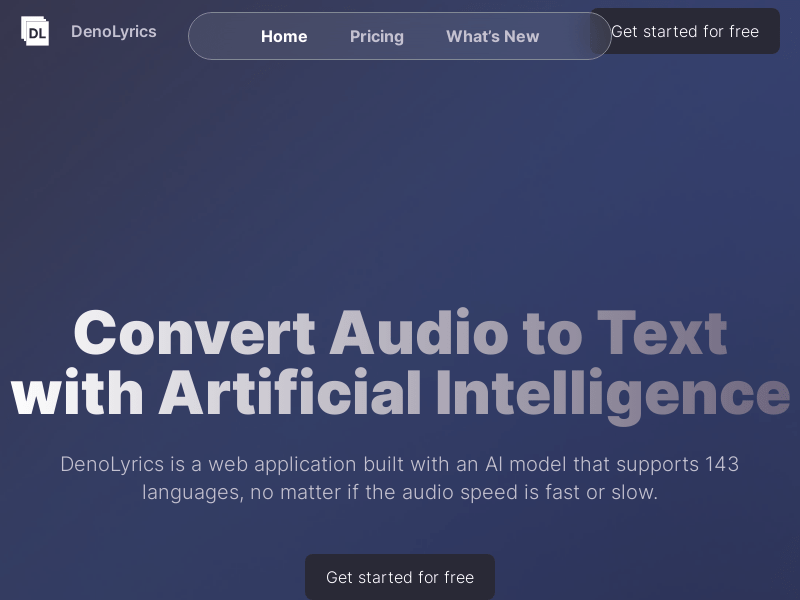
Screenshot archived from the listing page, for preview only.











