Saveto AI
Free AI platform for transcription, translation, summaries, and video toolsTranscribe, translate, and summarize audio and video across many languages
Highlights
What you can do with it
- Transcribe large volumes of interview and video material for a YouTube channel
- Help a multinational team with translation and meeting summaries
- Download teaching videos, generate summaries, and transcribe key segments
How to use it
- 1 Visit the Saveto AI website.
- 2 Pick the function you need: transcription, translation, summarization, video download, or voice tool.
- 3 Upload the file or enter the content you want processed.
- 4 Set options such as language and output format, then start processing.
- 5 Download or view the finished result.
Who it is for
Pros
- Combines transcription, translation, summaries, download, and voice tools in one place
- Supports many languages for global users
- Stated to be completely free with no credit card required
Limitations
- Voice cloning can be misused; only clone voices you own or have clear permission to use, and be aware it may violate platform or legal rules, with consequences falling on the user
- Downloading videos from platforms may conflict with their terms or with copyright; use only content you have the right to download
- The free, no-card model could change over time
- Accuracy claims such as 99.9% are the provider's own and may not hold for every language or recording
What Saveto AI is
Saveto AI is an online platform focused on transcription and translation. It converts audio and video into clear, structured text, translates content across many languages, and turns long videos, articles, meeting records, and documents into short summaries. It also bundles a video downloader that works with platforms such as YouTube, Twitter, and TikTok, plus voice tools that cover noise reduction, voice enhancement, voice cloning, and audio cleaning. The provider states the platform is completely free to use and does not require credit card information, and it is aimed at creators, teams, and educators who process a lot of audio and video material.
What you can do with it
- Transcribe interviews, meetings, podcasts, and lectures into text
- Translate content into many languages for global audiences
- Summarize long videos, articles, and documents into short notes
- Download videos from major platforms and clean up or clone voice audio
Who it is for
- Content creators like YouTubers and bloggers with heavy media workloads
- Multinational teams that need cross-language communication
- Educators who gather and process online video for teaching
What to watch out for
The voice cloning feature can be misused, so only clone a voice you own or have clear permission to use, and be aware that doing otherwise may break platform rules or the law, with any consequences falling on you. The video downloader may conflict with a platform's terms of service or with copyright, so download only content you have the right to use. Accuracy figures such as 99.9% are the provider's own and may not hold for every language or noisy recording. Because the service is currently free with no card required, that model could change over time.
FAQ
Is Saveto AI free?
The provider states it is completely free to use with no credit card required.
What can it transcribe?
Audio and video such as interviews, meetings, podcasts, and lectures.
Does it translate?
Yes, it supports translation into a large number of languages.
Does it have voice cloning?
Yes, its voice tools include voice cloning; use it responsibly and only with permission.
Why it is free
What the official page says: completely freefree to use
Free limits, trial length and features are decided by the official site and can change at any time.
Product preview

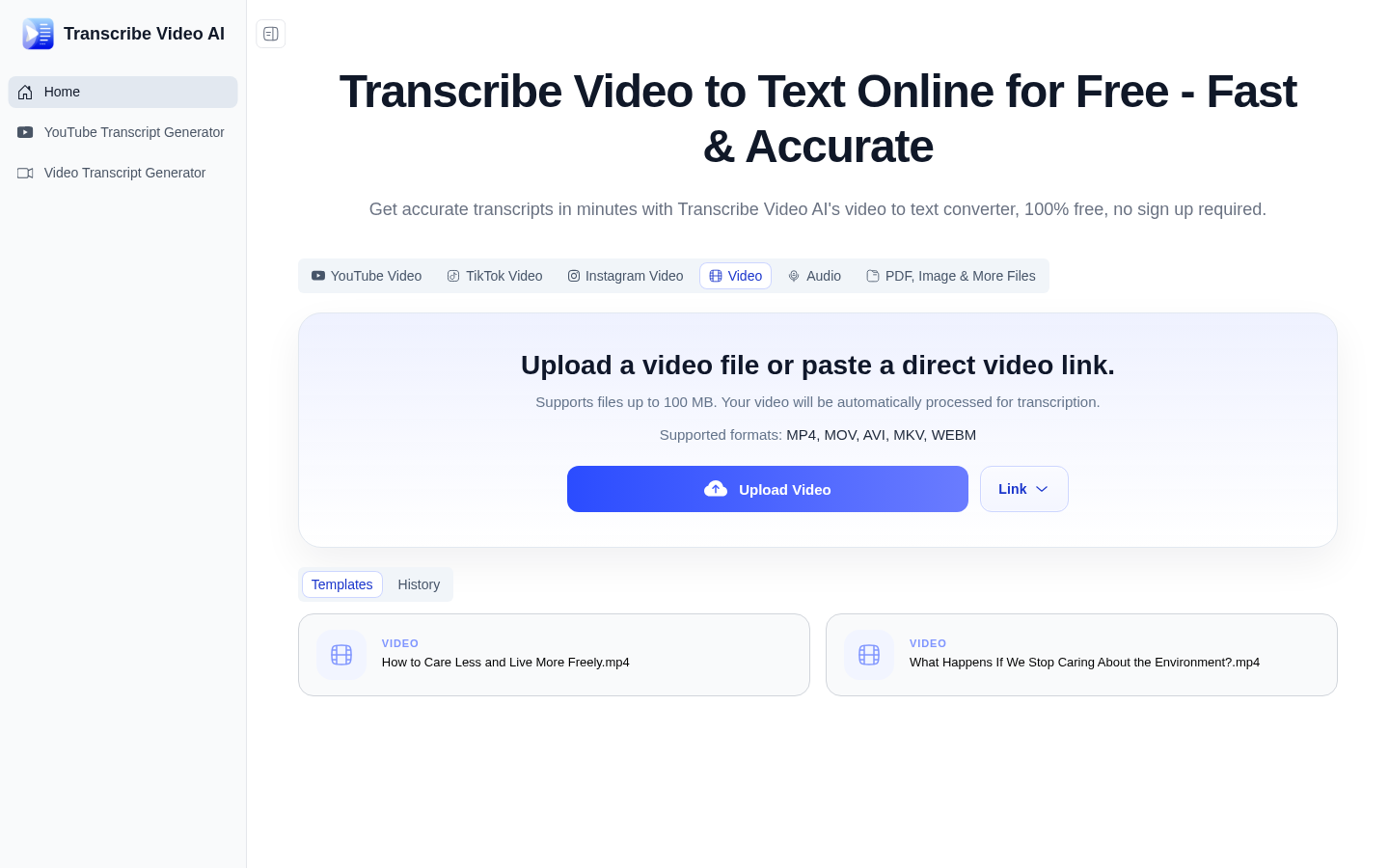
Screenshot archived from the listing page, for preview only.